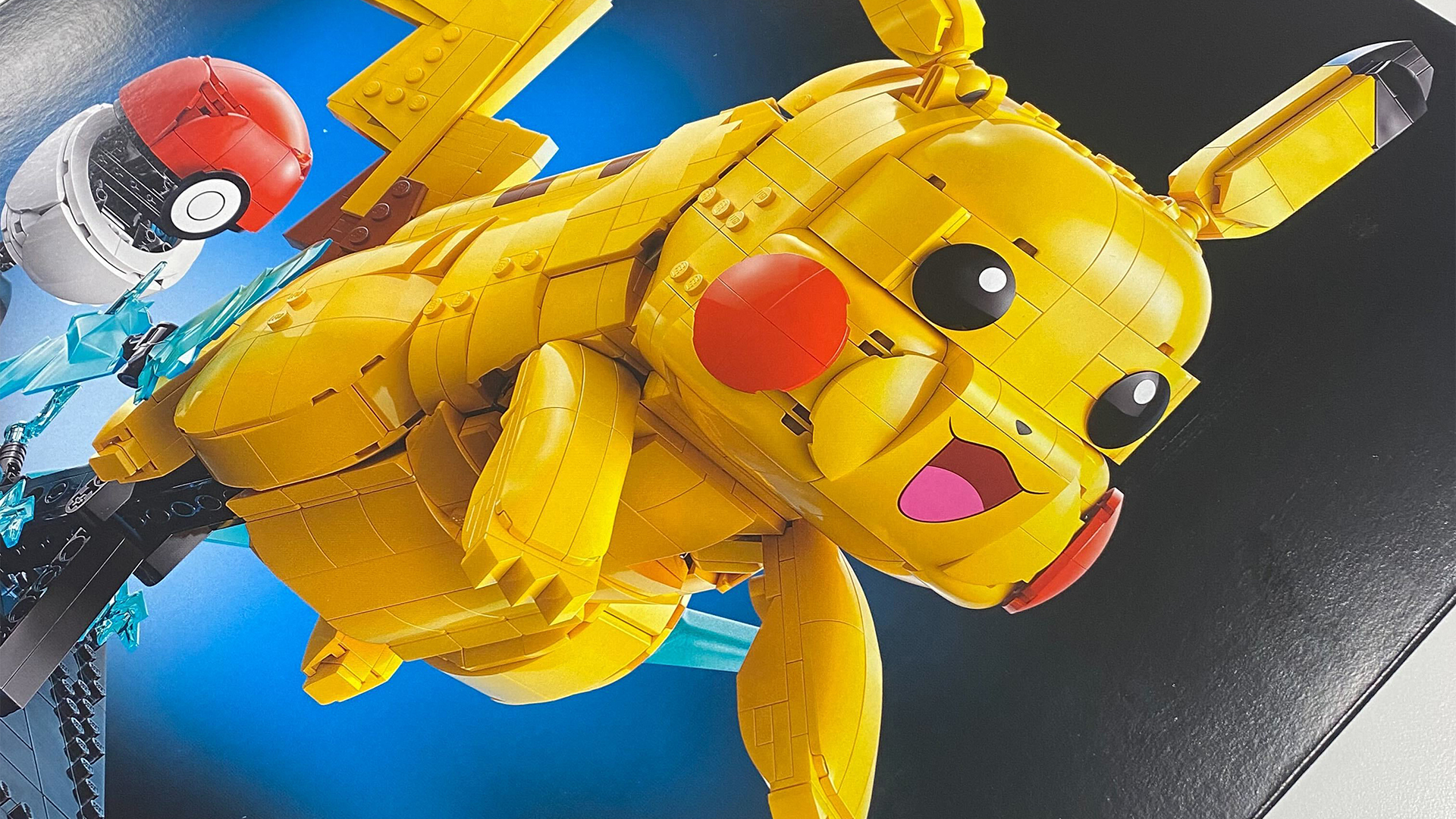
I'm pretty horrified that Pokémon is now 30 years old, so I've decided to fight the existential dread by playing N64 all weekend. Specifically, I'm planning on playing Pikachu's 3D debut on an actual Nintendo 64, potentially with some friends if they're up for a Pokémon Stadium party, so I thought I'd share the setups I'm planning to use.
When it comes to using the best retro consoles, I'm constantly swapping in and out systems and gadgets. To celebrate Pokémon's 30th Anniversary, it feels only right that I use the special edition Pikachu N64 console from the year 2000, but you don't need a big electric mouse on the front of your console to replicate my setup. Basically, my ensemble should act as inspiration for revising arguably one of the greatest creature-clashing party game hybrids of all time.
What I will say is that there isn't a wrong way to play Pokémon Stadium in 2026, so long as you're having fun. I'll be detailing how I'm still using an actual N64, but there's no shame in using one of the best retro handhelds to revisit the turn-based battler on the go. If you'd rather keep things authentic for the big 30th Anniversary, though, I've got you covered with retro controller options, ways to plug into modern screens, and more.
Pika the right screen and cables

If you're up for some Pokémon Stadium party planning, you'll want to start by getting the N64 connected to a screen. Checking out how to connect your retro console to a modern TV or monitor is a nice place to start, but if you're like me, you might be using an old CRT TV from 30 years ago.
Those of you who have managed to keep onto or find a CRT might already be familiar with how to plug in an N64. But, if you're just starting out, you'll want to effectively hook up using either an RCA composite (the red, blue, and yellow jacks) or S-Video if you're feeling fancy. It's worth noting that if you are lucky enough to own a PAL Pikachu N64, the latter isn't going to work with the console since it doesn't support the output, and I've noticed some awful interference in NTSC versions that do retain the feature.
Depending on how old your TV is, there's a chance you won't find those aforementioned RCA inputs. If that's the case, I'd strongly recommend looking for another screen rather than using an RF cable to tune into your set. You can technically do this and get playing, but the visuals will look especially scrappy in 2026 thanks to interference from other modern signals.

As appropriate as the Pikachu N64 is, you'll actually have a smoother time using the OG grey N64. That especially applies if you're using modern displays, as it means you can HDMI mod your N64 and hook up straight to your TV, or even use an adapter to convert a higher quality S-Video signal. The latter will set you back around $24.99 at Amazon, and while you'll get better results if you use a dedicated upscaler like the OSSC (like this one for $111), opting for the straight converter is the quickest way to hook up.
You might have noticed that I'm personally using a Sony PVM CRT and a Pikachu N64, and while it looks extra crispy and vibrant, you absolutely don't have to go down that route. In truth, it's not the only way I've been playing Pokémon Stadium lately, as I've also jammed my cart into the 4K Analogue 3D and my modded console.
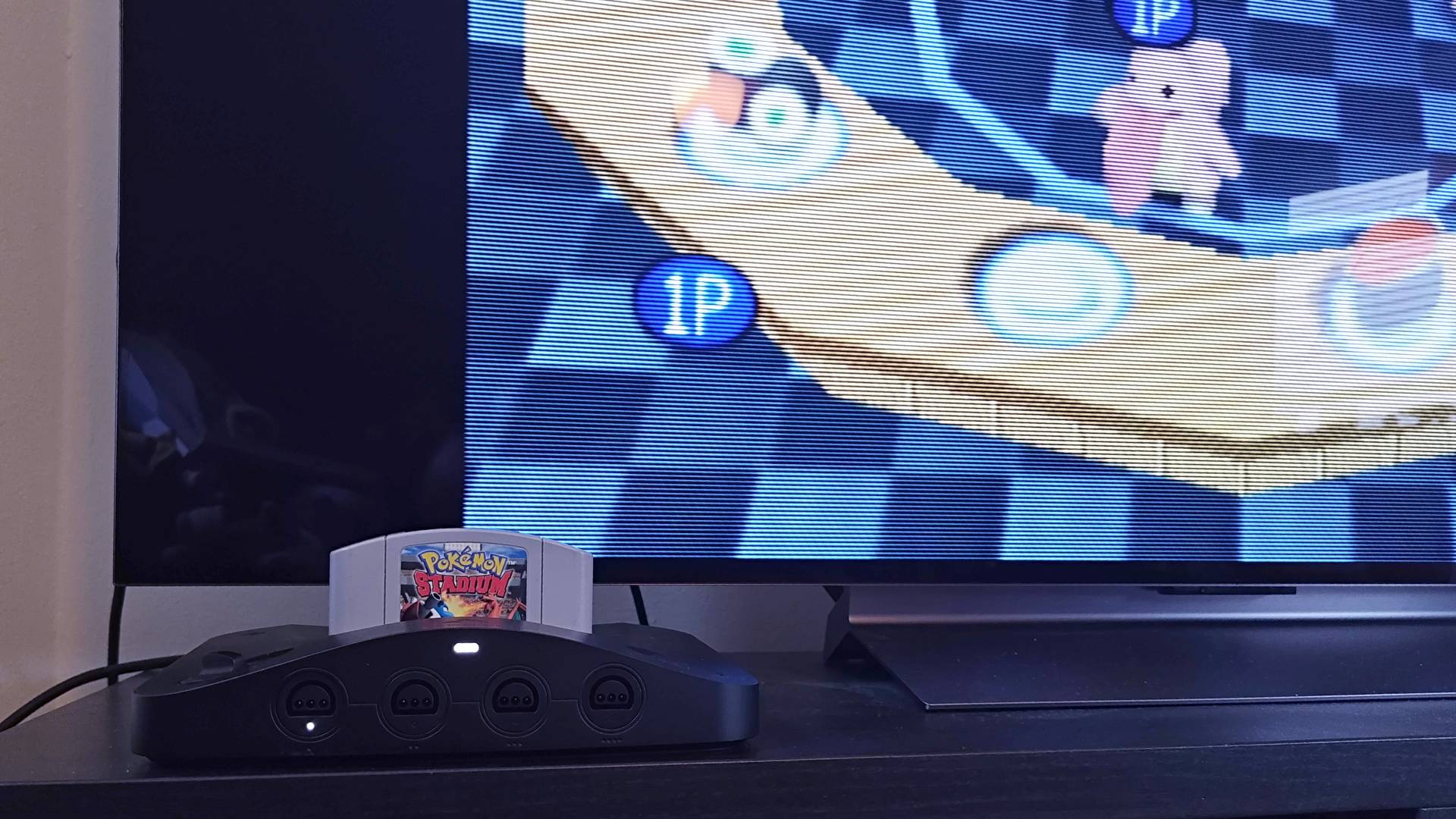
If you can afford the $269.99 FPGA remake, it's going to look far nicer on large screens, thanks to the extremely accurate CRT filters. My DIY version also looks nicer if you pair it with a scanline generator for some needed pixel separation, but the ultimate goal really is to just see some Pokémans successfully show up on your display of choice.
8Bitdo N64 controller, I choose you!

The next order of business is plugging a gamepad into Ninty's console. I mean, you'll need it if you're going to frantically feed Lickitung in Sushi Go-Round, and while you'll be able to feed the lil guys using your original gamepad, I reckon most of you will want to use the 8Bitdo N64 controller since it blends the authentic button layout with something that feels like a modern pad.
That's not to say I hate the old trident design, and I do use the stock version and an OG N64 controller with a hall-effect joystick mod. Still, the 8Bitdo controller is still my go-to way to play, and while it technically exists to be paired with the Analogue 3D, I like to use it with an actual N64 via a Blueretro Bluetooth adapter (the same kind that pairs my Switch 2 GameCube controller with an actual GameCube).

I reckon that if you are planning a four-player Pokémon Stadium party, grabbing the multiplayer Blueretro N64 adapter could be the right call. The one I use is around $15 at Aliexpress, and it means you can use both the 8BitDo pad and another other controller you happen to have lying around, including the DualSense and other Bluetooth options. That sure as hell beats being handed a crummy "little brother" third-party controller back in the '90s, and it's a cheaper solution than picking up four specific gamepads.
Of course, if you do opt for a modern gamepad, you'll be missing the rumble and memory card slot at the back. This isn't really an issue if you're just looking to save games since the Blueretro adapter provides some storage while enabling vibration on synced controllers, but it does mean you won't be able to use the Transfer Pak for importing your Game Boy party or playing your cart on the big screen. If you'd rather retain that, your best bet is to look at something like the Hyperkin Admiral for $19.99 that is effectively a clone of the original design.
Little extras to consider

Actually diving back into Pokémon Stadium, even on an original N64, is pretty simple even in 2026. So long as you sort out your screen connections and pick out your preferred controller, you should be good to go. If you are looking for extras, though, there are bits and bobs that can add something extra to your old console.
The first is handy if you're into exploring Pokémon Studium ROM hacks, as you can do that using a Summercart 64 flash cart. I've previously highlighted how you can use the gadget to play Zelda fan games, and while it's slightly pricey at $82.99, it'll open a door to a whole world of custom adventures, custom mods, and even unreleased versions of classics.
If you have an old N64 in your dusty attic, or happen to come across a console that's perhaps slightly grimy, it's also worth grabbing a cartridge slot cleaner. No, you're not really supposed to blow into the slot until it eventually works, and while I'll not judge you as much as other enthusiasts for doing that, you'll either want to buy a dedicated "1Upcard" for $24.99 or something similar if you can find something cheaper. If that sounds steep, you could instead make your own with a soft glasses cloth, some thin cardboard, and potentially a splash of isopropyl alcohol, but it is safer just sticking with something designed for the job.
Hopefully, my N64 setup nonsense will inspire some of you to have a Pokémon Stadium party of your own over the weekend. If anything, I'm really hoping that my words simply break down any imaginary barrier to using the original console as the series turns 30, but as I said before, I won't judge you if you choose to just use a gaming handheld or even the Switch Online version.
Already using Valve's handheld to play the classics? Swing by the best Steam Deck accessories and best Steam Deck docks to enhance your hybrid TV or desktop setup.

You must confirm your public display name before commenting
Please logout and then login again, you will then be prompted to enter your display name.