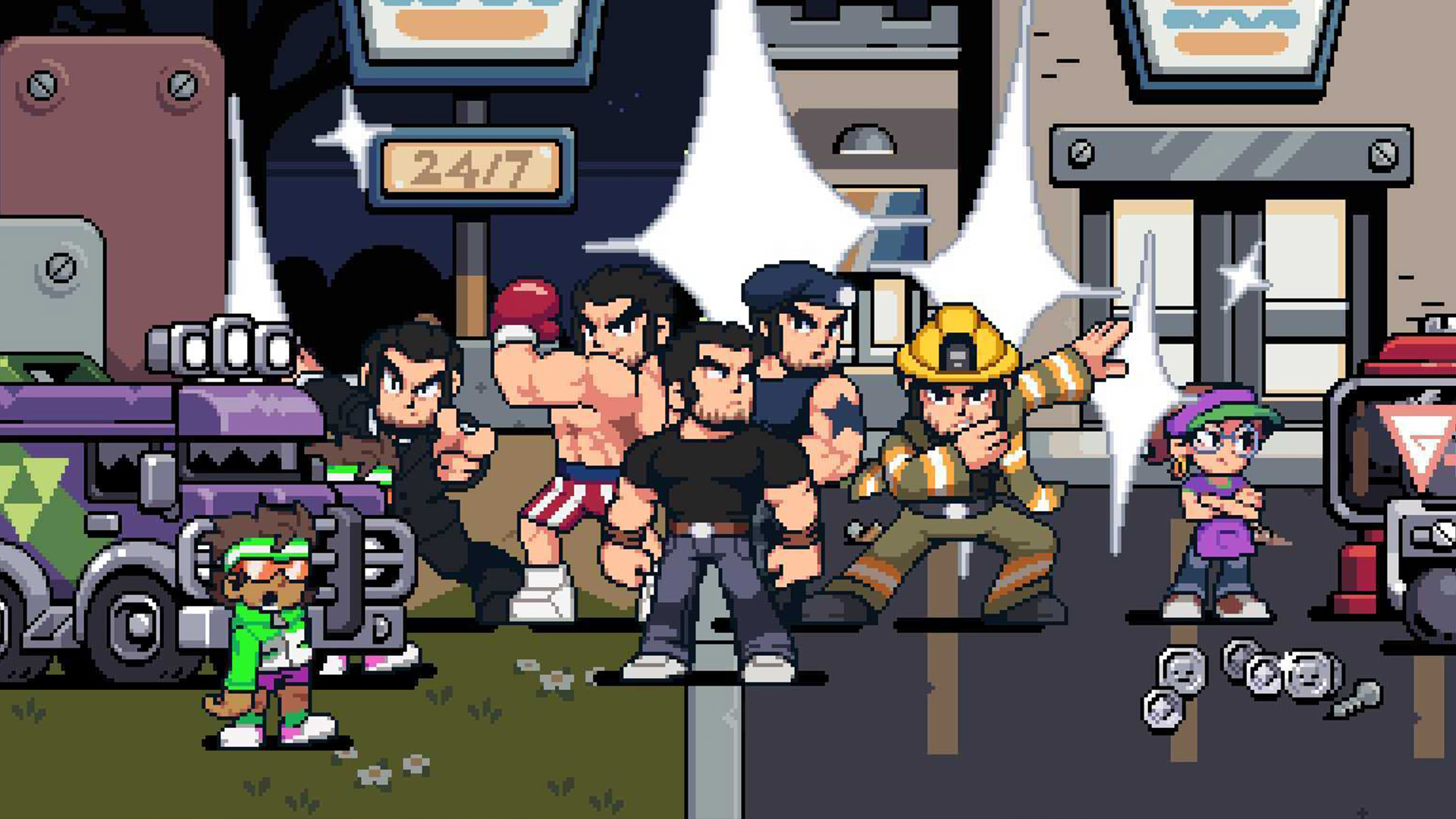
Being able to use an Arknights Endfield reroll basically allows you to rig the rates and get the 6-star character you want right from the beginning of the game. Rerolling is basically a time honored tradition for veteran gacha players at this point, with Arknights just continuing the legacy.
While the basic process is the same here, rerolling does have some slight differences between games. So whether you're an old dab at making your own gacha luck, or trying it for the first time, I can explain exactly how to reroll in Arknights: Endfield so you get the top Arknights Endfield tier list options.
How to reroll in Arknights Endfield

Here's some step-by-step instructions on how to reroll in Arknights Endfield:
- Make a new email address
- Create a new Gryphline account with that email
- Sign in to Arknights: Endfield with your new Gryphline account
- Speed through the game until you unlock the "Headhunting" gacha banners (around 30 mins)
- Collect all of your rewards in the mail, and redeem Arknights Endfield codes to get more rewards
- Use all of your Permits and currency to pull on the banners
If you get a 6-star character after following these steps, continue playing with this account if you like the one you got, but if you don't get any of the best Arknights Endfield characters, sign out of this account, create another, and start the reroll process all over again. Just remember to skip the cutscenes next time!
When rerolling, your goal is to try and get a 6-star character from the "Basic Headhunting" banner, as you get 20 free Basic HH Permits for redeeming your starting rewards in the mail. However, it can't hurt to use all of the other Permits and currency you build up while playing on the other banners, as you could get very lucky and pull another 6-star character early as well.
It's important to note that you should only reroll on PC and mobile, as linking a Gryphline account to your PSN ID will bind that save for good to your PS5 (we've more on Arknights Endfield cross progression if you need help). There may be a workaround to avoid or fix this, but it's safer and quicker to reroll on PC or mobile, then simply login and link that Gryphline account to your PS5 when you're ready to actually play on the console.
Is it worth rerolling in Arknights Endfield?

As you can see, the actual process itself is simple, it can just take a long time to get a character, and even longer to get the specific character you want, if luck isn't on your side. Still, that's what rerolling is for - making your own luck! It's a guaranteed way to get a 6-star character if you have a big reserve of patience.
So, is rerolling worth it? Well, that's entirely up to you and how much time you want to spend restarting the game. Arknights: Endfield doesn't have the most tedious reroll process we've ever seen, but having to make new Gryphline accounts is a tad annoying, as there are no guest accounts to utilise.
Personally, I'd say no, rerolling isn't worth your time, as you're not guaranteed to even get a 6-star character each time you reroll, nevermind the 6-star you actually want. And most gachas introduce new characters that powercreep the initial batch pretty soon after launch anyway. However, if you're not a meta player and just really want a particular character, then rerolling won't do any harm to anything other than your free time.
© GamesRadar+. Not to be reproduced without permission.
You must confirm your public display name before commenting
Please logout and then login again, you will then be prompted to enter your display name.