When something's in high demand, it's easy to catch the bug of herd mentality and think that you suddenly need it too. Remember panic buying right before the global pandemic in 2020? No one could find toilet roll anywhere in the UK, and such is life in the AI-induced global memory shortage.
Now that DDR5 and DDR4 RAM are in such high demand, it's become very, very expensive. That sucks, because it had just reached the point where veteran PC gamers with DDR4 machines were finally seeing reasonable prices that were tempting them to upgrade to the latest standard. Now, prices have skyrocketed, and what would cost $100 six months ago will now set you back $300 or even $400.
When you have a technical issue (or no other choice)

It might not be the most glamorous PC component out there, or the first one gamers think of to upgrade to maximize frame rates, but memory is vitally important to any of the best gaming PCs. Until about three months ago, in fact, I'd argue it's been very underrated and underappreciated.
I've built many a gaming PC, and reviewed lots of others, and you might be surprised to know that about 9 out of the 10 posting issues I've run into have been issues with memory, motherboards training that memory, or from trying to overclock memory speeds higher than a CPU can handle.
RAM doesn't age in the same way other components do though. Unless you overclock it to the point of failure or you simply don't have enough of it, RAM won't run into endurance problems like the best SSDs for gaming. But that's not to say that the rest of your system won't put strain on your RAM or that your memory won't cause bottlenecks. There are a surprising number of reasons memory might be an issue in your PC, including compatibility with CPUs and their speeds.

It's also true that RAM can have physical breakages and seating issues. This can cause problems and force an upgrade.
If your PC isn't turning on anymore, or if it's so slow you now can't do what you need to do on it, RAM might be the issue. I'd adhere to troubleshooting guides for your specific problems, I'd look at your motherboard's manuals, I'd try to find any and all other ways of ruling out RAM as the problem, but sometimes this is unavoidable.
This is the best example of when it is actually time to upgrade your RAM.

If you're on DDR4 memory currently, this might be more expensive overall, but I'd recommend making the leap to a DDR5 system. Yes, you'll need a new motherboard and CPU as well, but in the longrun you'll be setting yourself up for futureproofing success.
DDR4 has also been pricing higher than DDR5 since the RAMpocalypse started, so if you're going to splash out on memory, you might as well get the better kind if it's cheaper.
You'd also be surprised how much more efficient PCs run with DDR5 in them. A DDR4 system with one stick of RAM might be noticeably slow, but if you can only afford one stick of DDR5, or two sticks that make up fewer gigabytes than you had of DDR4, your new machine is probably going to run just as efficiently as your old one, if not better.
If another part of your older PC is giving up on you
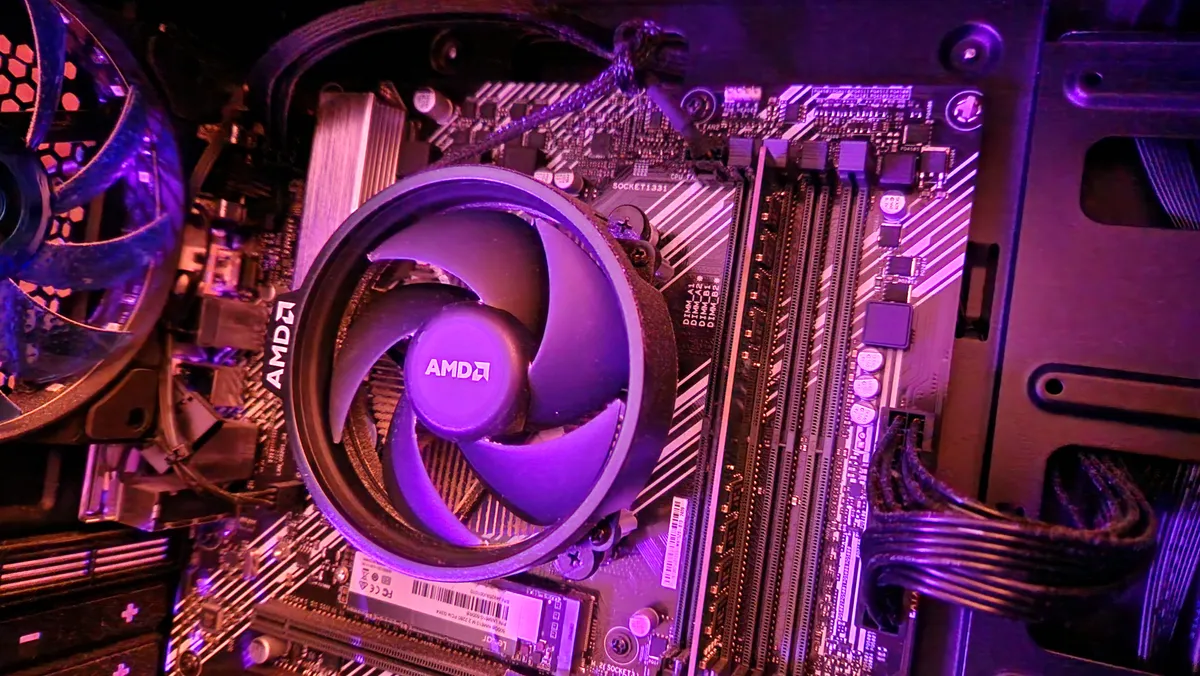
Along the same line of reasoning, if you have an older DDR4 rig and some other part of it besides your RAM is giving up the ghost, it's probably a better time to upgrade to something newer.
In case you don't know, new RAM means a new motherboard since DDR4 and DDR5 have different physical dimensions and won't fit into each other's DIMM slots. Similarly, your older Intel CPU won't fit in a motherboard socket designed for a newer generation of Intel processor. If you need to upgrade either your CPU, motherboard, or RAM, you're going to give yourself less expense over time (not to mention headaches) by upgrading to a DDR5 machine now.
If it's only a case, storage, PSU, or GPU fault, I'm not sure that would warrant a full PC upgrade. That said, it might be worth scoping out the cost of replacing that one other part and determining whether it'd be a better long-term investment to upgrade the entire rig with a new platform of parts.
You're a content creator and you're having performance issues
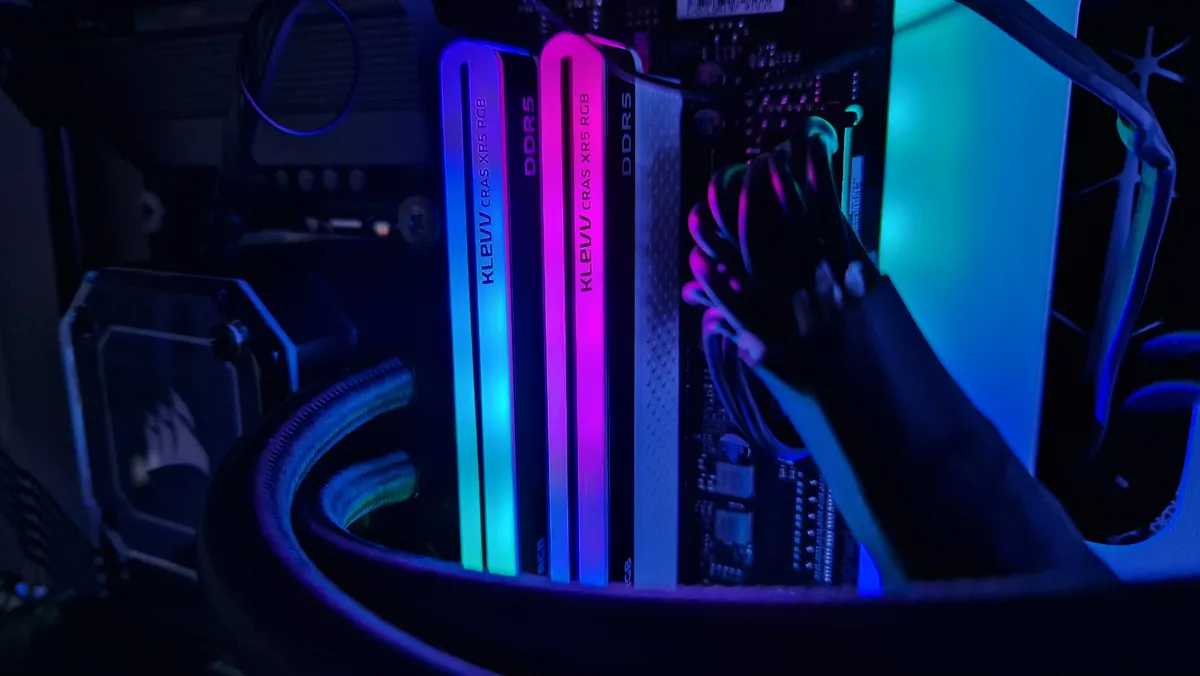
RAM is a super important component for content creators, especially anyone who dabbles in animation, 3D graphics and modelling, or professional video and photo editors. It's common for these types of content creators to experience stutters, frame dips, and even freezes due to limited RAM or RAM that isn't fast enough to keep up with demands.
If these are types of content creation are things you need to take part in and you need your PC to be able to carry out their tasks without performance issues and risks of you losing work, then it's a good reason to upgrade your computer's memory.
If you've assembled the rest of a new build

In instances like this, I don't think you need to upgrade your memory provided you have another machine you can work or game on. But if RAM is the only thing missing from your next PC build, then that's a good reason to find the best possible memory deals you can.
How much RAM do you really need?

16GB is going to be enough for any gamer to get by. I wouldn't shoot for anything less than 16GB personally, since most modern games have that as a minimum spec requirement. I'd recommend getting this in two 8GB sticks, since dual-channel RAM is always more efficient, but if you plan to upgrade to 32GB later, you can definitely get by with finding one 16GB stick for now and waiting until you can afford more somewhere down the line. Just ensure that you're going to be able to buy another identical 16GB stick later on, because in order for that upgrade to work, both memory sticks need to be the same.
16GB of DDR5 is going to be all that the majority of gamers need. DDR5 is much faster than DDR4, and although 16GB of DDR4 wasn't a lot, and won't have improved your performance much, 16GB of DDR5 is going to allow you to run games absolutely fine because the biggest gaming strains are on your GPU and CPU. If you don't believe me, take a look at my Maingear Zero Ruby review.

32GB of DDR5 is definitely the sweet spot, in my opinion. I've used this in many gaming PCs (including my own), and I've never run into performance issues through gaming or content creation. Especially if you want higher levels of performance in higher resolutions, I'd shoot for 32GB, but it must be said that you're not going to see enormous frame rate differences between 16GB of memory versus 32GB.
64GB of DDR5 is going to be overkill for the majority of gamers. This is really only worth considering if you're a professional content creator or you have an unyielding requirement to play every game at 4K maxed out settings with little to no upscaling. Or, if you're trying to channel the most high-fidelity VRF simulations imaginable, but again, this is unrealistic for most gamers.
For other ways to upgrade your gaming setup, check out the best VR headsets, the best gaming chairs, and the best PC controllers.

You must confirm your public display name before commenting
Please logout and then login again, you will then be prompted to enter your display name.