





The Dying Light 2 black screen is causing quite a few problems for players as they get locked into an infinite void and are unable to proceed, particularly after the game’s ending. While this bug is annoying, it’s thankfully not game-breaking and there are a couple of workarounds for it. Importantly, Dying Light 2 developers, Techland, are also working on a fix to minimize the scourge of endless black screens. Here’s what you need to know about fixing the Dying Light 2 ending black screen.
Dying Light 2 ending black screen fix
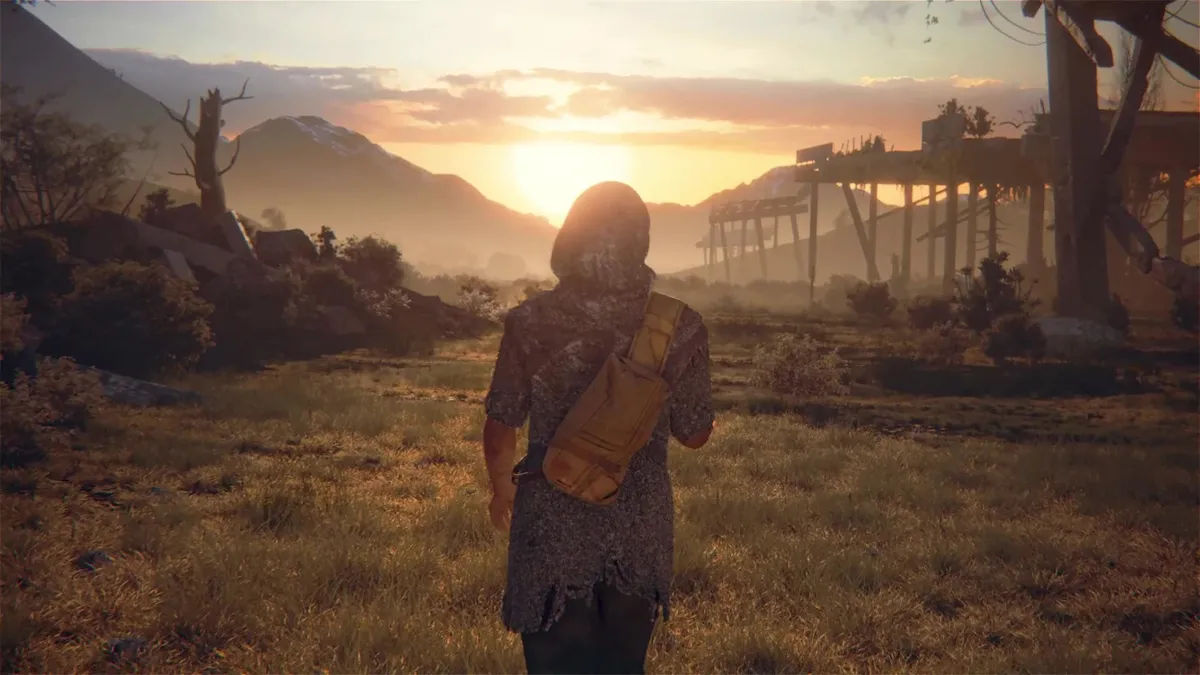
If you’ve just completed Dying Light 2 but you’re stuck staring back at yourself thanks to a black screen that just won’t go away, here’s what you can do. Firstly, try waiting a little longer. Players have reported that the game can eventually sort itself out and get past the black screen after you’ve reached one of the Dying Light 2 endings. It seems like it can take several minutes, so step away and do something else while you wait.
If your Dying Light 2 black screen is proving to be more stubborn and isn’t going away after waiting, you’ll have to close and restart the game. This obviously comes with the risk that you could be set back a bit due to saving problems. Given that you’re already at the end of the game, you shouldn’t set back far if at all. Otherwise, you should be able to load back into the open world endgame to mop up the remaining side quests, challenges, activities, and collectibles. If you happen to get a black screen elsewhere in the game, you might lose more progress so bear this in mind before restarting Dying Light 2 on your device.
Techland is working on a fix for this endless Dying Light 2 black screen issue, however. In a short Twitter thread, the developers shared some notes for upcoming PC, PlayStation, and Xbox patches, and all of them are getting a fix for “various situations that could cause infinite black screens”.
Hello Survivors! We have implemented some hotfixes over the weekend and will be continuing to add more in the coming days.Thank you for your incredible support and patience. Here is our plan for the upcoming week:February 6, 2022
As of February 8, this patch has gone live for PC and should alleviate some of the black screen issues present in Dying Light 2. As for the console players, we don’t know when these patches will go live on Xbox or PlayStation. In the meantime, make sure you warn fellow console players that they may face a Dying Light 2 black screen after the ending.
Dying Light 2 tips | Dying Light 2 fast travel and Metro locations | Dying Light 2 weapons and mods | Dying Light 2 gear | Dying Light 2 radio frequency | Dying Light 2 map | Dying Light 2 repair weapons | Dying Light 2 Inhibitors | Dying Light 2 endings | Dying Light 2 coop | How to get the Dying Light 2 secret frying pan weapon | Does Dying Light 2 have crossplay? | How long to beat Dying Light 2? | Dying Light 2 safe codes | Dying Light 2 multiplayer fix | Dying Light 2 cheats

