

GamesRadar+ GamesRadar+
US EditionUS CA EditionCanada UK EditionUK AU EditionAustralia
Sign in
  • View Profile
  • Sign out
  • Games
    • Game Insights
      • Games News
      • Games Features
      • Games Reviews
      • Games Guides
      • Big in 2026
      • The Big Preview
      • On The Radar
      • Indie Spotlight
      • Future Games Show
      • Golden Joystick Awards
    • Genres
      • Action Games
      • RPGs
      • Action RPGs
      • Adventure Games
      • Third Person Shooters
      • FPS Games
    • Platforms
      • PS5
      • Xbox Series X
      • PC
      • Nintendo Switch
      • Nintendo Switch 2
      • Tabletop Gaming
    • Franchises
      • Grand Theft Auto
      • Pokemon
      • Assassin's Creed
      • Monster Hunter
      • Fortnite
      • Cyberpunk
      • Red Dead
      • The Elder Scrolls
      • The Sims
  • Entertainment
    • TV Shows
      • TV News
      • TV Reviews
      • Anime Shows
      • Sci-Fi Shows
      • Superhero Shows
      • Animated Shows
      • Marvel TV Shows
      • Star Wars TV Shows
      • DC TV Shows
    • Movies
      • Movie News
      • Movie Reviews
      • Big Screen Spotlight
      • Superhero Movies
      • Action Movies
      • Anime Movies
      • Sci-Fi Movies
      • Horror Movies
      • Marvel Movies
      • DC Movies
    • Streaming
      • Apple TV Plus
      • Disney Plus
      • Netflix
      • HBO
      • Amazon Prime Video
      • Hulu
    • Comics
      • Marvel Comics
      • DC Comics
    • Toys & Collectibles
    • Lego
    • Dungeons and Dragons
    • Merch
  • Hardware
    • Insights
      • Hardware News
      • Hardware Reviews
      • Hardware Features
    • Computing
      • Desktop PCs
      • Laptops
      • Handhelds
    • Peripherals
      • Headsets & Headphones
      • TVs & Monitors
      • Gaming Mice
      • Gaming Keyboards
      • Gaming Chairs
      • Speakers & Audio
    • Accessories & Tech
      • Gaming Controllers
      • Tech
      • SSDs & Hard Drives
      • VR
      • Accessories
      • Retro
  • Deals
    • Game Deals
    • Tech Deals
    • TV Deals
    • Buying Guides
  • Video
  • Newsletters
    • Quizzes
    • About Us
    • How to pitch to us
    • How we score
    • Newsarama
    • Retro Gamer
    • Total Film
  • home
  • Games
    • View Games
      • Games News
      • Games Features
      • Games Reviews
      • Games Guides
      • Big in 2026
      • The Big Preview
      • On The Radar
      • Indie Spotlight
      • Future Games Show
      • Golden Joystick Awards
      • Action Games
      • RPGs
      • Action RPGs
      • Adventure Games
      • Third Person Shooters
      • FPS Games
    • Platforms
      • View Platforms
      • PS5
      • Xbox Series X
      • PC
      • Nintendo Switch
      • Nintendo Switch 2
      • Tabletop Gaming
      • Grand Theft Auto
      • Pokemon
      • Assassin's Creed
      • Monster Hunter
      • Fortnite
      • Cyberpunk
      • Red Dead
      • The Elder Scrolls
      • The Sims
  • Entertainment
    • View Entertainment
    • TV Shows
      • View TV Shows
      • TV News
      • TV Reviews
      • Anime Shows
      • Sci-Fi Shows
      • Superhero Shows
      • Animated Shows
      • Marvel TV Shows
      • Star Wars TV Shows
      • DC TV Shows
    • Movies
      • View Movies
      • Movie News
      • Movie Reviews
      • Big Screen Spotlight
      • Superhero Movies
      • Action Movies
      • Anime Movies
      • Sci-Fi Movies
      • Horror Movies
      • Marvel Movies
      • DC Movies
    • Streaming
      • View Streaming
      • Apple TV Plus
      • Disney Plus
      • Netflix
      • HBO
      • Amazon Prime Video
      • Hulu
    • Comics
      • View Comics
      • Marvel Comics
      • DC Comics
    • Toys & Collectibles
    • Lego
    • Dungeons and Dragons
    • Merch
  • Hardware
    • View Hardware
      • Hardware News
      • Hardware Reviews
      • Hardware Features
      • Desktop PCs
      • Laptops
      • Handhelds
    • Peripherals
      • View Peripherals
      • Headsets & Headphones
      • TVs & Monitors
      • Gaming Mice
      • Gaming Keyboards
      • Gaming Chairs
      • Speakers & Audio
      • Gaming Controllers
      • Tech
      • SSDs & Hard Drives
      • VR
      • Accessories
      • Retro
  • Deals
    • View Deals
    • Game Deals
    • Tech Deals
    • TV Deals
    • Buying Guides
  • Video
  • Newsletters
    • Quizzes
    • About Us
    • How to pitch to us
    • How we score
    • Newsarama
    • Retro Gamer
    • Total Film
Trending
  • Pokemon Winds and Waves
  • New Games for 2026
  • GamesRadar+ Replay
  • Mario Day deals
  1. Games
  2. Action
  3. GTA Online

Everything a GTA Online beginner needs to know to get started

Guides
By Iain Wilson last updated 14 August 2023

GTA Online beginner tips for a successful criminal debut

When you purchase through links on our site, we may earn an affiliate commission. Here’s how it works.

GTA Online beginners guide
(Image credit: Rockstar Games)
  • Facebook
  • X
  • Pinterest
  • Flipboard
  • Email
Share this article
Join the conversation
Follow us
Add us as a preferred source on Google
Get the GamesRadar+ Newsletter

Weekly digests, tales from the communities you love, and more


By submitting your information you agree to the Terms & Conditions and Privacy Policy and are aged 16 or over.

You are now subscribed

Your newsletter sign-up was successful


Want to add more newsletters?

GamesRadar+

Every Friday

GamesRadar+

Your weekly update on everything you could ever want to know about the games you already love, games we know you're going to love in the near future, and tales from the communities that surround them.

GTA 6 O'clock

Every Thursday

GTA 6 O'clock

Our special GTA 6 newsletter, with breaking news, insider info, and rumor analysis from the award-winning GTA 6 O'clock experts.

Knowledge

Every Friday

Knowledge

From the creators of Edge: A weekly videogame industry newsletter with analysis from expert writers, guidance from professionals, and insight into what's on the horizon.

The Setup

Every Thursday

The Setup

Hardware nerds unite, sign up to our free tech newsletter for a weekly digest of the hottest new tech, the latest gadgets on the test bench, and much more.

Switch 2 Spotlight

Every Wednesday

Switch 2 Spotlight

Sign up to our new Switch 2 newsletter, where we bring you the latest talking points on Nintendo's new console each week, bring you up to date on the news, and recommend what games to play.

The Watchlist

Every Saturday

The Watchlist

Subscribe for a weekly digest of the movie and TV news that matters, direct to your inbox. From first-look trailers, interviews, reviews and explainers, we've got you covered.

SFX

Once a month

SFX

Get sneak previews, exclusive competitions and details of special events each month!


An account already exists for this email address, please log in.
Subscribe to our newsletter

Having a GTA Online beginners guide on hand to refer to can help to ease you into the seedy criminal underbelly of Los Santos and Blaine County, as you get to grips with the basics. We've covered the start of your journey, including the important areas to prioritize first, and the sections you can skip over so you don't get bogged down. It can feel quite intimidating to be a fresh face in GTA Online, when there are potentially other players out there with almost a decade of experience behind them, and a huge amount of content now exists to work through. However, if you follow the advice given here on how to get started then you'll be heading in the right direction, with our GTA Online beginners guide leading to a solid foundation you can build your criminal enterprises on.

What lifestyle options should I choose in the character creator?

GTA Online beginners guide

(Image credit: Rockstar Games)

When you get started in GTA Online, the first thing you'll be presented with is the character creator, where you can choose various lifestyle options to determine how your character spends a typical 24 hours. These alter your player stats and to an extent your appearance, but in all honesty the effect is minimal and has little bearing on actual gameplay, so instead you should focus on the appearance section of the character creator – you're going to spend a lot of time looking at your avatar, and once your overall look is locked in it can be very expensive to make any further changes, so make sure you're happy before moving on to start the game. You'll also be able to try out the GTA Online Career Builder, which will help you get a head start in terms of cash.

Can you skip the GTA Online tutorial?

GTA Online beginners guide

(Image credit: Rockstar Games)

After creating your character, you'll board a flight into Los Santos International Airport and begin the tutorial section. You may see a prompt with the option to skip the GTA Online tutorial, but you absolutely shouldn't as it's an invaluable introduction to the mechanics of the online world. Lamar Davis will pick you up and guide you through the basics, including races, missions, shopping, and robberies, as well as introducing you to several other handy contacts. Players have also experienced issues in the past with receiving missions to complete if they skip the tutorial, so make sure you play through it as it's really not that long.

What should I do next?

GTA Online beginners guide

(Image credit: Rockstar Games)

With the tutorial completed, the whole world of GTA Online is opened up to you in Free Roam mode and you can do whatever you want. This is the perfect opportunity to get out there and explore, so you can see exactly what's on offer to you. A good activity to get started is stealing vehicles and either delivering them to Simeon if they're on the wish list he sends you, or taking them to a Los Santos Customs so you can sell them. Either will turn you a profit, but there will then be a time delay before you can fence another vehicle in the same way.

If you want a slightly more structured activity, open your phone (up on the d-pad) then choose Job List to find recent missions you've been invited to, or Play Quick Job then choose the type of mission you'd like to jump into. You can also choose a specific mission by pausing and going to Online -> Jobs -> Play Job then browsing through what is available. Working through Jobs is a great way to flesh out the story of what's happening in the GTA Online world, as well as bringing in new and familiar characters while you earn money and level up.

How do I stop other players griefing me?
GTA Online beginners guide

(Image credit: Rockstar Games)

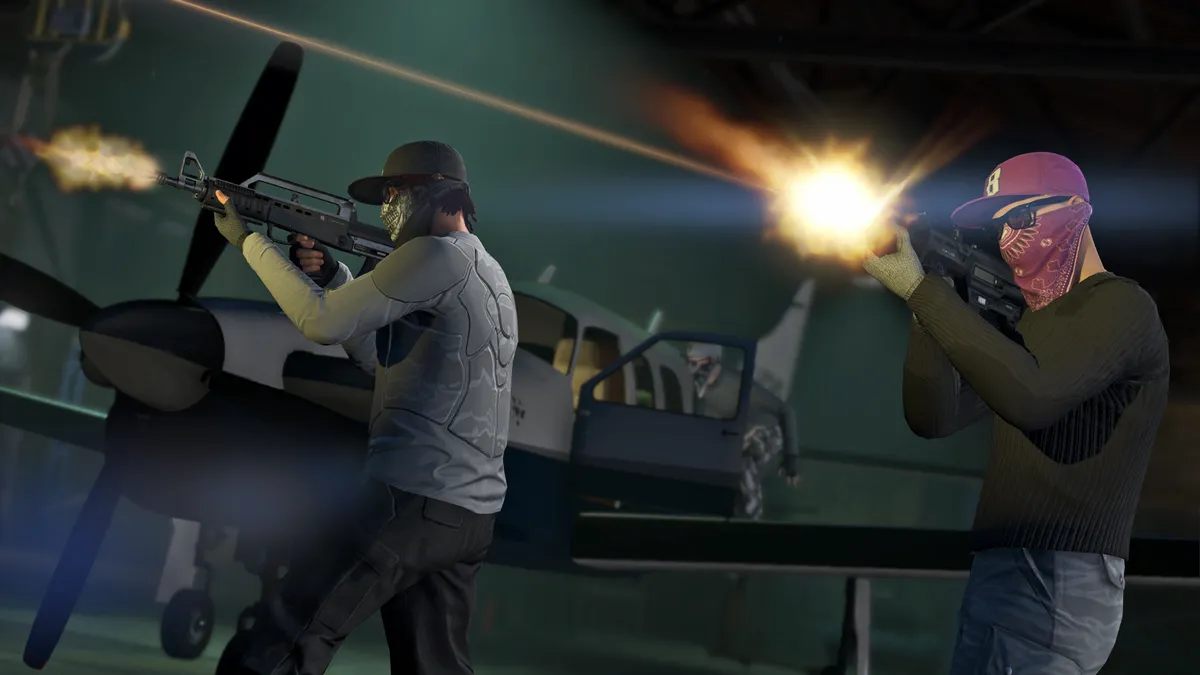
A lot of GTA Online players you encounter will be friendly, but due to the nature of Free Roam you will sometimes find people who only want to cause chaos. This can be particularly frustrating if you just want to cruise around and explore the Los Santos streets, but another player is following you and constantly shooting you / running you over / blowing you up. If you find yourself in this situation, there are several steps you can take to improve things.

Firstly, if you open the Interaction Menu (M on PC, or a long press of the PlayStation touchpad or Xbox view button) and scroll to the bottom, you can Enable Passive Mode. This will stop any other players from interacting with you, though in turn you won't be able to equip any weapons or use melee attacks. If that interferes with your current activities, you can also pause then go to the Online -> Players menu, highlight the player in question, then select Kick to suggest removing them from the session – if enough another players agree and do the same, they'll be removed. Finally, if you just want to get away from them then either pause and select Online -> Find New Session, or choose a Job to jump into and you'll leave the troublesome player behind.

Sign up to the GamesRadar+ Newsletter

Weekly digests, tales from the communities you love, and more

By submitting your information you agree to the Terms & Conditions and Privacy Policy and are aged 16 or over.

How do I replenish my health, armor, and ammo?

GTA Online beginners guide

(Image credit: Rockstar Games)

As in GTA 5, your character's condition is measured by two factors – health and armor – shown under your radar as green and blue bars respectively. To recover your health you can consume snacks, by purchasing them from vending machines. Handily, you can also buy and stockpile them by visiting convenience stores, then open the Interaction menu and choose Inventory then Snacks to eat them on the go and top up your health. A shortcut to this action is also available, by opening the weapon wheel then tapping up on the d-pad.

Body armor is purchased at AmmuNation stores, and again this can be stored in your Inventory and equipped when required. The type of body armor selected determines how much of your meter is refilled when you apply it, and you can choose to have it displayed on your character, or not if you'd prefer to avoid interference with your existing outfit – showing or hiding your armor doesn't change how effective it is. While ammo is sold at AmmuNation, you can also buy it through the Inventory menu, and although there's a convenience charge added to the cost if you use this route, it's definitely worthwhile if you find yourself short on bullets during a firefight.

Do I need to buy a property?

GTA Online beginners guide

(Image credit: Rockstar Games)

There are different types of properties available for purchase, which open up various benefits to you for owning them. Garages allow you to store vehicles for personal use, so it's worth picking one up as soon as you can afford it. To see what's available, open the Internet on your phone then choose the Money and Services tab at the top and visit Dynasty 8 Real Estate. When you have a bit more money available you should invest in a high-end apartment, as these not only provide a base of operations and somewhere to change your clothing, but also have attached garages for more vehicle storage and a planning room where you can prepare Heists. We've got further details on what you need to do for this in our how to buy a house in GTA Online guide.

Then there are business properties, which can open up whole new streams of missions to complete. Offices (purchased from Dynasty 8 Executive Realty) let you run cargo and vehicle missions, while Maze Bank Foreclosure will sell you everything from motorcycle clubhouses and nightclubs to huge underground bunkers. All of these business activities require time and plenty of initial cash to get up and running, so don't worry about them too much when you start out.

What's the best way to make money and level up fast?
GTA Online beginners guide

(Image credit: Rockstar Games)

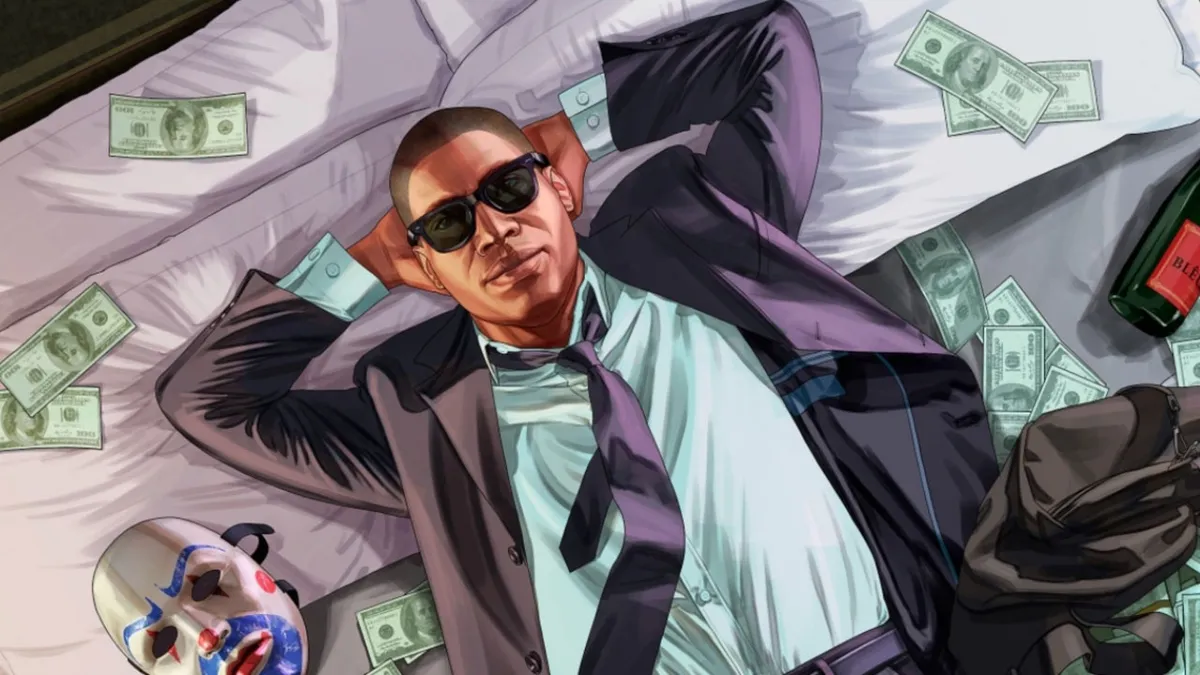
A lot of the cool missions and weapons in GTA Online aren't available until you reach a certain rank, which you increase by earning Reputation (RP) for completing tasks in the game. If you want to know how to level up fast in GTA Online then check out our separate guide to learn about adversary modes, cargo drops, working for organisations, and more.

Likewise, there's very little available for free in GTA Online, so you're going to need to keep your virtual bank account topped up with GTA$ if you want to maintain your criminal enterprises. Of course, you could just buy a GTA Online Shark Card for an instant cash injection, but that costs real money so shouldn't be at the top of your priority list. We've got plenty of advice about how to make money fast in GTA Online in our other guide, so take a look for help with pulling off daring Heists, cargo missions, VIP work, and other lucrative pastimes.

That should be enough information for beginners to get started in GTA Online, but for more help you can read our complete suite of guides:

GTA Online tips | GTA Online Solomon Movie Props | GTA Online new cars | GTA Online fastest cars | GTA Online fastest bikes | GTA Online best weapons | GTA Online best paying missions | GTA Online Payphone Hits | GTA Online Short Trips | How to transfer GTA Online | GTA 6 

You can also check out the best GTA 5 Cheats in the video below:

© GamesRadar+. Not to be reproduced without permission.

CATEGORIES
Xbox One Xbox Series X PS4 PS5 PC Gaming Platforms Xbox PlayStation
Iain Wilson
Iain Wilson
Social Links Navigation
Guides Editor

Iain originally joined Future in 2012 to write guides for CVG, PSM3, and Xbox World, before moving on to join GamesRadar in 2013 as Guides Editor. His words have also appeared in OPM, OXM, PC Gamer, GamesMaster, and SFX. He is better known to many as ‘Mr Trophy’, due to his slightly unhealthy obsession with amassing intangible PlayStation silverware, and he now has over 1,000 Platinum pots weighing down the shelves of his virtual award cabinet. He does not care for Xbox Achievements.

Latest in Action
GTA 6
Some of GTA 6's big ideas are likely hiding in GTA 5, ex-Rockstar dev predicts – and you can look at GTA 4 to see why
 
 
Screenshot from Ratcheteer DX, showing a GBC-style cave with four pixelated characters finding warmth around a fire.
The Legend of Zelda-esque game mimics the GameBoy to GameBoy Color transition, goes from retro handheld to PC and Switch
 
 
Musashi examines the oni gauntlet with a confused expression in Onimusha: Way of the Sword
Not content with stopping the avalanche of AAA games Capcom teases even more unannounced games before April 2027
 
 
A crop of the MindsEye key art for a review header
"Overwhelming evidence of organized espionage": MindsEye CEO blames launch on "corporate sabotage" amid more layoffs
 
 
Castlevania: Belmont's Curse
Castlevania: Belmont's Curse "is not a roguelike or roguelite game" despite the developer's Dead Cells heritage
 
 
Black Flag Resynced
Assassin's Creed: Black Flag remake finally out in the open as Ubisoft acknowledges its worst-kept secret
 
 
Latest in Guides
Marathon Introducing Sekiguchi agent Nona weaveworm
Marathon Introducing Sekiguchi contract walkthrough and how to find the Necrotic Sample and scan your shell
 
 
Ghost of Yotei Legends
How to start Ghost of Yotei Legends online co-op
 
 
A ditto takes a selfie when visiting the Pokopia developer island
How to visit the Pokopia developer island
 
 
Marathon introducing Traxus contract player fighting UESC commander
Marathon Introducing Traxus contract guide and UESC terminal locations for Intersection, Complex, and Bio-Research
 
 
A ditto who looks like a human smiles for a selfie in front of the Pokopia area map.
How many areas there are in Pokemon Pokopia?
 
 
Marathon Introducing NuCaloric shooting tick nest in infested building
Marathon Introducing NuCaloric contract walkthrough and how to find the employee ID card
 
 
LATEST ARTICLES
  1. Ghostwire Tokyo
    1
    Resident Evil director Shinji Mikami has been working on a new AAA action RPG for at least 1 year after Microsoft closed his last studio, and no one noticed
  2. 2
    How to complete the Marathon Introducing Sekiguchi contract
  3. 3
    How to start Ghost of Yotei Legends online co-op
  4. 4
    Pokemon FireRed and LeafGreen have been on Switch for over a week, but many players are still stuck in Oak's Lab trying to get shiny starters: "I'm going to cry"
  5. 5
    James Cameron says Avatar 4 is still "very likely", despite Fire and Ash making almost a billion dollars less than The Way of Water

GamesRadar+ is part of Future US Inc, an international media group and leading digital publisher. Visit our corporate site.

Add as a preferred source on Google Add as a preferred source on Google
  • Terms and conditions
  • Contact Future's experts
  • Privacy policy
  • Cookies policy
  • Accessibility statement
  • Careers
  • About us
  • Advertise with us
  • Review guidelines
  • Write for us
  • Accessibility Statement

© Future US, Inc. Full 7th Floor, 130 West 42nd Street, New York, NY 10036.

Please login or signup to comment

Please wait...