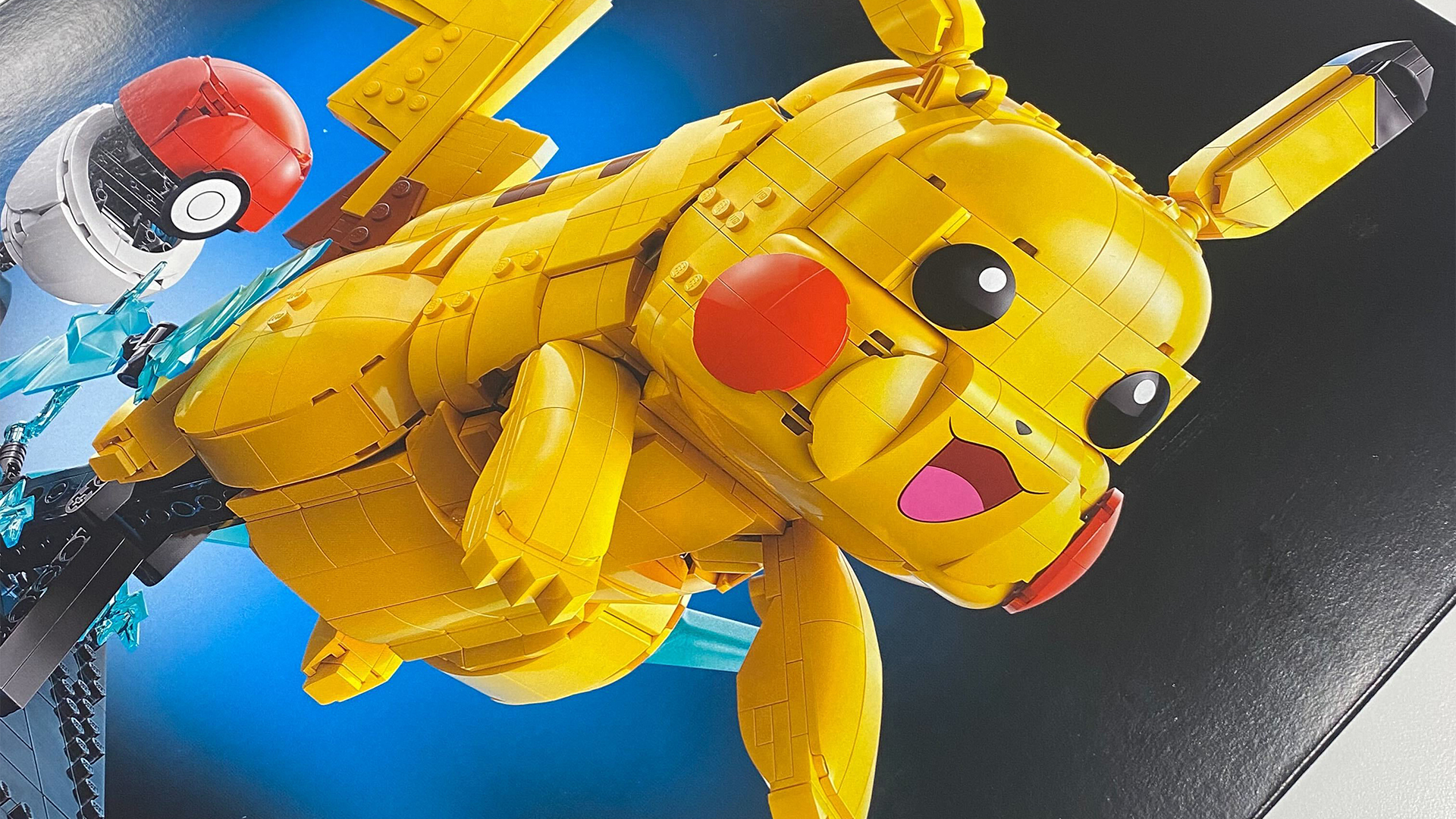
Look, I spend a lot of time playing Pokemon on the best retro handhelds, original Game Boy consoles, and fancy FPGA remakes like the Analogue Pocket. However, I need you to ignore the silly gatekeepers telling you not to revisit the monster wrangling RPG using your phone, as your pocket doom scroller can serve as an excellent portable if you use a specific controller.
You might already be aware of the GameSir Pocket taco if you frequent my retro hardware coverage. If you're new here, though, it's an excellent mobile controller that turns your phone into a Game Boy by clamping to the bottom of your phone. Yes, I know that doesn't sound like anything revolutionary, but this specific gamepad really stands out compared to anything before it, thanks to its authentic buttons and standalone functionality.
I'm not saying you shouldn't think about trying original hardware to celebrate Pokemon's 30th Anniversary. I'm personally looking forward to doing an entire run of Blue on my AMOLED modded Game Boy Color, and I might even dive into some of the later GBA games on the Analogue Pocket via the HDMI dock. That said, it would be silly not to play Gamefreak's iconic RPG if you've got your old carts backed up and a phone to hand, as using the Pocket Taco will feel almost like an actual handheld.
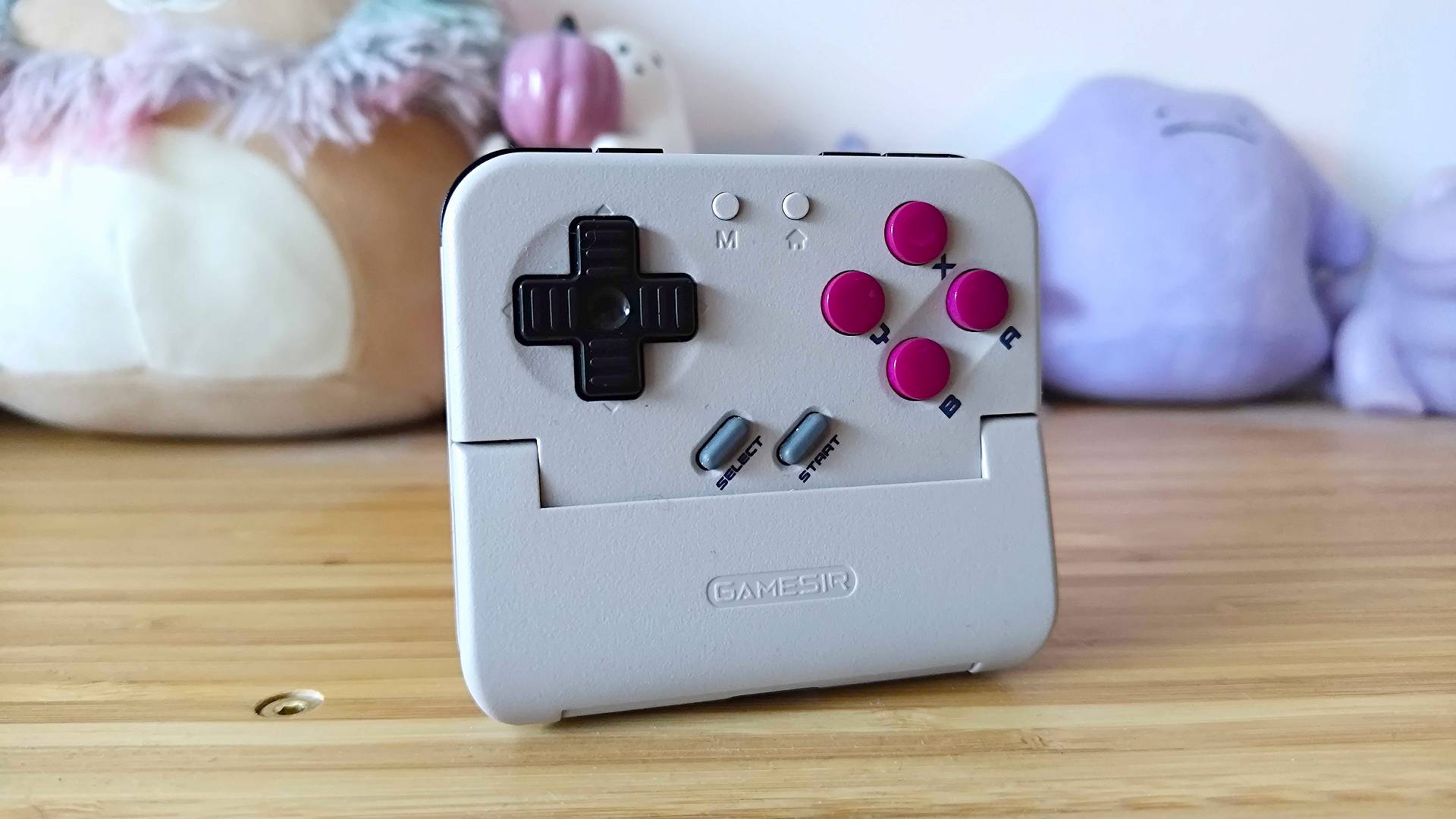
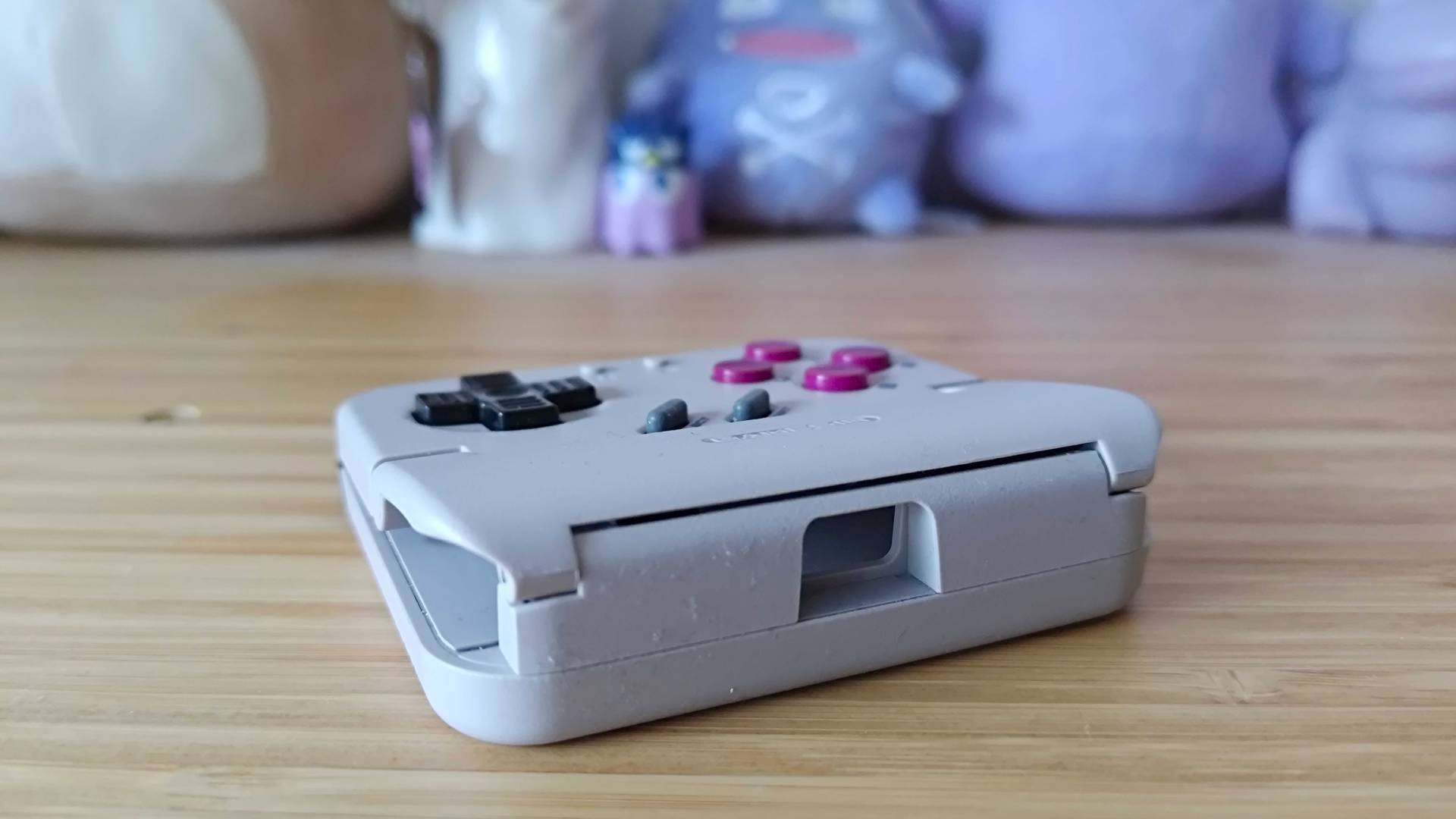
I've used other Game Boy-style mobile controllers in the past, including Hyperkin's unique gadget that adds buttons and a physical cartridge slot. It ultimately ended up being too clunky for my classically trained mits, whereas the Pocket Taco keeps itself feeling sleek while including an authentic d-pad, four face buttons that'll be handy for GBA games, and even some shoulder buttons that are handy for ports like DOOM.
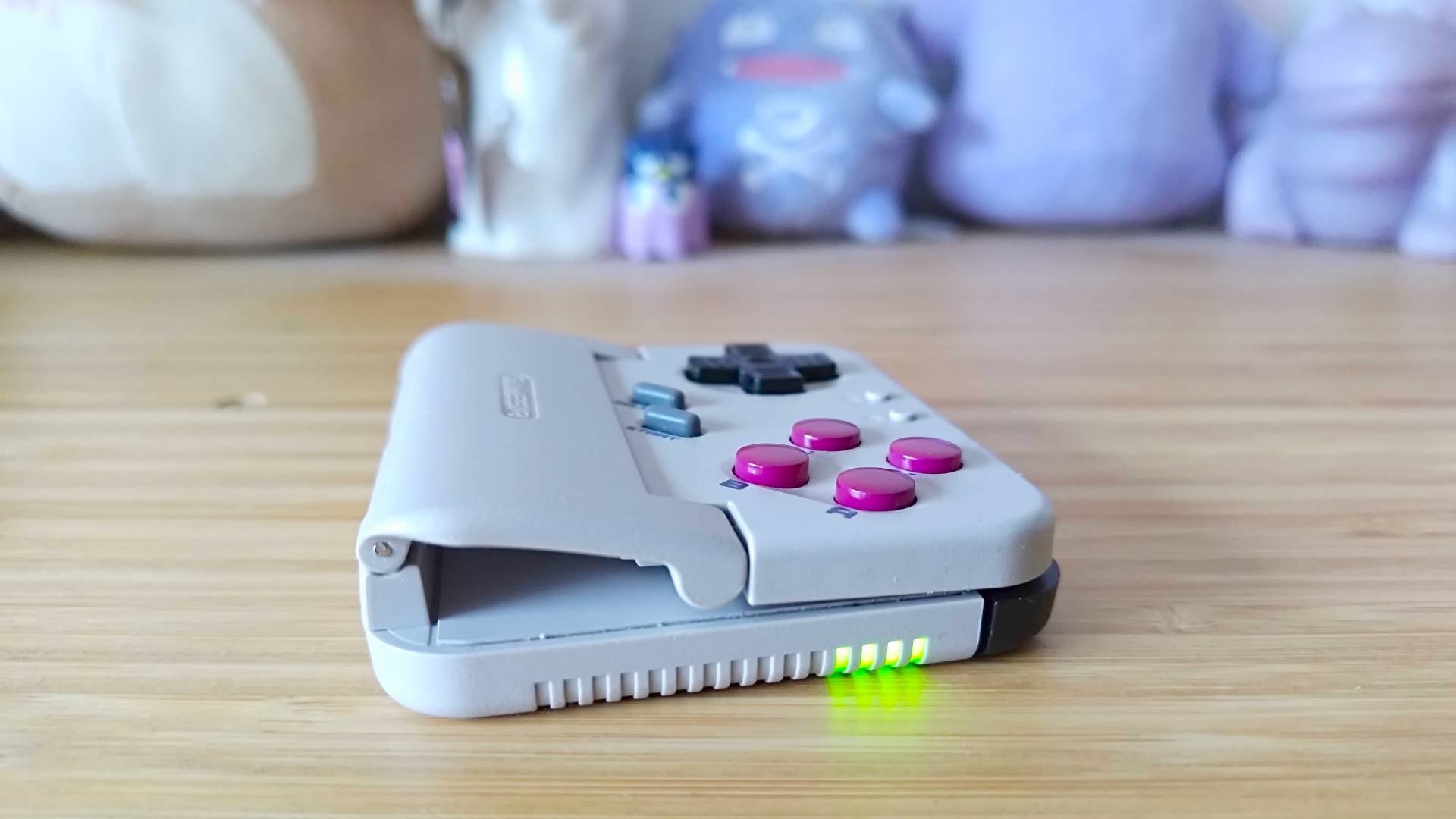
If you're playing Pokemon, the only thing you really need to worry about is the d-pad and buttons. They feel pretty close to the real deal, which is impressive considering we're talking about a cheaper mobile gadget, so you're firmly getting a taste for whether you even care about using physical inputs. The taco-inspired clamping system that turns your phone into a tasty-sounding portable also makes for an excellent way to enjoy quick monster-catching sessions without it becoming a whole thing, as the gamepad simply grips your device at the bottom using a hinge and rubber pads.

I should note that the Pocket Taco isn't just for your phone, as Gamesir made the wonderful decision to arm this gamepad with a battery and Bluetooth. It'll use the latter to automatically connect to your mobile when the hinge is opened, which is a nice touch, but you can also just sync it to other Android devices or even your Switch if you're picking up the Pokemon Fire Red and Leaf Green remakes.
I tried the Pocket Taco pretty early for review, and the Gamesir app was originally missing support. As you'd perhaps expect, that has now been remedied, meaning you'll have access to settings like button remapping and window rescaling. I'm still not convinced there are enough features in there to warrant actually launching it every time, but some of you might prefer a console-like hub to navigating Android.

Some of you might prefer to just use on-screen buttons to revisit Pokemon, and you know what? That's fine too. My motto is that if you're having fun, you're doing it right, but I do think the Pocket Taco adds an extra special physical button later to your experience that'll make Pikachu's big 30th Birthday extra special.
Planning on using Ninty's 2000s console for some Pokemon goodness? I've got you covered with using the Switch 2 GameCube controller with the original console, just in case you're due for a Colloseum replay.
Looking for more ways to play on the go? Swing by the best gaming handheld for portable PCs and emulation devices.

You must confirm your public display name before commenting
Please logout and then login again, you will then be prompted to enter your display name.