Performing an Xbox Series X hard reset - often called a "power cycle" - should be your first port of call for fixing unexpected freezes, crashes, and other issues. A hard reset isn't quite the same as just restarting your Xbox Series X, and they're good to do every once in a while anyway - especially if you're using the Sleep power option - as they clear the console's cache, helping it to maintain performance. Bearing all that in mind, it's vital that you know how to perform a power cycle for your Xbox Series X, so here's what you need to know about hard sets and restarts.
Note that none of the procedures explained in this guide will erase any of the games or personal data stored on your Xbox Series X, and are only intended to resolve certain issues that cause the console to temporarily lock up.
How to hard reset an Xbox Series X
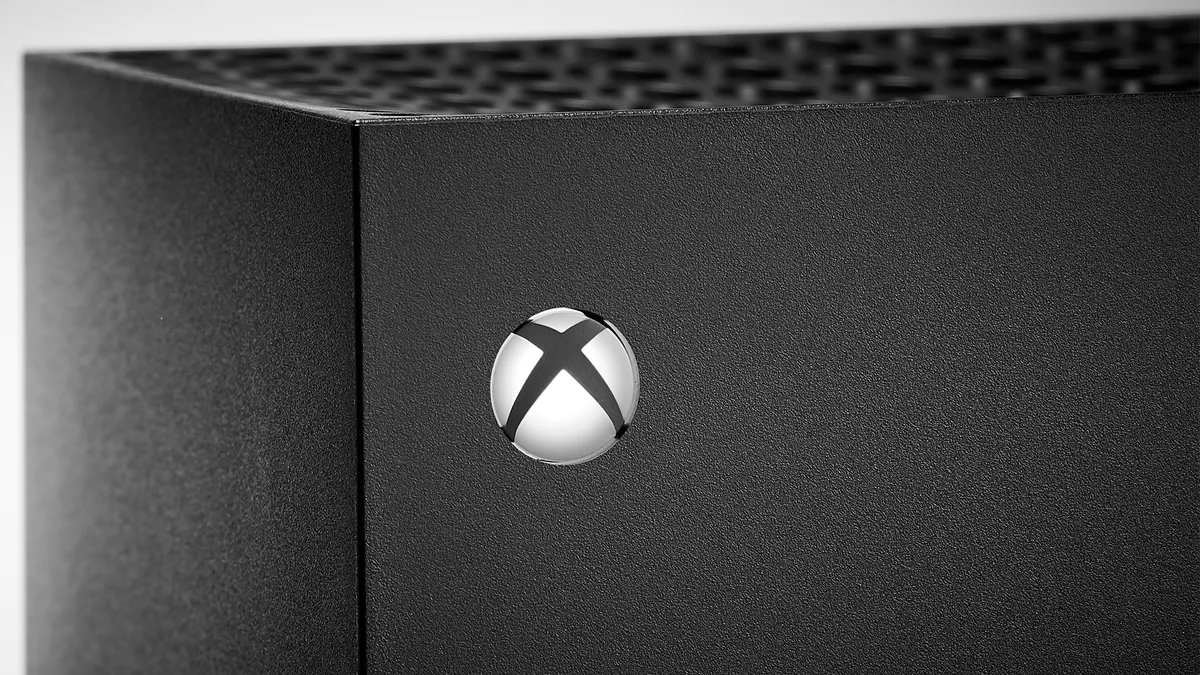
If your console has crashed or otherwise become unresponsive, then you should try performing a hard reset on your Xbox Series X to resolve the issue. Note that a hard reset is not the same as a "factory reset", so you won't be losing any of your save data, including games using Xbox Quick Resume - to complicate things a little more, performing a hard reset is usually called a "power cycle" in official documentation.
To power cycle your Xbox Series X and perform a hard reset, you need to follow these steps:
- Hold the Xbox power button on the console for around 10 seconds until it powers down fully.
- Wait 30 seconds.
- Press the Xbox button on either the console or the controller to turn the console back on.
If the green Xbox logo splash screen doesn't appear and you go straight into the dashboard, then you may not have held down the Xbox button on the console for long enough to override Sleep mode. Make sure you hold the button for a minimum of 10 seconds until the console turns off, then it can also be a good idea to unplug the power cable and wait for at least 20 more seconds to ensure you completely hard reset your Xbox Series X. With that done, reconnect the power cable and follow the usual process to start up the console once again.
Sometimes, just turning your console off and back on again can be enough to resolve and issue, and there are a couple of ways of restarting your Xbox Series X.
Restart Xbox Series X via Power Centre

- Hold the Xbox button on your controller (directly above the Xbox Share button).
- Choose Restart console.
- Confirm by selecting Restart.
Restart Xbox Series X via Guide

- Press the Xbox button on your controller.
- Navigate through Profile & system > Settings > General > Power options (this is where you'll find settings for Xbox Series X Sleep mode too).
- Choose Restart now.
© GamesRadar+. Not to be reproduced without permission.

You must confirm your public display name before commenting
Please logout and then login again, you will then be prompted to enter your display name.