





The Overwatch 1 shut down is upon us as today is the last day that you'll be able to play before the game's servers go offline to make way for Overwatch 2. The server downtime should last around 27 hours, and in that time, Blizzard will be preparing the final steps to get everything in place for the Overwatch 2 launch - remember, once the server's are back online, Overwatch 2 will have replaced Overwatch 1. If you want to know how long you've got to pay your final respects, here’s what you need to know about the end of Overwatch 1 and the transition to Overwatch 2.
When do the Overwatch 1 servers go offline?
Blizzard has confirmed that the Overwatch 1 servers will go offline on October 3 at 9am PDT / 12pm EDT / 5pm BST / 6pm CEST. This means that October 2 was the last full day to play Overwatch 1 for much of the world.
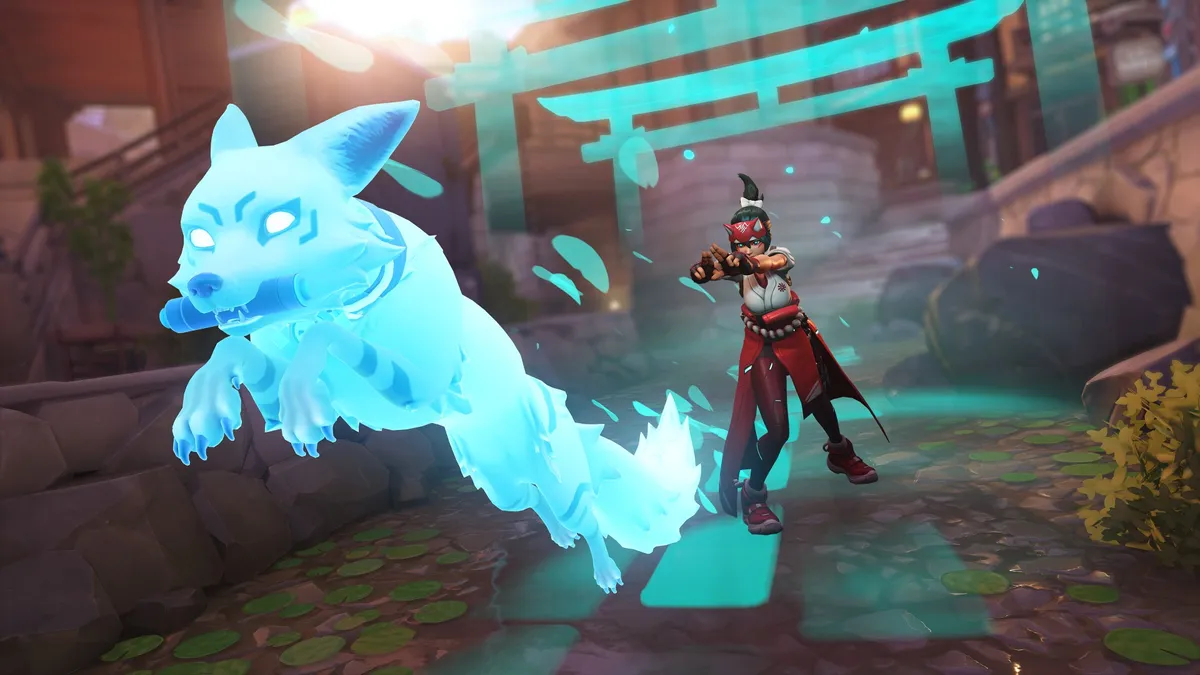
Once Overwatch 1 has gone offline, the servers will be down for about 27 hours (assuming everything goes to plan) and will come back online on October 4 at 12pm PDT / 3pm EDT / 8pm BST / 9pm CEST for the Overwatch 2 release time - those in Australia, New Zealand, and much of Asia will find it launches in the early hours of October 5. Once the server downtime is over, Overwatch 1 will have been replaced with Overwatch 2, which will be free to play for anyone and will include the latest heroes – Sojourn, Junker Queen, the season 1 battle pass character Kiriko – six new maps, the new Push mode, and the first premium Overwatch 2 battle pass.
What to do before the Overwatch 1 servers shut down
To prepare for the launch of Overwatch 2, there are a few things you should get sorted as soon as possible so that you have a smooth login process on launch day:
- Link a phone number to your Battle.net account for Overwatch 2 SMS protection. This is required to play Overwatch 2.
- Set up Overwatch 2 cross-progression and account merge. This will mean that you won’t lose any cosmetics, stats, presets, and ranks.
- Pre-install Overwatch 2. Be aware that you can only pre-download Overwatch 2 if you are an existing Overwatch 1 player, or if you have bought the Watchpoint Pack for Overwatch 2. Check out our Overwatch 2 preload guide for all the details.
You can also check this launch guide for Overwatch 2 for more information and help.

