





The Multiversus syncing account state glitch has players get stuck on that message when trying to get into the game, preventing them from playing the game altogether - clearly an issue for any aspiring brawler.
If you want more information on Multiversus servers we've laid out general up-to-date data at the page attached, but for those who want to get into MultiVersus and get to battling properly, we can help you. Below we've got everything you need to know about the Multiversus syncing account state error, and what can be done to fix it, though spoiler alert - probably not a lot.
MultiVersus syncing account state explained
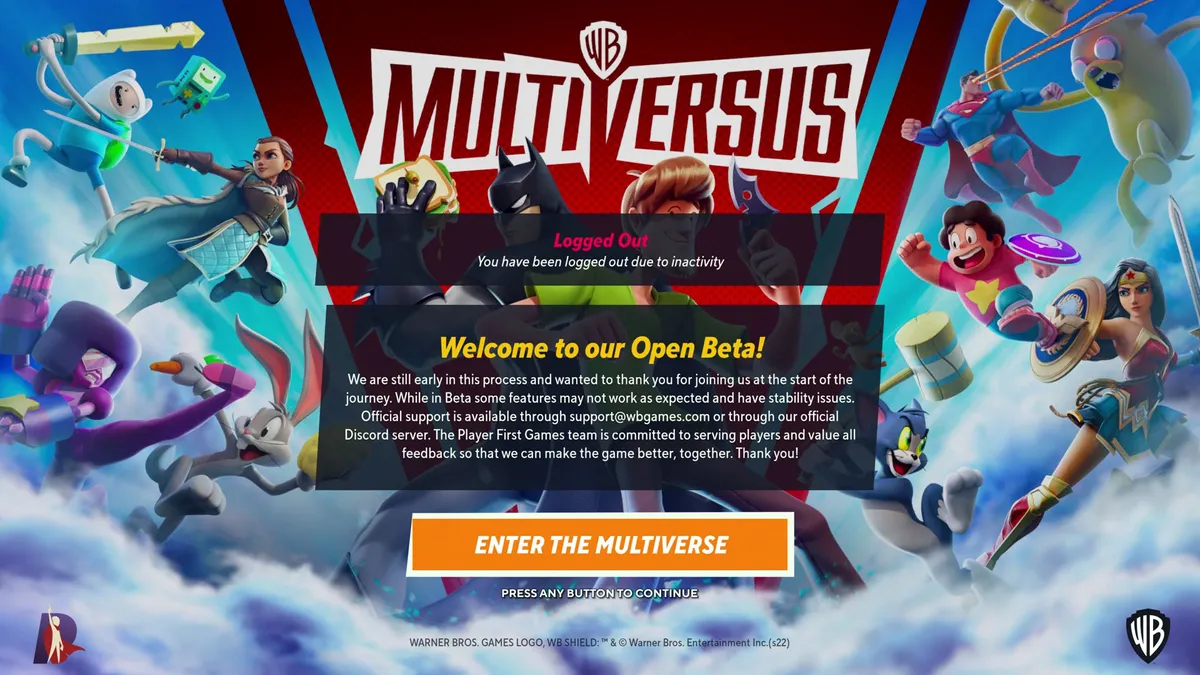
Once you boot up and enter the MultiVersus open beta, you'll see various messages appear in the bottom right corner of the loading screen to confirm what currently happening, from checking for updates and checking permissions, to syncing account state and finally creating session to get you started. The MultiVersus syncing account state is an important stage in this process, as it means your account details are being retrieved from the servers and applied to the current device you're playing on, which allows you to play on any supported system while carrying over your progress, unlocks, and Gold.
However, if there's a problem with your account or the connection to the servers then this step could fail, with the MultiVersus syncing account state stuck in an endless loop that never completes. If this is happening for you, then try the following resources for further information:
- Check your WB Games account to confirm you have the right permissions to access the beta
- Check the official Twitter account and Discord server for any announcements
As the Multiversus open beta has only recently launched, it's likely that there will be teething problems with the servers at first that could mean you're held up at the MultiVersus syncing account state stage. If there are no current issues according to those resources, then quit the game and load it for another attempt, or try again later. If all else fails, you can get official support by contacting support@wbgames.com but any issues should be automatically resolved shortly as the beta gets into full flow.

