

Join The Community
- Join our community
11
Premium Benefits
24/7
Access Available
21K+
Active Members
Commenting
Join the discussion
Exclusive Articles Coming Soon
Member-only articles
Weekly Newsletters
Weekly gaming & entertainment news
Member Badges
Earn badges as you go
Exclusive Competitions
Members-only prize draws
Curated Deals Coming Soon
Tech and gaming deals worth grabbing
GET COMMUNITY ACCESS QUICK
For the quickest way to join, simply enter your email below and get access. We will send a confirmation and sign you up to our newsletter to keep you updated on all your gaming news.
By submitting your information you agree to the Terms & Conditions and Privacy Policy and are aged 16 or over.
FIND OUT ABOUT OUR MAGAZINE
Want to subscribe to the magazine? Click the button below to find out more information.
Find out more
GET Community ACCESS QUICK

Join the GamesRadar community for quick access. Enter your email below and we'll send confirmation, and sign you up to our newsletter.

By submitting your information you agree to the Terms & Conditions and Privacy Policy and are aged 16 or over.

Background
Welcome to GamesRADAR+ Community !
Hi ,

Your membership journey starts here.

Keep exploring and earning more as a member.

MY ACCOUNT

Badge picture
Earn your first badge
Read 1 article to unlock your first badge.
Keep earning badges
Explore ways to get more involved as a member.
Latest Games News

Latest Games News

Breaking gaming news and updates

Read Now
Latest Games Reviews

Latest Games Reviews

Expert verdicts on the newest releases

Read Now

See what you’ve unlocked.

Explore your membership benefits.

Explore
Member Exclusives

Stay Ahead with GamesRadar+

Get the biggest gaming news, reviews, and releases straight to your inbox.

Explore

Sign Out
GamesRadar+ GamesRadar+
US EditionUS CA EditionCanada UK EditionUK AU EditionAustralia
Sign in
  • View Profile
  • Sign out
  • Games
    • Game Insights
      • Games News
      • Games Features
      • Games Reviews
      • Games Guides
      • Big in 2026
      • The Big Preview
      • On The Radar
      • Indie Spotlight
      • Future Games Show
      • Golden Joystick Awards
    • Genres
      • Action Games
      • RPGs
      • Action RPGs
      • Adventure Games
      • Third Person Shooters
      • FPS Games
    • Platforms
      • PS5
      • Xbox Series X
      • PC
      • Nintendo Switch
      • Nintendo Switch 2
      • Tabletop Gaming
    • Franchises
      • Grand Theft Auto
      • Pokemon
      • Assassin's Creed
      • Monster Hunter
      • Fortnite
      • Cyberpunk
      • Red Dead
      • The Elder Scrolls
      • The Sims
  • Entertainment
    • TV Shows
      • TV News
      • TV Reviews
      • Anime Shows
      • Sci-Fi Shows
      • Superhero Shows
      • Animated Shows
      • Marvel TV Shows
      • Star Wars TV Shows
      • DC TV Shows
    • Movies
      • Movie News
      • Movie Reviews
      • Big Screen Spotlight
      • Superhero Movies
      • Action Movies
      • Anime Movies
      • Sci-Fi Movies
      • Horror Movies
      • Marvel Movies
      • DC Movies
    • Streaming
      • Apple TV Plus
      • Disney Plus
      • Netflix
      • HBO
      • Amazon Prime Video
      • Hulu
    • Comics
      • Marvel Comics
      • DC Comics
    • Toys & Collectibles
    • Lego
    • Dungeons and Dragons
    • Merch
  • Hardware
    • Insights
      • Hardware News
      • Hardware Reviews
      • Hardware Features
    • Computing
      • Desktop PCs
      • Laptops
      • Handhelds
    • Peripherals
      • Headsets & Headphones
      • TVs & Monitors
      • Gaming Mice
      • Gaming Keyboards
      • Gaming Chairs
      • Speakers & Audio
    • Accessories & Tech
      • Gaming Controllers
      • Tech
      • SSDs & Hard Drives
      • VR
      • Accessories
      • Retro
  • Deals
    • Game Deals
    • Tech Deals
    • TV Deals
    • Buying Guides
  • Video
  • Newsletters
    • Quizzes
    • About Us
    • How to pitch to us
    • How we score
    • Newsarama
    • Retro Gamer
    • Total Film
  • home
  • Games
    • View Games
      • Games News
      • Games Features
      • Games Reviews
      • Games Guides
      • Big in 2026
      • The Big Preview
      • On The Radar
      • Indie Spotlight
      • Future Games Show
      • Golden Joystick Awards
      • Action Games
      • RPGs
      • Action RPGs
      • Adventure Games
      • Third Person Shooters
      • FPS Games
    • Platforms
      • View Platforms
      • PS5
      • Xbox Series X
      • PC
      • Nintendo Switch
      • Nintendo Switch 2
      • Tabletop Gaming
      • Grand Theft Auto
      • Pokemon
      • Assassin's Creed
      • Monster Hunter
      • Fortnite
      • Cyberpunk
      • Red Dead
      • The Elder Scrolls
      • The Sims
  • Entertainment
    • View Entertainment
    • TV Shows
      • View TV Shows
      • TV News
      • TV Reviews
      • Anime Shows
      • Sci-Fi Shows
      • Superhero Shows
      • Animated Shows
      • Marvel TV Shows
      • Star Wars TV Shows
      • DC TV Shows
    • Movies
      • View Movies
      • Movie News
      • Movie Reviews
      • Big Screen Spotlight
      • Superhero Movies
      • Action Movies
      • Anime Movies
      • Sci-Fi Movies
      • Horror Movies
      • Marvel Movies
      • DC Movies
    • Streaming
      • View Streaming
      • Apple TV Plus
      • Disney Plus
      • Netflix
      • HBO
      • Amazon Prime Video
      • Hulu
    • Comics
      • View Comics
      • Marvel Comics
      • DC Comics
    • Toys & Collectibles
    • Lego
    • Dungeons and Dragons
    • Merch
  • Hardware
    • View Hardware
      • Hardware News
      • Hardware Reviews
      • Hardware Features
      • Desktop PCs
      • Laptops
      • Handhelds
    • Peripherals
      • View Peripherals
      • Headsets & Headphones
      • TVs & Monitors
      • Gaming Mice
      • Gaming Keyboards
      • Gaming Chairs
      • Speakers & Audio
      • Gaming Controllers
      • Tech
      • SSDs & Hard Drives
      • VR
      • Accessories
      • Retro
  • Deals
    • View Deals
    • Game Deals
    • Tech Deals
    • TV Deals
    • Buying Guides
  • Video
  • Newsletters
    • Quizzes
    • About Us
    • How to pitch to us
    • How we score
    • Newsarama
    • Retro Gamer
    • Total Film
Trending
  • Pokemon Winds and Waves
  • New Games for 2026
  • Submit your game clips
  • GDC
  1. Platforms
  2. Nintendo
  3. Nintendo Switch

14 essential Nintendo Switch setup tips and tricks

Guides
By Leon Hurley last updated 15 December 2023

Bought a new Nintendo Switch and not sure how to set it up? Here's how...

When you purchase through links on our site, we may earn an affiliate commission. Here’s how it works.

Nintendo Switch OLED
(Image credit: Future)
  • Facebook
  • X
  • Pinterest
  • Flipboard
  • Email
Share this article
Join the conversation
Follow us
Add us as a preferred source on Google
Get the GamesRadar+ Newsletter

Weekly digests, tales from the communities you love, and more


By submitting your information you agree to the Terms & Conditions and Privacy Policy and are aged 16 or over.

You are now subscribed

Your newsletter sign-up was successful


Want to add more newsletters?

GamesRadar+

Every Friday

GamesRadar+

Your weekly update on everything you could ever want to know about the games you already love, games we know you're going to love in the near future, and tales from the communities that surround them.

GTA 6 O'clock

Every Thursday

GTA 6 O'clock

Our special GTA 6 newsletter, with breaking news, insider info, and rumor analysis from the award-winning GTA 6 O'clock experts.

Knowledge

Every Friday

Knowledge

From the creators of Edge: A weekly videogame industry newsletter with analysis from expert writers, guidance from professionals, and insight into what's on the horizon.

The Setup

Every Thursday

The Setup

Hardware nerds unite, sign up to our free tech newsletter for a weekly digest of the hottest new tech, the latest gadgets on the test bench, and much more.

Switch 2 Spotlight

Every Wednesday

Switch 2 Spotlight

Sign up to our new Switch 2 newsletter, where we bring you the latest talking points on Nintendo's new console each week, bring you up to date on the news, and recommend what games to play.

The Watchlist

Every Saturday

The Watchlist

Subscribe for a weekly digest of the movie and TV news that matters, direct to your inbox. From first-look trailers, interviews, reviews and explainers, we've got you covered.

SFX

Once a month

SFX

Get sneak previews, exclusive competitions and details of special events each month!


Join the club

Get full access to premium articles, exclusive features and a growing list of member rewards.


An account already exists for this email address, please log in.
Subscribe to our newsletter

These Nintendo Switch setup tips and tricks will help you get the most out of your new toy faster. Whether you want to extend the battery life, set up friends or more, we've got everything you need covered below.

I've put together a whole range of Nintendo Switch setup tips and tricks here to cover all the bases, with quality of life improvements that'll make the best of the experience let you get the most out of your new Switch. 

1. Use the Quick Menu to save time

Nintendo switch Quick menu

(Image credit: Nintendo)

The Home button will instantly get out of whatever you’re doing and take you back to the Home screen if you want to do anything else. However, if you hold the button down you can access a Quick Menu with a few useful options without going anywhere: 

  1. Sleep Mode - put the console to sleep and save power
  2. Brightness and volume sliders - tweak either on the fly
  3. Flight mode - turn off any wireless communication 

2. Power down properly if you’re not playing for a while

Nintendo switch power options

(Image credit: Nintendo)

Sleep Mode is handy for shutting down your Switch for short durations but the battery is still getting drained - leave it in Sleep Mode for even a few hours and you can find the power gone very quickly. If you’re going to leave it alone for a while make sure you hold down the power button until a menu appears where you can select the Power Options and choose Power Off to completely shut your console down. This will mean zero battery drain and it'll last how long until you turn it back on. 

3. Some buttons make silly noises when you want to wake your Switch up
Nintendo switch button noises

(Image credit: Nintendo)

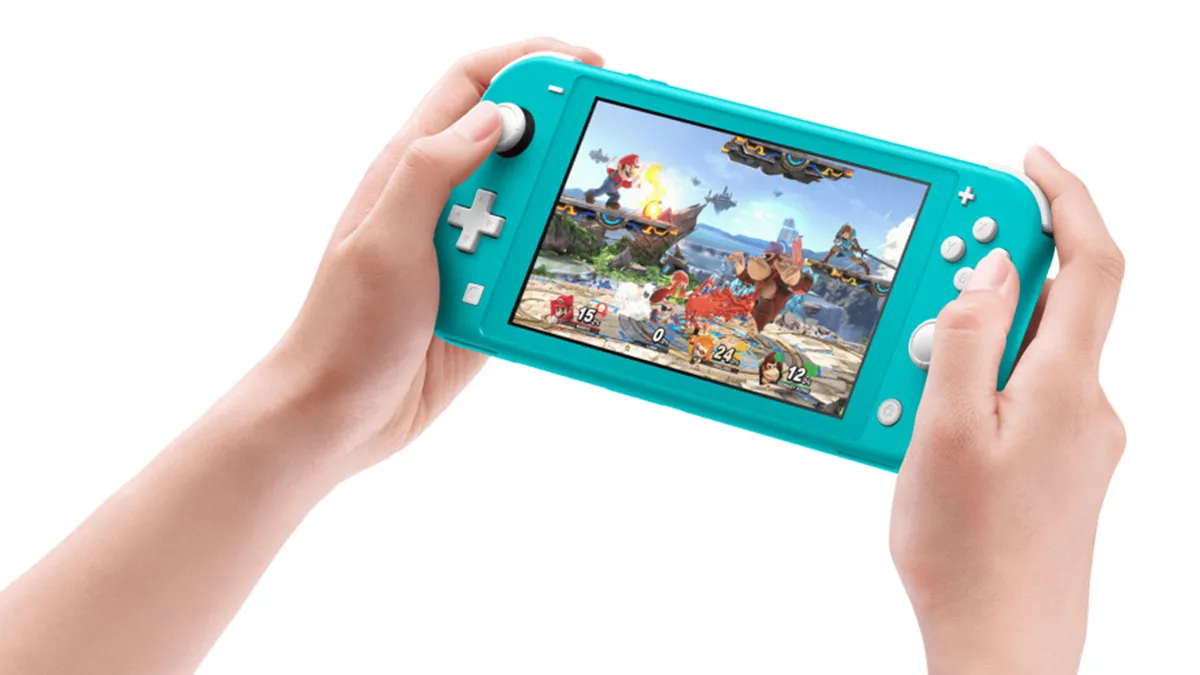
Okay, this isn't essential but it is fun - when you go to turn on your Switch you’ll have to press A, then the same button three times to open it. Most of the buttons just click, but there are four that make some funnier noises: 

  • L stick click - Boing
  • L2 - Tinny click
  • R stick click - Frog
  • R2 - Honk

Obviously funny noises are always better. 

4. Free up space when you need it using data management to 

Nintendo switch data management

(Image credit: Nintendo)

In System Settings you’ll find an option called Data Management. This will show you how much space you've used on the control and what you have free. You can use it to check and delete screens and videos that might take up space, as well as Quick Archive games. This will show you anything you haven’t played for a while and let you choose whether or not to delete them from the console. That will keep an icon for the game on your console and keep your save data but offload everything else.  

Sign up to the GamesRadar+ Newsletter

Weekly digests, tales from the communities you love, and more

By submitting your information you agree to the Terms & Conditions and Privacy Policy and are aged 16 or over.

5. Show the battery percentage for a better idea of how long you can play

Nintendo Switch battery percentage

(Image credit: Nintendo)

The default battery indicator only gives you a rough idea of what’s left and it’ll go red when you’re close to running out but otherwise it doesn't give you a hugely clear signal to what's left. If you go into System Settings, then System, you’ll see the option to turn Console Battery (%) on, which will tell you exactly how much power you have left. 

6. You can improve your Nintendo Switch battery life 
extend nintendo switch battery life

(Image credit: Nintendo)

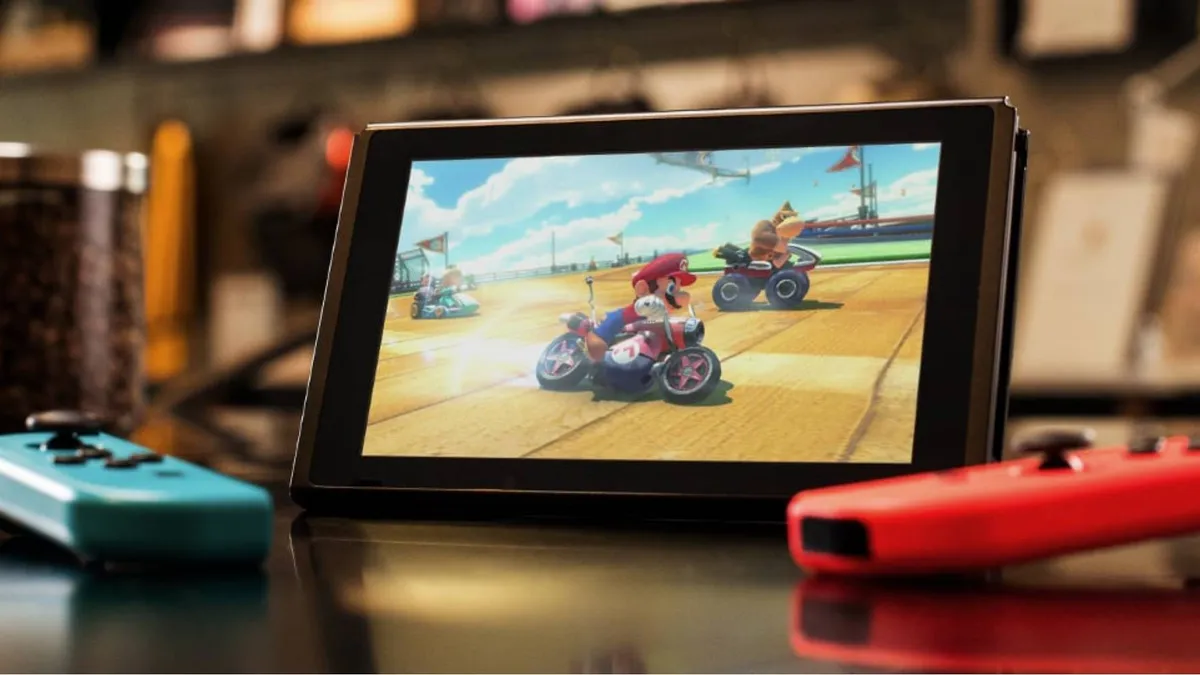
There are a few things you can do increase your battery life. Just head to System Settings and change any or all of these options to help: 

  • Turn on Flight Mode - wireless communication is a power drain and even if you’re not connected to anything the Switch will use up juice looking anyway. 
  • Turn down Screen Brightness - the brighter the screen the more power it uses so set it as low as is comfortable. 
  • Turn down the Volume - this is less of an issue, especially if you’re using headphones but less noise will save you power. 
  • Turn off Controller Vibration - head to Controllers and Sensors and switch off vibration to save the power that would use. 

It’s also an idea, as previously mentioned, to completely power down the console when you’re not using it. 

7. Get a battery pack 

nintendo switch battery pack

(Image credit: Anker)

No matter how careful you are, you will run out of power at some point. Which is where a battery or charger pack will come in useful to top things up. There are loads of options so check out our list of the best Nintendo Switch chargers to help you pick one that’s best for you. 

8. Link your Switch to your social accounts to share stuff online easily

nintendo switch social sharing

(Image credit: Nintendo)

If you go to your account page (the one with your name and face) you’ll find User Settings, in here you’ll find the Album option and Social Network Posting Settings. From here you can link your Switch to your Facebook and Twitter accounts and share screenshots and videos directly from the console. 

9. Add some Switch friends

nintendo switch friends

(Image credit: Nintendo)

There are several ways to add some friends to your Switch. From your account page (the one with your face and name) you’ll see two options: Friend Suggestions and Add Friend. 

Friend Suggestions shows potential friends you might already be connected to via Nintendo mobile games, Facebook, Twitter, 3DS and Wii. While Add Friends will let you input Friend Codes, search for local users and people you've played with, as well as check any requests you’ve sent and received.   

10. How to find lost Nintendo Switch controllers 

find lost Nintendo Switch controllers

(Image credit: Nintendo)

If you manage to misplace a Joy-Con and can’t find it, head to the Controllers option on the home screen where you’ll find a Search for Controllers option. This will let you remotely trigger vibration in the missing pad and hopefully make its location more obvious. 

11. You’ll need Nintendo Switch Online to play online but check you really need it
Nintendo Switch Online

(Image credit: Nintendo)

You’ll need to pay for Nintendo Switch Online if you want to play online games with anyone, or use most games with online components. But, while you can get Nintendo Switch Online cheap, check if you really need it. Apart from online play with your friends the other benefits include cloud saves (with most but not all games), access to a range of classic NES & Super NES games, rewards, and the ability to use the Switch Smartphone app for voice chat. If you're not using any of that constantly, you might not need to shell out.   

12. You can add new users so other people can play on their own accounts

nintendo switch new users

(Image credit: Nintendo)

You can have more than one user on a Switch, with each account able to buy and play games separately. And, if any user has the Switch designated as their primary console (which is usually the case if you only have one) then all the other users can play the games they download.

Just head to User in System Settings and pick the Add User option. 

13. Hold the Power Button down to reset your Switch if it crashes or locks up

nintendo switch power button

(Image credit: Nintendo)

Holding down the Power Button will open up a menu where you can put the console to sleep or open up the Power Options. From here you can Restart the console should it lock up or crash in anyway that a reset might fix.  

14. There’s a Switch dark theme to save your eyes at night  

Nintendo Switch dark theme

(Image credit: Nintendo)

Head into the System Settings and look for Themes in the menu. There you’ll find Basic Black and Basic White options for the overall theme of your Switch. The Basic Black option is a little more subdued and better suited for night times, or if you just prefer a darker vibe. 

Leon Hurley
Leon Hurley
Social Links Navigation
Managing editor for guides

I'm GamesRadar's Managing Editor for guides. I also write reviews, previews and features, largely about horror, action adventure, FPS and open world games. I previously worked on Kotaku, and the Official PlayStation Magazine and website.

Latest in Nintendo Switch
Zoomed-in, cropped box art for Pokemon FireRed shows Charizard roaring.
Pokemon "The biggest time save in nearly a decade of Pokemon speedrunning" has been discovered in FireRed
 
 
Fortnite New Sanctuary vault
Fortnite How to open the New Sanctuary vault in Fortnite
 
 
MLB The Show 26
Sports Games MLB The Show 26 codes (March 2026) and how to redeem them for free packs
 
 
Mina the Hollower key art cropped to just show Mina
Action RPGs I already know Mina the Hollower is going to ruin my life
 
 
The Legend of Zelda: Breath of the Wild
The Legend of Zelda Breath of the Wild star didn't know what game she was trying for, nor that it was the title role
 
 
FPS Games Overwatch was originally called "Monetized Shooter" because you had to buy each of its heroes
 
 
Latest in Guides
Fortnite New Sanctuary vault
Fortnite How to open the New Sanctuary vault in Fortnite
 
 
Helldivers 2 Illuminate Veracitor chasing Helldiver with harvester nearby
Third Person Shooters How to kill the new Veracitor and Gatekeeper Illuminate enemies in Helldivers 2
 
 
MLB The Show 26
Sports Games MLB The Show 26 codes (March 2026) and how to redeem them for free packs
 
 
Crimson Desert Abyss Without Balance puzzles
RPGs How to solve the Abyss Without Balance and Polar Opposites puzzles in Crimson Desert
 
 
Dragon's Stone Chamber in Crimson Desert
RPGs How to solve the Dragon's Stone Chamber in Crimson Desert
 
 
How to steal in Crimson Desert
RPGs How to steal in Crimson Desert
 
 
LATEST ARTICLES
  1. Shrek
    1
    3 new to Netflix movies I recommend you watch this weekend (March 21 - March 22)
  2. 2
    "My dream game": After 7 hours, Palworld publishing lead delivers his Crimson Desert verdict: "This game is made for me"
  3. 3
    "The biggest time save in nearly a decade of Pokemon speedrunning" has been discovered in FireRed
  4. 4
    Marathon's Cryo Archive is locked to weekends partly because you're going to "lose a lot of gear"
  5. 5
    Arc Raiders devs tortured each other during playtests, juicing Arc into Elden Ring bosses

GamesRadar+ is part of Future US Inc, an international media group and leading digital publisher. Visit our corporate site.

Add as a preferred source on Google Add as a preferred source on Google
  • Terms and conditions
  • Contact Future's experts
  • Privacy policy
  • Cookies policy
  • Accessibility statement
  • Careers
  • About us
  • Advertise with us
  • Review guidelines
  • Write for us
  • Accessibility Statement

© Future US, Inc. Full 7th Floor, 130 West 42nd Street, New York, NY 10036.

Please login or signup to comment

Please wait...