


Choosing Horizon Forbidden West Guided or Explorer Mode is an option you have to decide right up front, before you even start playing. You'll have to pick between landscape and objective markers on screen, or the minimal help of a more empty UI in Horizon Forbidden West. Both have pros and cons, and it does depend on what sort of gamer you are, as well as how you want to play. However, it doesn't help that the game doesn't really suggest one over the other, or explain much.
It's a big choice to make before playing anything if you have no idea what you want, and aren't clear on how the differences will play out. Which is why we'll lay out what it all means below, and explain more details about which one you should probably pick. Crucially you can change between Guided and Explorer Mode in Horizon Forbidden West if you regret your choices, so we'll cover that to.
Horizon Forbidden West Guided or Explorer Mode explained
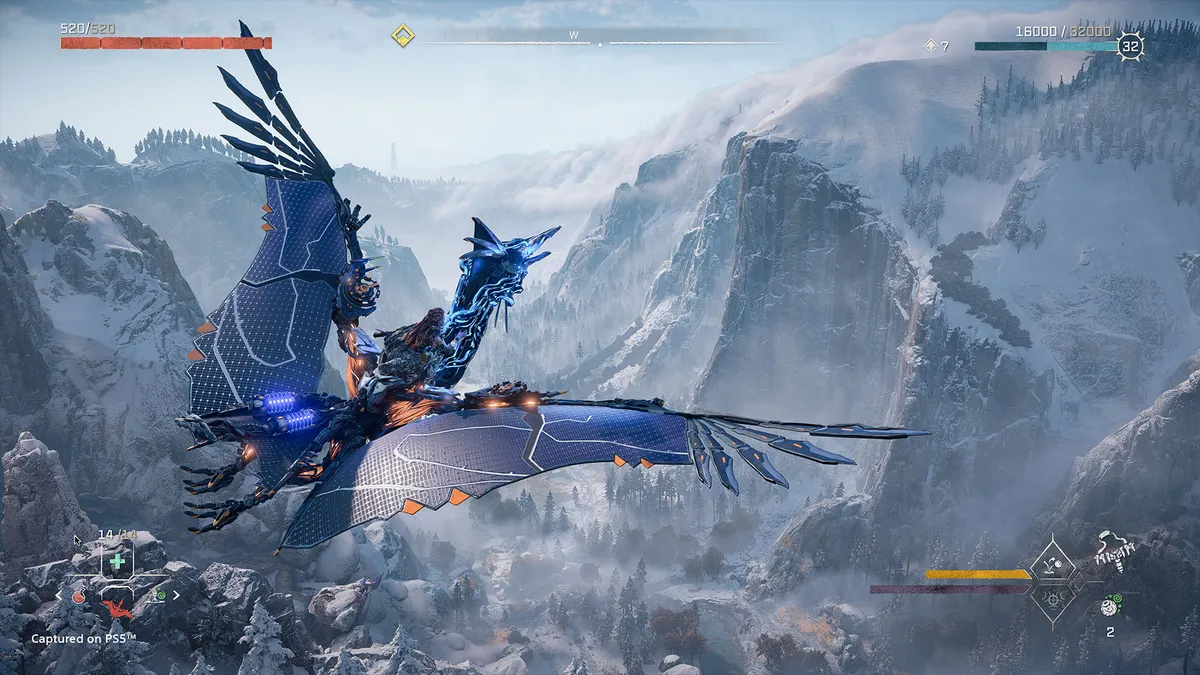
Picking Horizon Forbidden West Guided or Explorer Mode isn't really a big deal - all that changes is some of the information given to you when you find locations. More importantly, if you don't like the choice you picked you can change it at any time.
Let's look at the differences in more detail below.
Horizon Forbidden West Guided Mode
Horizon Forbidden West Guided Mode highlights key objects and locations tied to your current active quest. So you'll get on screen objective markers as you explore. If you're not close to anything it highlights the shortest path to the location you've selected. I means you'll never be unsure about where you're going or what you're looking for.
Horizon Forbidden West Explorer Mode
Horizon Forbidden West Explorer Mode is a more minimal on screen HUD. It dials back most of the onscreen help you would otherwise and objectives are instead marked on the compass at the top of the screen. It means you'll only get their direct position relative to you, and have to work out a path yourself. Going into the map and selecting a location will still show a road to take, it's just limited to the map screen.
Can you change Horizon Forbidden West Guided or Explorer Mode later?

If you regret you choice or just want to both try both, can switch between Guided and Explorer Mode in the settings at any point. There's no penalty, just pause and go into settings whenever you want to swap.
Because you can change whenever we'd recommend trying Explorer Mode first. Guided Mode's HUD can be intrusive, and it's generally easy to find where you're going even in Explorer Mode. So pick the more immersive option, but don't feel obliged to stick with it if you're ever uncertain about where to go next.
Horizon Forbidden West tips | Horizon Forbidden West map | Horizon Forbidden West Greenshine | Horizon Forbidden West red crystal growths | Horizon Forbidden West Diving mask | Horizon Forbidden West best armor | Horizon Forbidden West power armor | How to fly in Horizon Forbidden West | Horizon Forbidden West best weapons | Horizon Forbidden West Metal Flowers | Horizon Forbidden West lenses | Horizon Forbidden West Tallnecks | Horizon Forbidden West Vistas | Horizon Forbidden West Cauldrons

