The Animal Crossing New Horizons megaphone lets you call out to specific villagers to help you find them on your island. Thankfully, getting one is very simple, as you just need to pay a visit to Nook's Cranny with some Bells in your pocket. But there's a pretty big caveat in that it's exclusive to the Switch 2 version of the game as it relies on you being able to easily use a microphone. So, assuming you've got a Switch 2 and the upgraded version of the game, here's everything you need to know about buying and using a megaphone in ACNH.
How to get and use the Animal Crossing New Horizons megaphone

To get a megaphone, you need to buy one from Nook's Cranny, specifically from the green cupboard on the right, just next to the till. One megaphone costs 3,500 Bells and there's no limit on the number you can buy, although you will likely only ever need one as it doesn't degrade through use like other tools.
To use the megaphone, stand outside with it in your villager's hand and hold A. While you're doing so, you can say the name of any islander NPC to get their attention, be it one of your regular villagers, a visitor like Flick or CJ, or a special resident like Kapp'n. If you've got a headset with a microphone, the game should pick up what you're saying through that, otherwise it'll use the Switch 2's onboard microphone – you can of course configure your microphone settings by scrolling down to the Audio tab in the Switch 2 System Settings menu.

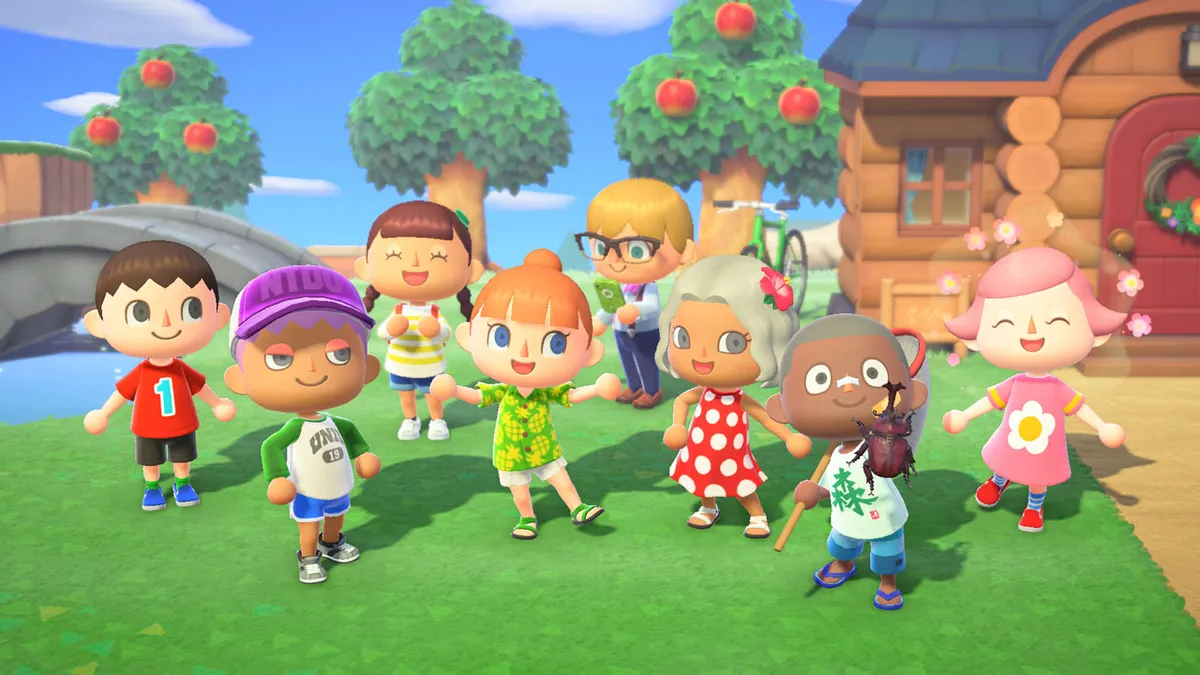
If you happen to be upgrading to a Switch 2, make sure you know how to transfer your Animal Crossing New Horizons save to Switch 2 as well as how the megaphone works.
If the NPC is outside, they will let you know where they are with a speech bubble that appears somewhere on the edge of your screen, indicating in which direction they are from you. However, if the NPC is in a building, such as their own house or the museum, you'll get a message that says, "No reply… Maybe they aren't nearby?", and no indication of which building they're in, so you'll have to search manually.
I've also found that the game can be massively inconsistent when it comes to understanding whose name you're saying – it's like Nintendogs all over again! Just be warned that the megaphone can be quite annoying to use for that reason.
If you don't have a Switch 2, don't worry as there are plenty of useful features in the Animal Crossing New Horizons 3.0 update! For example, you can recruit Resetti for his Animal Crossing New Horizons Reset Service.
© GamesRadar+. Not to be reproduced without permission.
You must confirm your public display name before commenting
Please logout and then login again, you will then be prompted to enter your display name.