

GamesRadar+ GamesRadar+
US EditionUS CA EditionCanada UK EditionUK AU EditionAustralia
Sign in
  • View Profile
  • Sign out
  • Games
    • Game Insights
      • Games News
      • Games Features
      • Games Reviews
      • Games Guides
      • Big in 2026
      • The Big Preview
      • On The Radar
      • Indie Spotlight
      • Future Games Show
      • Golden Joystick Awards
    • Genres
      • Action Games
      • RPGs
      • Action RPGs
      • Adventure Games
      • Third Person Shooters
      • FPS Games
    • Platforms
      • PS5
      • Xbox Series X
      • PC
      • Nintendo Switch
      • Nintendo Switch 2
      • Tabletop Gaming
    • Franchises
      • Grand Theft Auto
      • Pokemon
      • Assassin's Creed
      • Monster Hunter
      • Fortnite
      • Cyberpunk
      • Red Dead
      • The Elder Scrolls
      • The Sims
  • Entertainment
    • TV Shows
      • TV News
      • TV Reviews
      • Anime Shows
      • Sci-Fi Shows
      • Superhero Shows
      • Animated Shows
      • Marvel TV Shows
      • Star Wars TV Shows
      • DC TV Shows
    • Movies
      • Movie News
      • Movie Reviews
      • Big Screen Spotlight
      • Superhero Movies
      • Action Movies
      • Anime Movies
      • Sci-Fi Movies
      • Horror Movies
      • Marvel Movies
      • DC Movies
    • Streaming
      • Apple TV Plus
      • Disney Plus
      • Netflix
      • HBO
      • Amazon Prime Video
      • Hulu
    • Comics
      • Marvel Comics
      • DC Comics
    • Toys & Collectibles
    • Lego
    • Dungeons and Dragons
    • Merch
  • Hardware
    • Insights
      • Hardware News
      • Hardware Reviews
      • Hardware Features
    • Computing
      • Desktop PCs
      • Laptops
      • Handhelds
    • Peripherals
      • Headsets & Headphones
      • TVs & Monitors
      • Gaming Mice
      • Gaming Keyboards
      • Gaming Chairs
      • Speakers & Audio
    • Accessories & Tech
      • Gaming Controllers
      • Tech
      • SSDs & Hard Drives
      • VR
      • Accessories
      • Retro
  • Deals
    • Game Deals
    • Tech Deals
    • TV Deals
    • Buying Guides
  • Video
  • Newsletters
    • Quizzes
    • About Us
    • How to pitch to us
    • How we score
    • Newsarama
    • Retro Gamer
    • Total Film
  • home
  • Games
    • View Games
      • Games News
      • Games Features
      • Games Reviews
      • Games Guides
      • Big in 2026
      • The Big Preview
      • On The Radar
      • Indie Spotlight
      • Future Games Show
      • Golden Joystick Awards
      • Action Games
      • RPGs
      • Action RPGs
      • Adventure Games
      • Third Person Shooters
      • FPS Games
    • Platforms
      • View Platforms
      • PS5
      • Xbox Series X
      • PC
      • Nintendo Switch
      • Nintendo Switch 2
      • Tabletop Gaming
      • Grand Theft Auto
      • Pokemon
      • Assassin's Creed
      • Monster Hunter
      • Fortnite
      • Cyberpunk
      • Red Dead
      • The Elder Scrolls
      • The Sims
  • Entertainment
    • View Entertainment
    • TV Shows
      • View TV Shows
      • TV News
      • TV Reviews
      • Anime Shows
      • Sci-Fi Shows
      • Superhero Shows
      • Animated Shows
      • Marvel TV Shows
      • Star Wars TV Shows
      • DC TV Shows
    • Movies
      • View Movies
      • Movie News
      • Movie Reviews
      • Big Screen Spotlight
      • Superhero Movies
      • Action Movies
      • Anime Movies
      • Sci-Fi Movies
      • Horror Movies
      • Marvel Movies
      • DC Movies
    • Streaming
      • View Streaming
      • Apple TV Plus
      • Disney Plus
      • Netflix
      • HBO
      • Amazon Prime Video
      • Hulu
    • Comics
      • View Comics
      • Marvel Comics
      • DC Comics
    • Toys & Collectibles
    • Lego
    • Dungeons and Dragons
    • Merch
  • Hardware
    • View Hardware
      • Hardware News
      • Hardware Reviews
      • Hardware Features
      • Desktop PCs
      • Laptops
      • Handhelds
    • Peripherals
      • View Peripherals
      • Headsets & Headphones
      • TVs & Monitors
      • Gaming Mice
      • Gaming Keyboards
      • Gaming Chairs
      • Speakers & Audio
      • Gaming Controllers
      • Tech
      • SSDs & Hard Drives
      • VR
      • Accessories
      • Retro
  • Deals
    • View Deals
    • Game Deals
    • Tech Deals
    • TV Deals
    • Buying Guides
  • Video
  • Newsletters
    • Quizzes
    • About Us
    • How to pitch to us
    • How we score
    • Newsarama
    • Retro Gamer
    • Total Film
Trending
  • Pokemon Winds and Waves
  • New Games for 2026
  • GamesRadar+ Replay
  • Mario Day deals
Don't miss these
Close up of PS1 console on woodgrain TV bench next to OSSC with Sir Dan MediEvil figure on top.
Retro If Sony thinks surge pricing won't prompt me to shun new-gen consoles and go back to the PS1, it should think again
Portal 2
Games I've been with my partner for 8 years, and these are our favorite couples games that I'd recommend for your next date night
Kingdom Come: Deliverance 2 screenshot of Henry washing his face at a trough
Action RPGs 11 Kingdom Come Deliverance 2 tips and tricks to help you serf on
The new GamesRadar+ logo on a dark background adorned with crosses in orange and grey
Games The next generation of GamesRadar+ is here
Evercade Alpha closeup with Ryu from Street Fighter on screen
Retro Best retro consoles 2026: my favorite ways to play classic capers
SteelSeries Arctis Nova Pro Wireless in white being held in front of a PS5
Headsets & Headphones The best PS5 headset 2026: SteelSeries holds onto the crown for another year
Original PS2 console on right and Sony PVM CRT TV on right with Silent Hill 2 intro featuring Maria on screen.
Retro 26 years ago today, the PS2 arrived and changed console gaming as we know it, and I'm giving it modern gifts for its birthday
The lighthouse looks at a twisting tree in Keeper
Games Best Xbox exclusives you need to own
Four pictures of games from our selection of the best Switch 2 games list, showing Donkey Kong, Cloud from Final Fantasy, Mario and Luigi, and three starter Pokemon.
Games The 20 best Switch 2 games to play in 2026
Xbox Project Helix logo in front of Series X silhouette with Game Pass box art in backdrop.
Xbox The next-gen Xbox is basically being pitched as a Steam Machine rival
best Xbox One games
Games The best Xbox One games of all time
Two Point Museum - a dinosaur bone display
Simulation Games The 15 best simulator games to play in 2026
PS5 bundles on a blue background
PS5 The best PS5 bundles and deals in March 2026
A collection of games (Wingspan, Herd Mentality, Sushi Go, and Articulate) on a wooden table in front of a GR+ logo
Board Games The best family board games you need to play in 2026
Avowed new screenshot xbox series x
Games Best Xbox Series X games: The 25 greatest Xbox games to play in 2026
  1. Games

10 things you should do before wrapping up your new console this Christmas

Features
By Andy Robertson published 21 December 2020

Bought someone a console this Christmas? Here's 10 things to do before wrapping it up

When you purchase through links on our site, we may earn an affiliate commission. Here’s how it works.

Nintendo Switch
(Image credit: Nintendo)
  • Facebook
  • X
  • Pinterest
  • Flipboard
  • Email
Share this article
Join the conversation
Follow us
Add us as a preferred source on Google
Get the GamesRadar+ Newsletter

Weekly digests, tales from the communities you love, and more


By submitting your information you agree to the Terms & Conditions and Privacy Policy and are aged 16 or over.

You are now subscribed

Your newsletter sign-up was successful


Want to add more newsletters?

GamesRadar+

Every Friday

GamesRadar+

Your weekly update on everything you could ever want to know about the games you already love, games we know you're going to love in the near future, and tales from the communities that surround them.

GTA 6 O'clock

Every Thursday

GTA 6 O'clock

Our special GTA 6 newsletter, with breaking news, insider info, and rumor analysis from the award-winning GTA 6 O'clock experts.

Knowledge

Every Friday

Knowledge

From the creators of Edge: A weekly videogame industry newsletter with analysis from expert writers, guidance from professionals, and insight into what's on the horizon.

The Setup

Every Thursday

The Setup

Hardware nerds unite, sign up to our free tech newsletter for a weekly digest of the hottest new tech, the latest gadgets on the test bench, and much more.

Switch 2 Spotlight

Every Wednesday

Switch 2 Spotlight

Sign up to our new Switch 2 newsletter, where we bring you the latest talking points on Nintendo's new console each week, bring you up to date on the news, and recommend what games to play.

The Watchlist

Every Saturday

The Watchlist

Subscribe for a weekly digest of the movie and TV news that matters, direct to your inbox. From first-look trailers, interviews, reviews and explainers, we've got you covered.

SFX

Once a month

SFX

Get sneak previews, exclusive competitions and details of special events each month!


An account already exists for this email address, please log in.
Subscribe to our newsletter

Whether you’re planning to treat the young gamer in your life with a new Xbox Series X, PS5, last-generation console, or something passed on from another family member, there are some important things you should do before wrapping it up and putting it under the tree.

This isn’t just about making sure it’s got all the right safety settings, but also a chance to set things up, download updates, and install any relevant games so that you're ready to go on the big day. If you don’t, you might be waiting until boxing day (or the day after) for those updates to finish. It’s the modern day equivalent of "batteries not included"..

Make sure you have the right console for the right person
PS5

(Image credit: Future)

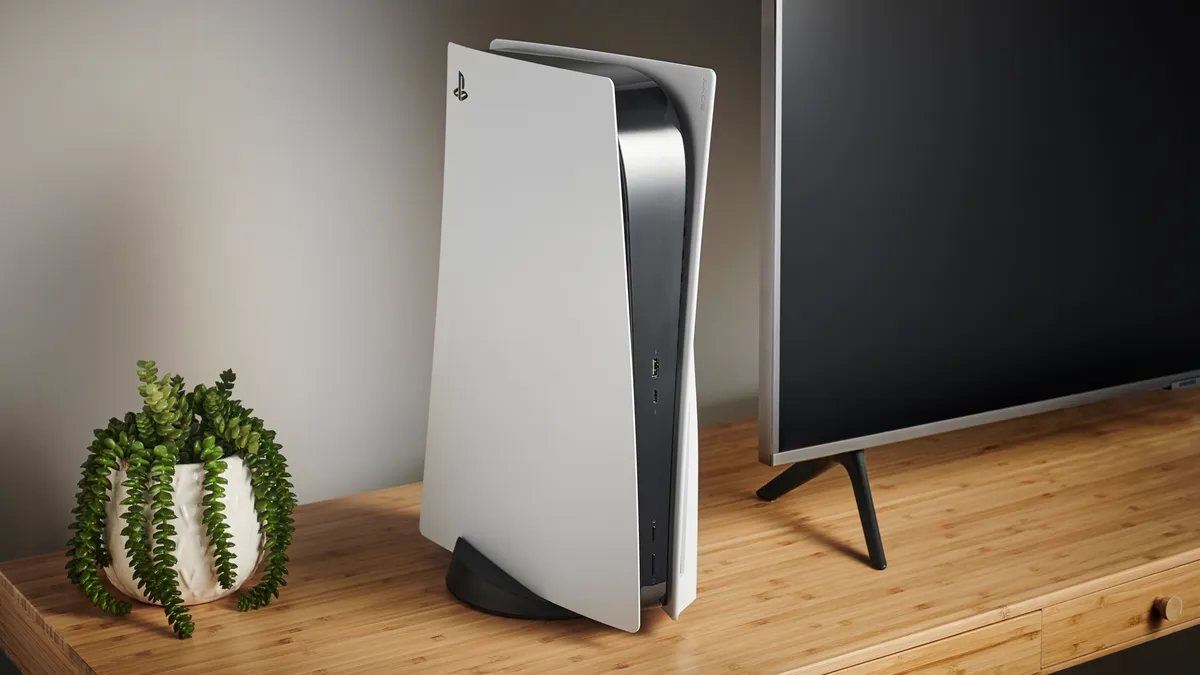
Before diving in and buying a console, it’s worth spending a little time investigating which is the right fit for your family. One important aspect of this decision is looking at the popular games your kids want to play. While many games are available on multiple platforms, some key titles like Roblox (Xbox), Fall Guys (PlayStation), and Animal Crossing: New Horizons (Switch) can only be played exclusively on one of the systems.

You may like
  • Xbox Series X and Xbox Series S How to set up your Xbox Series X to get gaming as quickly as possible
  • PS5 How to set up your PS5 and start playing fast
  • Photo by Rosalie Newcombe of the Nintendo Switch 2 sitting on a coffee table surrounded by accessories. If you just got a Nintendo Switch 2, here's everything you need to set it up

Ask your kids what their friends are playing and use online parent resources like the one from Ukie’s Family Video Game Database to identify which console is right for them. This lists which games are exclusive to which consoles, as well as outlining other factors to consider. This resource also tells you which popular children’s games are available on a previous generation hardware. Something that can save a considerable amount of money.  

Don’t forget extra controllers
Fingers tap a controller

(Image credit: Amazon)

Read any good advice on keeping video games healthy in the family and you will soon be advised to play games together. Anchoring games as part of family life with regular gaming nights on games like Overcooked 2, Mario Kart 8, and Moving Out is a lot of fun.

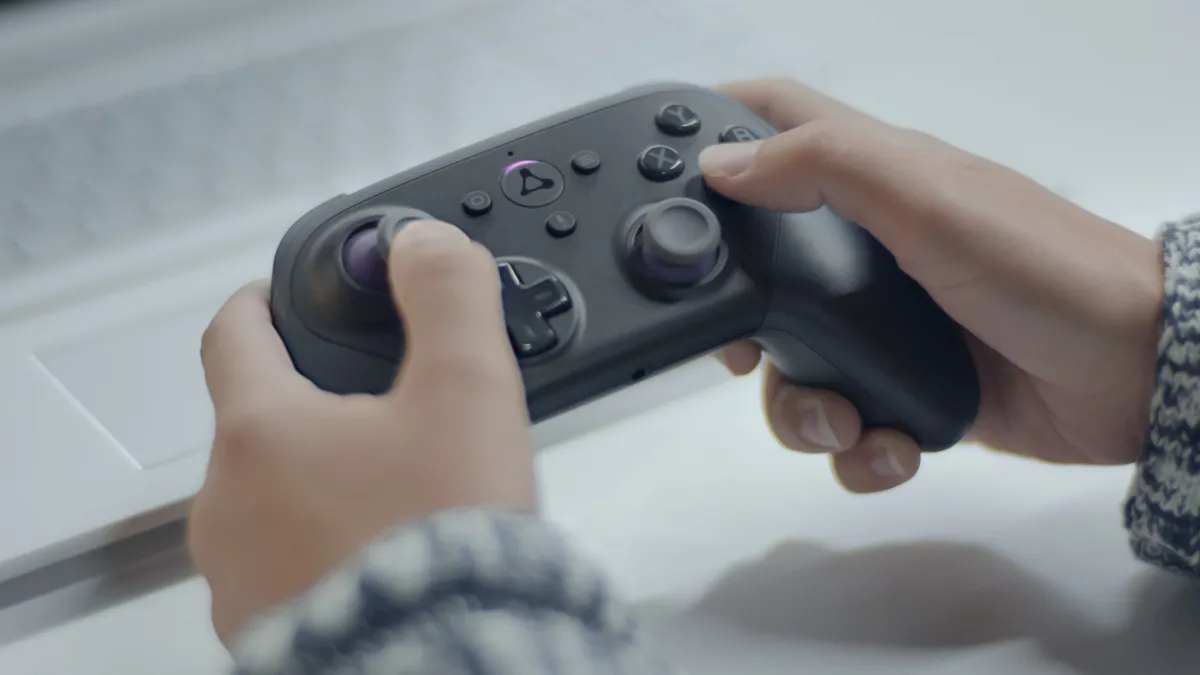
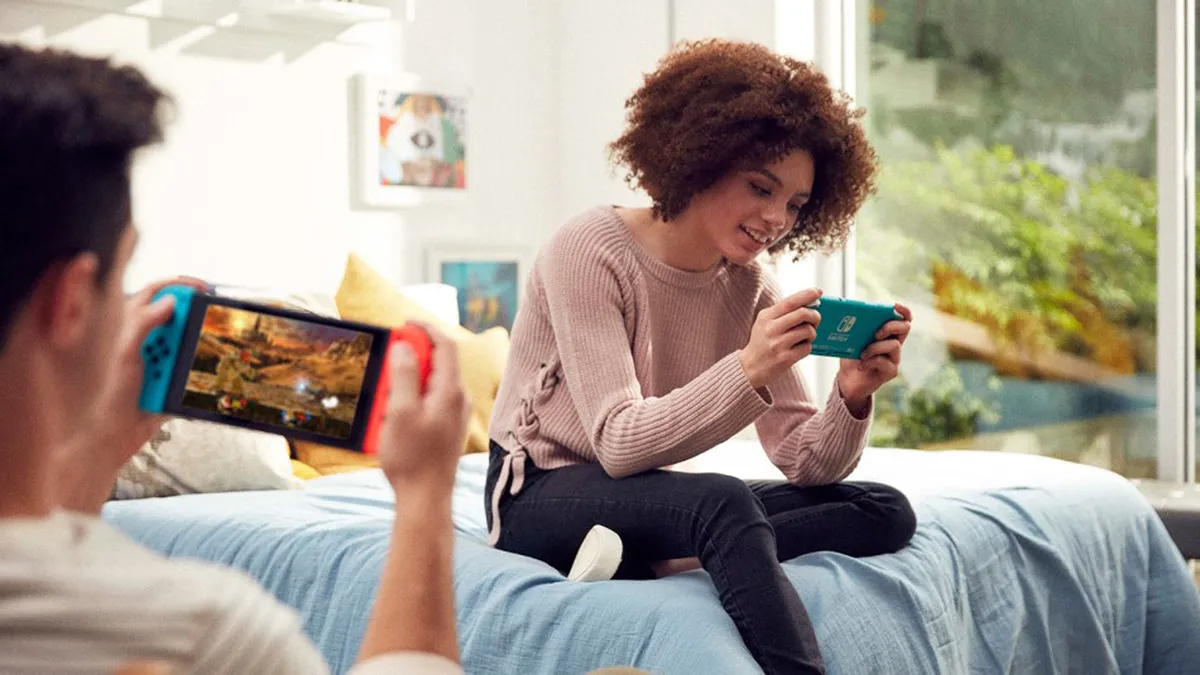
However, this means you need extra controllers. Most consoles will come with a single gamepad. Although, it’s worth noting the Switch offers two players out of the box because you can play with one Joy-Con half each. Either way, you will want to get extra controllers to be able to play with more.

It’s worth factoring this into your buying decision, as buying even just three more official controllers can almost double the price. A more affordable option is third party controllers. And, again, any of the Switch's split screen games can be enjoyed by up to four players using only two sets of Joy-Cons.

Sign up to the GamesRadar+ Newsletter

Weekly digests, tales from the communities you love, and more

By submitting your information you agree to the Terms & Conditions and Privacy Policy and are aged 16 or over.

Get it out and plug it in

Xbox Series S

(Image credit: Future)

Before you wrap up your console, get it out the box and plug it in. Take care with the packaging so you can pack it back together as though it were good as new once you're done. Once connected to the TV and powered on, you’ll be prompted to go through the set-up process. 

Although it’s tempting to leave this for when the kids are around, doing this ahead of time ensures you can set things up correctly without rushing. It usually doesn't take more than an hour or so. You can follow guides like those available on the AskAboutGames site for parents, but the basic process is the same regardless of which console you are configuring. 

Connecting to your WiFi as part of this set-up will enable the console to download any updates it needs (and it will need a few). Let these download and install fully. On Christmas day the servers get really busy with everyone doing this and can slow to a crawl. Plug-in and turn on each of the controllers while you're waiting, as these will also need updates as well.

You may like
  • Xbox Series X and Xbox Series S How to set up your Xbox Series X to get gaming as quickly as possible
  • PS5 How to set up your PS5 and start playing fast
  • Photo by Rosalie Newcombe of the Nintendo Switch 2 sitting on a coffee table surrounded by accessories. If you just got a Nintendo Switch 2, here's everything you need to set it up

Set up a user account just for you

PS5

(Image credit: Sony)

Although it’s tempting to just set-up one user on the console for everyone to use, doing this causes problems later and stops you setting age limits and playtime defaults for different players. 

Set-up an account for you to use as the parent or carer. This should use an email address that you regularly check and be password protected. You can add payment information to just this account and then specify that a password or pin number is required for purchases. There’s a detailed guide that takes you through this process for Xbox Series X|S and PlayStation 5 if you need more help. 

Once you have done this, it’s important to set-up a PIN to access the console with your account. This is usually a series of button presses on the gamepad that only you know. This not only ensures that only you can access your account, but that children can’t adjust any of the parental settings on their accounts.

Don’t forget guest users
Roblox

(Image credit: Roblox Corporation)

After setting up your user, it’s essential that you specify default limits for guest accounts. This ensures that any children will need to use their account to access the console rather than jumping in as a guest and having free reign.

You should also check that you have specified limits for the creation of new accounts. This can be to restrict who can create them as well as setting default limits for any new accounts created.

Set up a user account for each child
Black Friday gaming deals

(Image credit: Nintendo)

Once you have set up the parent account you can then do the same with accounts for each child who will be using the console. Again, although it’s tempting to set-up a single account for all children, this not only limits your ability to customise restrictions but causes problems when they are older and want to migrate to an adult account, not to mention keep their saves, progress ,and purchases.

For each child, you can use the Parental Controls and Family Settings to specify the maximum PEGI age rating they can play games on without asking you for the password. You can also set time limits that vary on weekdays and weekends. On some systems, like Xbox, you can also limit access to a specific game. So, perhaps your child can play an hour of Fortnite before having to go and play something else.

Finally, set-up the allowed interactions for your child’s account. This specifies who they can friend and talk to as well as what sorts of media can be exchanged: text, voice, images or videos.

Download and install games

PS5 Download History

(Image credit: Sony)

In addition to downloading and installing updates for the main console, it’s also worth checking you have all the new games installed and updated as well. If you have digital codes for game purchases that came with the console then enter these to start the download. If you have disc games, it’s good to put these in as well. They will often have to be installed in addition to any related updates.

If you don’t do these you won’t be able to play online when you unwrap the console on Christmas day as you need the latest version of the game to be able to access these interactive features.

Get the console app

Xbox Family App

(Image credit: Xbox)

You can get weekly reports on what games your child is enjoying via email, or the console's respective mobile application. In addition to the Parental Control apps that some consoles offer, it’s also worth downloading and logging into the main console app. 

These apps will provide notifications about friend requests, invites to play games, as well as other interactions your child may have with other players online. It’s important to talk to your child about this, and agree when and how you will check in on their activity. It can all sound a tad Big Brother, but children usually welcome the presence of a parent in their gaming world and are keen to talk about what they are getting up to and what new friends they are making.

Find games for your family

Overcooked 2

(Image credit: Ghost Town Games)

While children will be excited about the current popular games that everyone else is playing, there are literally thousands of games on every console covering a wide range of topics and with different ways of playing together.

You can search online to find games for the console your family uses. Ukie’s Family Video Game Database offers parents some useful starting points to find unusual games with Netflix-style lists on unusual topics, from non-violent games, and games for young children to games that build resilience.

Using resources like this to find games that you want your family (and children) to play is a great way to avoid the situation where kids are demanding to play older rated titles that you're unsure about. With this information, rather than just saying no, you can suggest alternatives.

Spend money without surprises
Fortnite

(Image credit: Epic Games)

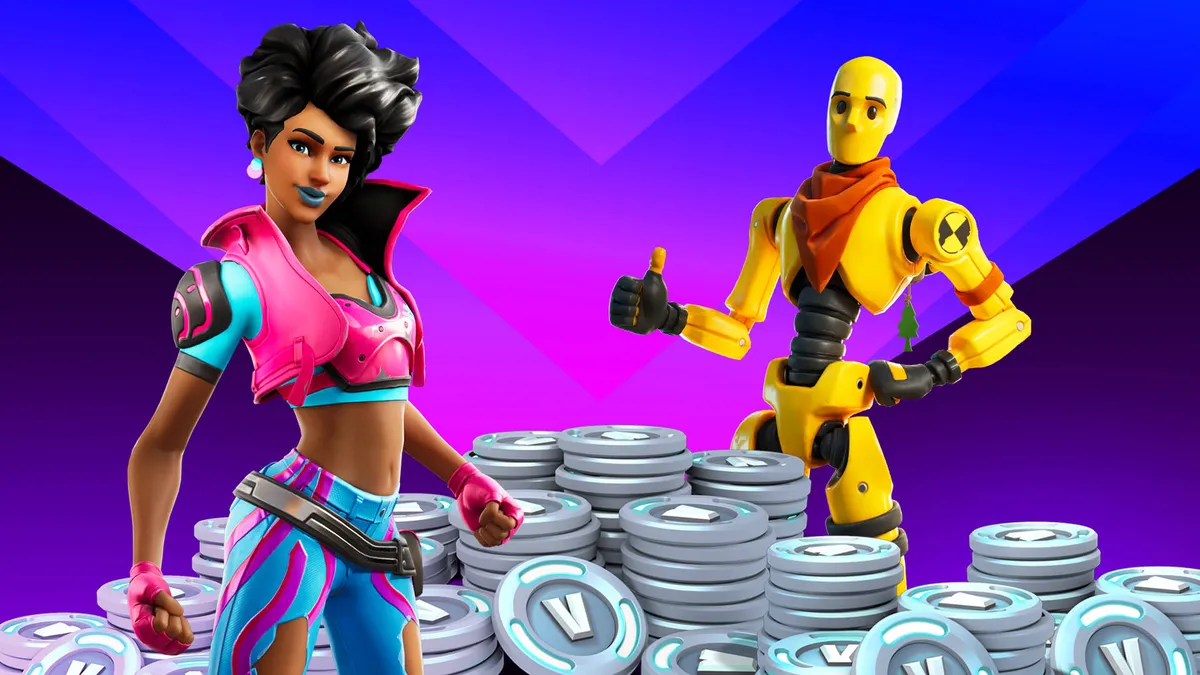
As part of the set-up process you will have to set passwords on spending money via the child accounts. This is important to avoid any unexpected or unintended transactions. It’s also a good idea to set-up pocket money limits, so children have some regular currency to buy things in the games they play. Not only does this enable them to have fun getting new outfits or levels but also offers a teachable moment about the value of virtual currency. 

An alternative to setting up regular spending limits is to use credit you purchase separately. Game token codes provide a number to enter on the console that then grants credit a bit like a book token. At Christmas this can be a good way for other family members to contribute to the new present with game credit for children to spend.  

Box it up ready for the big day

Mario Kart

(Image credit: Nintendo)

Everything done? Time to put it all back in the box and wrap it up for Christmas day! Ensure you power off via the menu before pulling the cord out, and then use the packaging to wrap it up good as new. 

You’re now all set for the big day, not only safe in the knowledge that the console is all set-up for your family, but that they can get playing as soon as they open it… hopefully not at 6 o'clock in the morning, but I wouldn't bank on it. 

For more, check out the best open world games to escape into right now, or discover our top five games of the generation in the video below. 

CATEGORIES
Nintendo Switch Xbox One Xbox Series X PS5 PS4 Platforms Nintendo Xbox PlayStation
Andy Robertson
Read more
Xbox Series X and Xbox Series S
How to set up your Xbox Series X to get gaming as quickly as possible
 
 
PS5
How to set up your PS5 and start playing fast
 
 
Photo by Rosalie Newcombe of the Nintendo Switch 2 sitting on a coffee table surrounded by accessories.
If you just got a Nintendo Switch 2, here's everything you need to set it up
 
 
Analogue Pocket with Pokémon Blue Version on screen, lying on an orange beanie next to a Tamagotchi on left and Game Boy Camera on the right, with Pokémon Yellow underneath.
I'm going offline and back to my '90s retro gaming roots this Christmas, but I'll still be embracing modern luxuries
 
 
PS5 DualSense controller and PS5 Astro Bot Limited Edition DualSense controller on a wooden table
Best PlayStation gifts, according to a fan who's been playing on Sony's console since the start
 
 
Image of the white version of the Razer BlackShark V2 Pro headset and a PS5 DualSense controller.
The top 5 things you should know before buying a PS5 gaming headset
 
 
Latest in Games
Palworld
Pocketpair lead says "apologies to all the professional Palworld haters," but "it's not really our problem"
 
 
An orc from World of Warcraft roars at the screen
Ex-Blizzard exec commands others to stop taking devs for granted as EA, Ubisoft, and more drown the industry in layoffs
 
 
A broken Pokemon Center in a player's Pokopia Cloud Island.
How to create and visit a Pokemon Pokopia Cloud Island
 
 
a ditto human sitting on some logs with pikachu and pichu
Pokemon Pokopia players hope its messy storage system can copy Animal Crossing New Horizons 3.0 in a future update
 
 
In Collector's Cove, the collector protagonist who has short brown hair and wears a jumper with cherries on it hugs the Fable Fin companion who wears a witch hat. GamesRadar+'s Indie Spotlight series logo can be seen in the top right-hand corner
If you're feeling Pokemon Pokopia FOMO, this farming adventure lets you explore on the back of a Lapras-like companion
 
 
The Ultra Rare Mew stamp from the Pokopia Stamp Rally.
Pokemon Pokopia Stamp Rally explained
 
 
Latest in Features
A still from Kiki's Delivery Service featuring Kiki and her feline familiar Jiji flying on a broom with some seagulls, with a Big Screen Spotlight logo ini the corner
Kiki's Delivery Service's return to theaters proves we need hand-drawn animation now more than ever
 
 
In Collector's Cove, the collector protagonist who has short brown hair and wears a jumper with cherries on it hugs the Fable Fin companion who wears a witch hat. GamesRadar+'s Indie Spotlight series logo can be seen in the top right-hand corner
If you're feeling Pokemon Pokopia FOMO, this farming adventure lets you explore on the back of a Lapras-like companion
 
 
Curse of Strahd bust and crest lying on a leather notebook
Running the Curse of Strahd D&D campaign? I highly recommend these additions
 
 
A human ditto taking a picture with a Ivysaur and  Venusaur in Pokemon Pokopia.
After 48 hours, I've realized Pokopia is my ideal Pokemon game and humans were the problem all along
 
 
Super Meat Boy 3D gameplay on Switch 2 showing the protagonist, a red cube of meat, running between lasers and blades
Super Meat Boy 3D frustrates me just as much as the original – in a good way
 
 
A screenshot of a man holding red fire in his palm in Elden Ring Tarnished Edition on Nintendo Switch 2
I played Elden Ring Tarnished Edition on Nintendo Switch 2 and rolled through the Lands Between as the new Knight class
 
 
LATEST ARTICLES
  1. An orc from World of Warcraft roars at the screen
    1
    Ex-Blizzard exec commands others to stop taking devs for granted as EA, Ubisoft, and more drown the industry in layoffs
  2. 2
    Amazon is going zero profit mode on the best PS5 controller right now with an £80 discount
  3. 3
    The 1TB PNY microSD Express Card loaded up Pokemon Pokopia faster than the Switch 2, and now it's my go-to SD card
  4. 4
    Kiki's Delivery Service's return to theaters proves we need hand-drawn animation now more than ever
  5. 5
    After 48 hours, I've realized Pokopia is my ideal Pokemon game and humans were the problem all along

GamesRadar+ is part of Future US Inc, an international media group and leading digital publisher. Visit our corporate site.

Add as a preferred source on Google Add as a preferred source on Google
  • Terms and conditions
  • Contact Future's experts
  • Privacy policy
  • Cookies policy
  • Accessibility statement
  • Careers
  • About us
  • Advertise with us
  • Review guidelines
  • Write for us
  • Accessibility Statement

© Future US, Inc. Full 7th Floor, 130 West 42nd Street, New York, NY 10036.

Please login or signup to comment

Please wait...