
How to set up Star Wars: Squadrons crossplay and make sure all wings report in
Weekly digests, tales from the communities you love, and more
You are now subscribed
Your newsletter sign-up was successful
Want to add more newsletters?
Every Friday
GamesRadar+
Your weekly update on everything you could ever want to know about the games you already love, games we know you're going to love in the near future, and tales from the communities that surround them.
Every Thursday
GTA 6 O'clock
Our special GTA 6 newsletter, with breaking news, insider info, and rumor analysis from the award-winning GTA 6 O'clock experts.
Every Friday
Knowledge
From the creators of Edge: A weekly videogame industry newsletter with analysis from expert writers, guidance from professionals, and insight into what's on the horizon.
Every Thursday
The Setup
Hardware nerds unite, sign up to our free tech newsletter for a weekly digest of the hottest new tech, the latest gadgets on the test bench, and much more.
Every Wednesday
Switch 2 Spotlight
Sign up to our new Switch 2 newsletter, where we bring you the latest talking points on Nintendo's new console each week, bring you up to date on the news, and recommend what games to play.
Every Saturday
The Watchlist
Subscribe for a weekly digest of the movie and TV news that matters, direct to your inbox. From first-look trailers, interviews, reviews and explainers, we've got you covered.
Once a month
SFX
Get sneak previews, exclusive competitions and details of special events each month!
If you want to set up Star Wars: Squadrons crossplay, then there's nothing to stress about as it's incredible easy to set up, so you'll be blasting with your friends on other consoles and PC in no time. By the same token, if you'd rather not get matched up with players on other platforms, then it's equally as straightforward to turn off. Whichever way you want to do battle with the Empire/Rebellion in Star Wars, we've got the lowdown on Star Wars: Squadrons crossplay so you can tailor the experience to exactly what you want.
How to enable Star Wars: Squadrons crossplay

Star Wars: Squadrons crossplay is enabled by default, which means you're automatically added to games with PS4, Xbox One, and PC players, as well as players using VR and flight sticks. So if that's what you're after, you don't need to worry and can hop in straight away.
If you're looking to play with friends on other platforms, you'll need to add them to your EA account. You can do this through the game, by getting their EA Account name and adding them to your friends list on the social tab. To find out your EA Account name, simply go into options, go into account, and check the bottom of the menu.
How to disable Star Wars: Squadrons crossplay
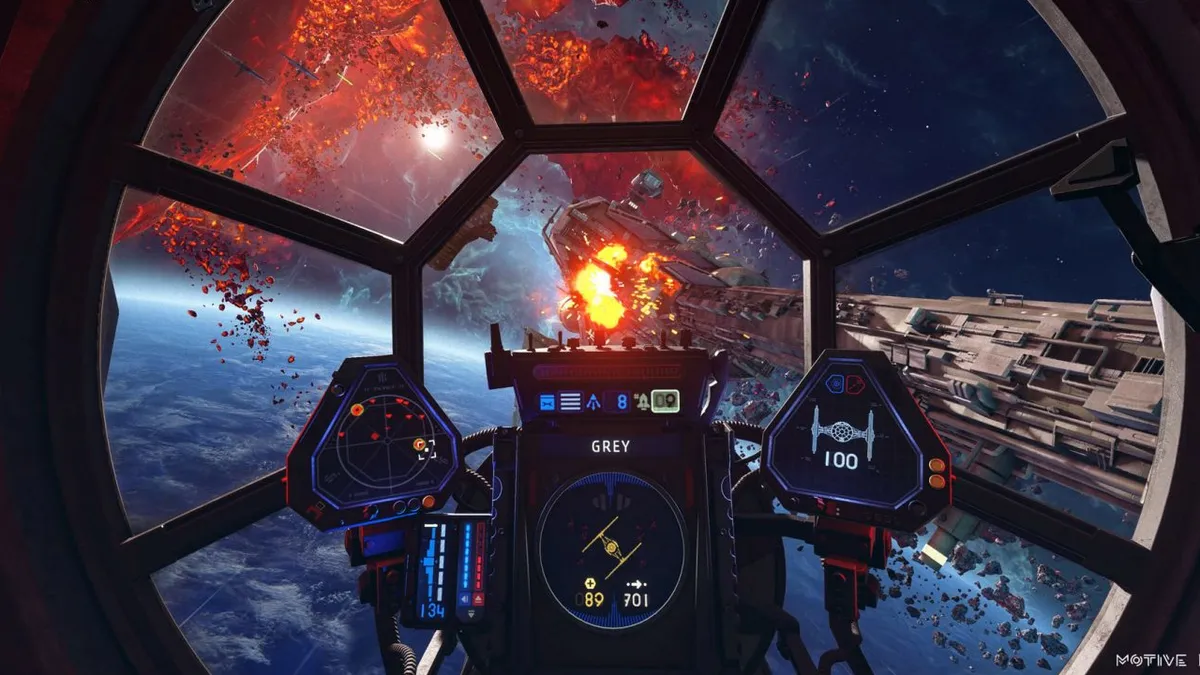
Disabling Star Wars: Squadrons crossplay is similarly simple. All you need to do is head into options, find the account tab, and then turn off crossplay so the indicator shows a red switch. Once you've done that, you'll only be able to play with users on the same platform as you, so if you're worried about coming up against PC players or vice versa, then that's how you can switch off cross-play.
Once you've sorted that out, you'll be free to blast away without having to worry again about cross-play.
New to flying in an X-Wing? Don't forget to check out our Star Wars: Squadrons tips to help you turn into an aerial ace, and pick the Star Wars: Squadrons best ship.
Weekly digests, tales from the communities you love, and more

Ben Tyrer is a freelance games journalist with over ten years experience of writing about games. After graduating from Bournemouth University with a degree in multimedia journalism he's worked for Official PlayStation Magazine as a staff writer and games editor, as well as GamesRadar+ (hey, that's this website!) as a news editor. He's also contributed to Official Xbox Magazine, Edge, PC Gamer, GamesMaster, PC Games N, and more. His game of the year - no matter the year - is Rocket League.


