

PS4's 4.0 update is out now - bringing HDR, folders and quick menus
Weekly digests, tales from the communities you love, and more
You are now subscribed
Your newsletter sign-up was successful
Want to add more newsletters?
Every Friday
GamesRadar+
Your weekly update on everything you could ever want to know about the games you already love, games we know you're going to love in the near future, and tales from the communities that surround them.
Every Thursday
GTA 6 O'clock
Our special GTA 6 newsletter, with breaking news, insider info, and rumor analysis from the award-winning GTA 6 O'clock experts.
Every Friday
Knowledge
From the creators of Edge: A weekly videogame industry newsletter with analysis from expert writers, guidance from professionals, and insight into what's on the horizon.
Every Thursday
The Setup
Hardware nerds unite, sign up to our free tech newsletter for a weekly digest of the hottest new tech, the latest gadgets on the test bench, and much more.
Every Wednesday
Switch 2 Spotlight
Sign up to our new Switch 2 newsletter, where we bring you the latest talking points on Nintendo's new console each week, bring you up to date on the news, and recommend what games to play.
Every Saturday
The Watchlist
Subscribe for a weekly digest of the movie and TV news that matters, direct to your inbox. From first-look trailers, interviews, reviews and explainers, we've got you covered.
Once a month
SFX
Get sneak previews, exclusive competitions and details of special events each month!
PS4 update 4.00 is rolling out today, and you won't need one of those fancy PS4 Pro systems to enjoy most of its new amenities (though it certainly wouldn't hurt). We've seen bits and pieces of the updated feature list before, including vastly improved sorting functions and a Quick Menu that's actually quick, and a new post to the PlayStation Blog adds improved Spotify controls and dashboard revamps to the lineup.
The biggest unannounced feature is that update 4.00 (codenamed Shingen after the Lord Takeda Shingen, if you're following the feudal Japanese naming scheme) will take advantage of the faster-launching, less-screen-obscuring Quick Menu with a dedicated Music section. From there you can pause, skip, and otherwise control your tracks and playlists. Try queuing up our very own GamesRadar+ Spotify playlist as you trawl for new exotics in Destiny.
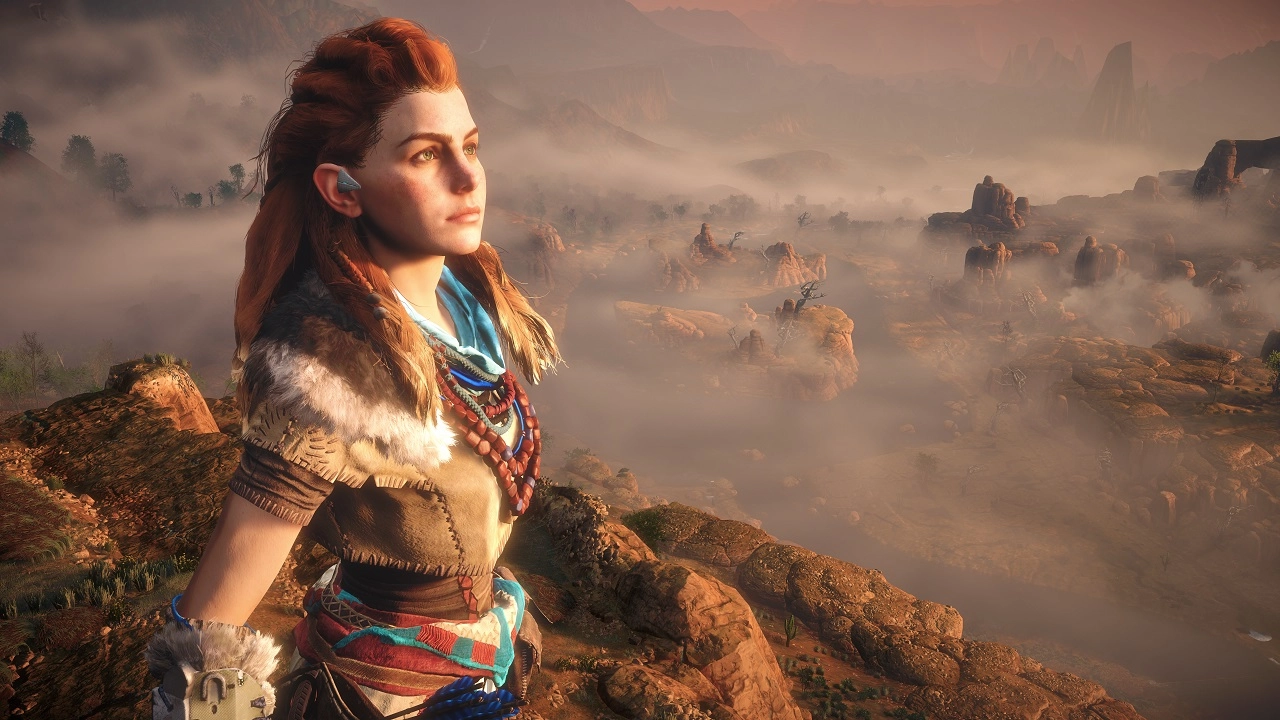
The What's New and Content Info Screens have also been polished up to display more useful options faster. And you can start taking advantage of HDR displays (and HDR-compatible games) no matter what kind of PS4 you're on as Sony announced last week. New 1080p/60fps streaming options for Remote Play and Share Play have been added as well, though you will need a PS4 Pro to take advantage of those.
If you're still not sure about HDR then check out these two GIFs from Watch Dogs 2. The top is on a pro, the bottom on a normal PS4 without the HDR update. You should be able to see a difference in the black, shadows and contrast.
If you're planning to get a PS4 Pro (or just to slim down with a new PS4), then you're the target demographic for this last new feature: data transfer over a wired LAN connection. This means you can move your user info, games, and saved data from your old system to your new one without the slow cloud solution or hard and/or thumb drive swapping ritual required before.
Seen something newsworthy? Tell us!
Weekly digests, tales from the communities you love, and more

I got a BA in journalism from Central Michigan University - though the best education I received there was from CM Life, its student-run newspaper. Long before that, I started pursuing my degree in video games by bugging my older brother to let me play Zelda on the Super Nintendo. I've previously been a news intern for GameSpot, a news writer for CVG, and was formerly a staff writer at GamesRadar.


