


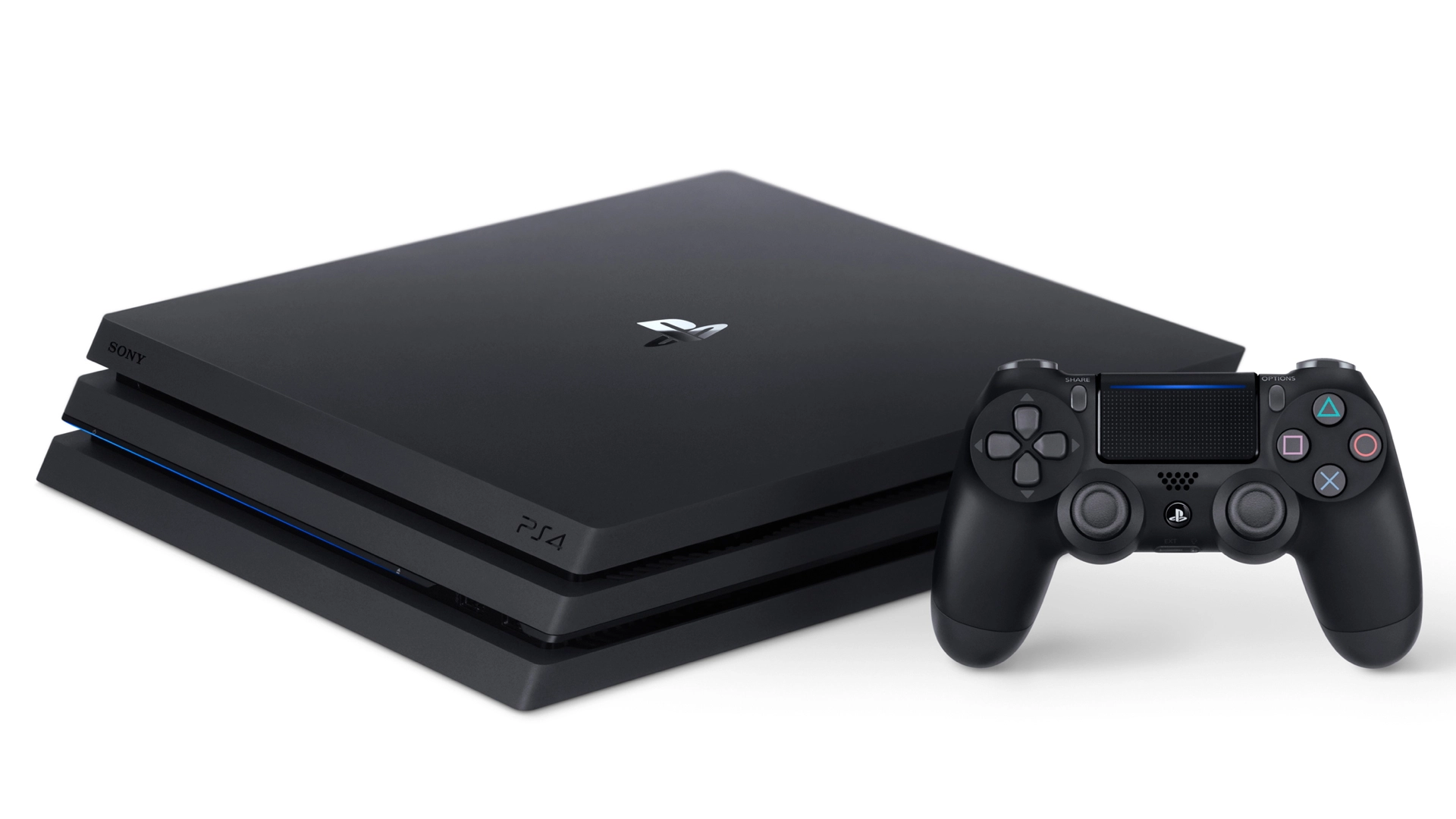
We all want to see the crisp, hyper-detailed glory of 4K from the comfort of our own home, but there’s a few twiddly things you need to do beforehand. As the PS4 Pro doesn’t support 4K Blu-ray discs you’ll be restricted to streaming 4K mainly via Netflix, Amazon Prime video or YouTube.
First you need a 4K/UltraHD TV. If you haven’t got one of them, you might as well stop reading now...
Still with us? Good. To enjoy 4K in all its glory you'll have to shell out for the premium subscription plans to Netflix and Amazon Prime Video. Netflix premium will set you back $11.99/£8.99 a month, and you need at least 25MB per second internet speed. For Amazon Prime Video, you’ll be paying £5.99 a month if you’re in the UK, but as this option isn’t available in the US you’ll have to buy Amazon’s yearly subscription, which costs $99/£79. Amazon only needs 15MB per second to stream 4K.
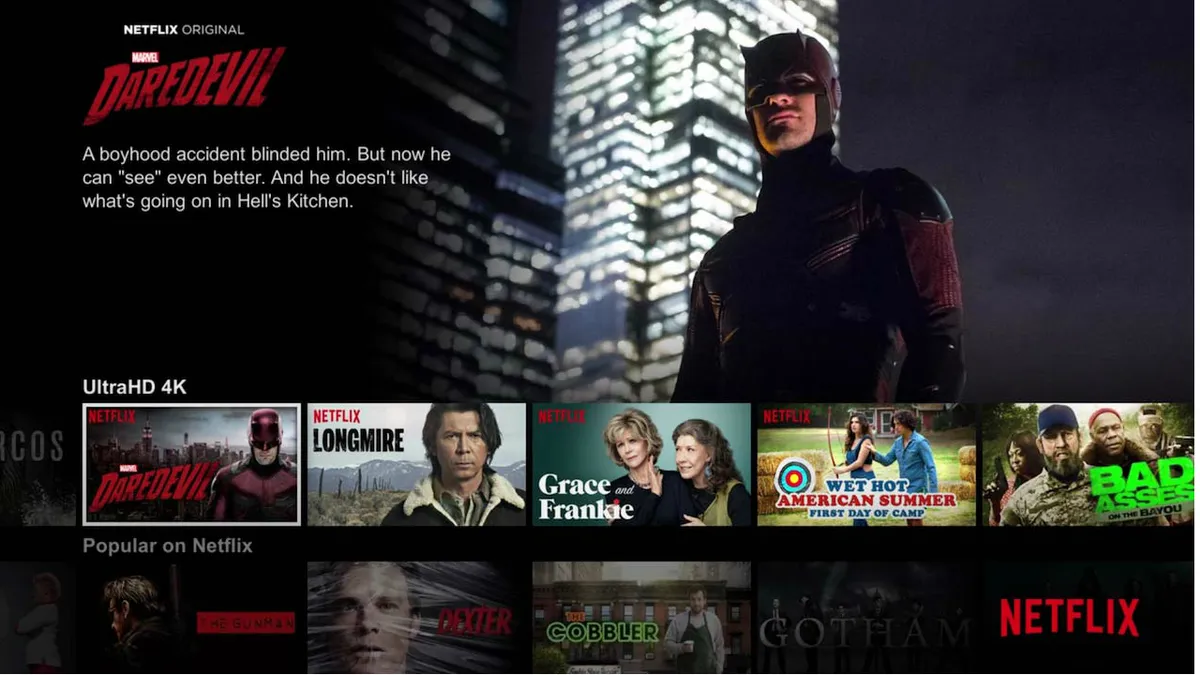
Then it’s a simple case of going on the Netflix or Amazon Prime Video apps on the PS4 Pro and selecting the 4K Ultra HD category to find their 4K videos.
Don't forget to enable HDCP in settings, or Netflix and Amazon Prime Video won’t run. HDCP is High-bandwidth Digital Content Protection and prevents you from copying digital audio and video content - it simply means you won't be able to screengrab Netflix or Amazon Prime Video.
You'll obviously also want to make sure you get the full 4K experience, so make sure your in the Video Output Settings your resolution is set to 'Automatic'.
YouTube has a special label for 4K videos which appears underneath the description for each video, and it will be kicked up into 4K once you click on the gear in the bottom right hand corner and select the ‘2160p - 4K’ option.
There's step-by-step process for each video provider below, so have a glance at these screenshots if you get stuck.
Getting 4K on PS4 Pro
Step one: Select the settings toolbox.

Step 2: Select the 'System' option.

Step 3: Make sure the HDCP option is ticked.

Step 4: Make sure your resolution is set to Automatic in the Video Output Settings.

Getting 4K on Netflix
All you need to do is find the UltraHD 4K category and you're good to go!
Getting 4K on Amazon Prime Video
Select the Ultra HD Movies and TV category. Yup, that's all you need to do.

Getting 4K on YouTube
First make sure the video you want to watch has a small '4K' symbol below the video description like in the image below.

Then select the 4K option from the settings menu and enjoy watching 4K on YouTube!

Take a look at our article for some clarification if you're not entirely sure what 4K and HDR actually mean.

