


If you're wondering how to emote in Borderlands 3 you're not alone. What should be a simple process is somewhat hidden because Gearbox has hidden away the emote wheel behind an unusual button prompt choice. So, while you're able to express yourself from the moment you start, it's not immediately clear.
Before we get into the mechanics of how to emote, however, it's also worth stressing that you can customise your emote wheel from the Quick Change stations dotted around each of Borderlands 3's open zones, and new ones can be found as loot drops throughout your adventures, or bought from Earl for Eridium on Sanctuary 3. But on to the important stuff...
Borderlands 3 tips | Borderlands 3 Shift Codes | Borderlands 3 patch notes | Borderlands 3 legendaries | Best Borderlands 3 guns | Best Borderlands 3 character | Borderlands 3 bosses | Borderlands 3 Typhon Logs | Borderlands 3 Eridian writing | Borderlands 3 ending | Borderlands 3 One Pump Chump
How to emote in Borderlands 3 on PS4 and Xbox One

To pull up the emote wheel when playing Borderlands 3 on console, simply hold the Options button on PS4 or the Menu button on Xbox One, and it'll appear on your screen.
Simply pressing the button won't work, as that'll bring up the main menu, so wait a few seconds before releasing, and you'll be free to choose the emote you want.
From there, simply select the desired emote via the analog stick and press X (sorry, cross) on PS4 or A on the Xbox One, and the camera will move into third person perspective as your Vault Hunter performs the expression.
How to emote in Borderlands 3 on PC
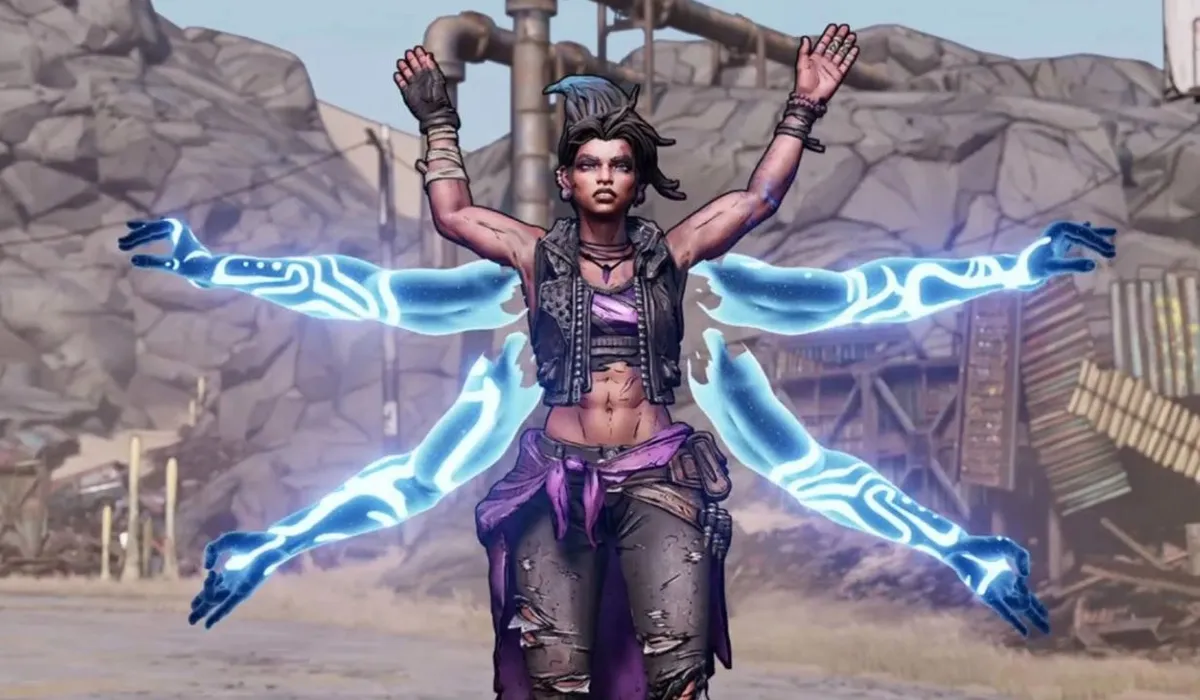
With PC, emoting is little less finnicky, but the game still doesn't clarify up front how you can do it, so - for clarification - all you need to do is press the "Z" button on your keyboard, and the emote wheel will be brought up. Again, after that it's just a case of choosing the emote you want to use, and your Vault Hunter will take it from there.
The emote wheel is also where you can choose to Duel other players in Borderlands 3, or ping something on the map, Apex Legends style, so it's a handy tool to know about. Sadly, you can only have four emotes equipped into the emote wheel at any one time, so make sure you choose wisely when it comes to picking your favourites.
For more, check out our Borderlands 3 review, or watch our Borderlands story recap video to catch up on everything that's happened so far.

