

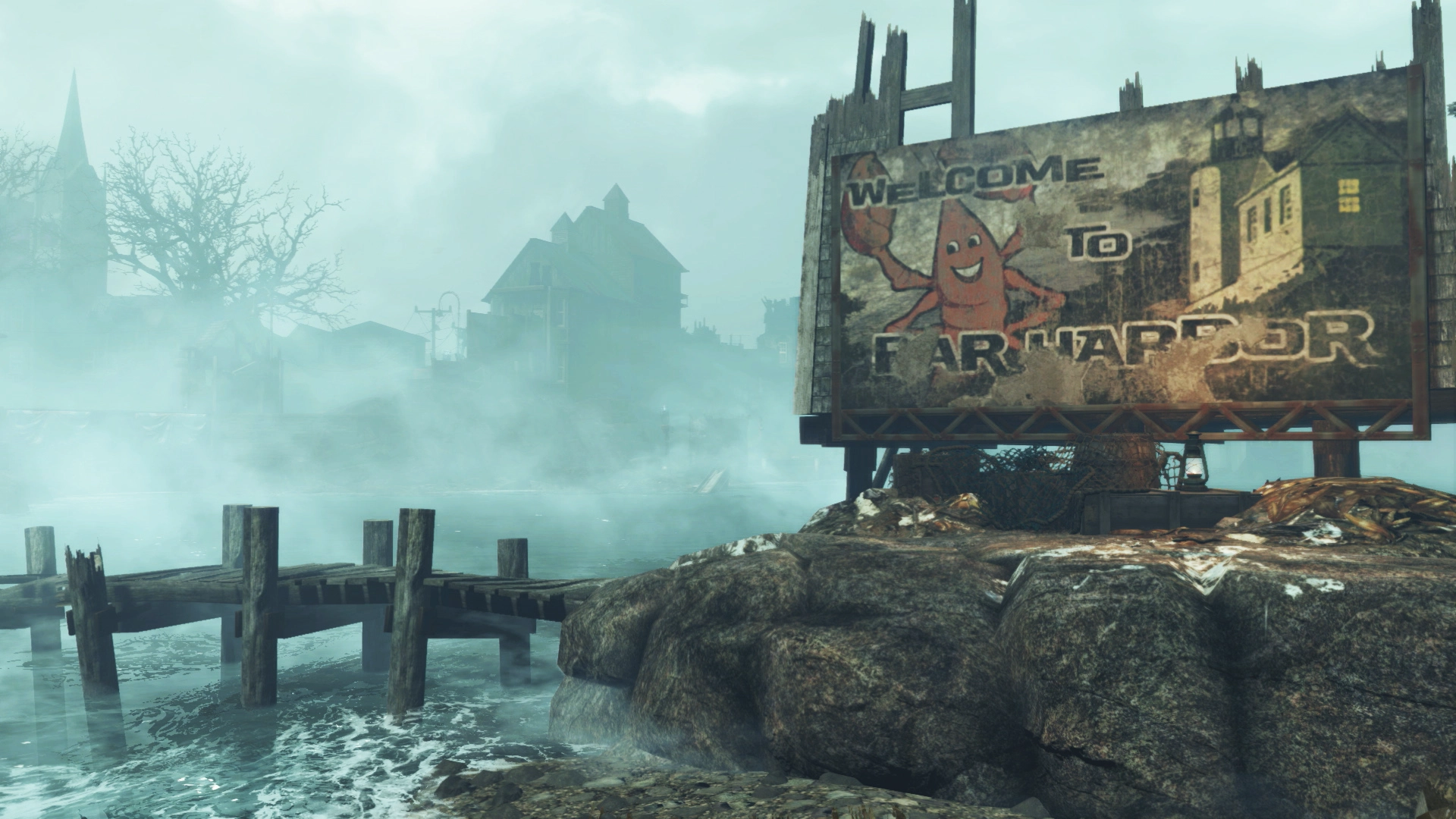
Redownloading Fallout 4's Far Harbor will fix PS4 issues in the US (EU fix on the way)
Weekly digests, tales from the communities you love, and more
You are now subscribed
Your newsletter sign-up was successful
Want to add more newsletters?
Every Friday
GamesRadar+
Your weekly update on everything you could ever want to know about the games you already love, games we know you're going to love in the near future, and tales from the communities that surround them.
Every Thursday
GTA 6 O'clock
Our special GTA 6 newsletter, with breaking news, insider info, and rumor analysis from the award-winning GTA 6 O'clock experts.
Every Friday
Knowledge
From the creators of Edge: A weekly videogame industry newsletter with analysis from expert writers, guidance from professionals, and insight into what's on the horizon.
Every Thursday
The Setup
Hardware nerds unite, sign up to our free tech newsletter for a weekly digest of the hottest new tech, the latest gadgets on the test bench, and much more.
Every Wednesday
Switch 2 Spotlight
Sign up to our new Switch 2 newsletter, where we bring you the latest talking points on Nintendo's new console each week, bring you up to date on the news, and recommend what games to play.
Every Saturday
The Watchlist
Subscribe for a weekly digest of the movie and TV news that matters, direct to your inbox. From first-look trailers, interviews, reviews and explainers, we've got you covered.
Once a month
SFX
Get sneak previews, exclusive competitions and details of special events each month!
If the fog of Fallout 4's Far Harbor made your frame rate slow to flip book speed on PS4, Bethesda has released a fix but it's not in the shape of a patch. You'll actually have to download the full 6.5Gb add-on again. But only if you're in the US. An EU fix is incoming but it's only active in the United States for now.
A new version of Far Harbor is available on the North American PlayStation Store. Follow our instructions to install https://t.co/f7eiA2hqRUJune 3, 2016
We will have more information on the EU update to #FarHarbor on PS4 in the very near future. Thank you for your patience.June 3, 2016
In a post on the community site, Bethesda has announced an updated version of the DLC that "addresses performance issues." Here's how to get the new version.
1. Confirm Fallout 4 is not running. Highlight Fallout 4 in your PS4 dashboard, press OPTIONS, and select CLOSE APPLICATION to ensure Fallout 4 is not running minimized.
2. Select RELATED ITEMS. You’ll find this under the Fallout 4 icon in the PS4 dashboard.
3. Select MY ADD-ONS.
4. Navigate to the DOWNLOAD ARROW next to Far Harbor and select it.
5. You should see a notice that Far Harbor has been Added to Downloads.
Weekly digests, tales from the communities you love, and more
6. Wait for the downloadable content to finish downloading and installing before starting Fallout 4.
We've just done a quick run through of the instructions in the office and you don't appear to have to delete your current version. The download just started as per the instructions. Bethesda does say however that if this still doesn't work then you can delete Fallout 4 and all add on content and reinstall from scratch. Hopefully it doesn't come to that.
Seen something newsworthy? Tell us!

Louise Blain is a journalist and broadcaster specialising in gaming, technology, and entertainment. She is the presenter of BBC Radio 3’s monthly Sound of Gaming show and has a weekly consumer tech slot on BBC Radio Scotland. She can also be found on BBC Radio 4, BBC Five Live, Netflix UK's YouTube Channel, and on The Evolution of Horror podcast. As well as her work on GamesRadar, Louise writes for NME, T3, and TechRadar. When she’s not working, you can probably find her watching horror movies or playing an Assassin’s Creed game and getting distracted by Photo Mode.


