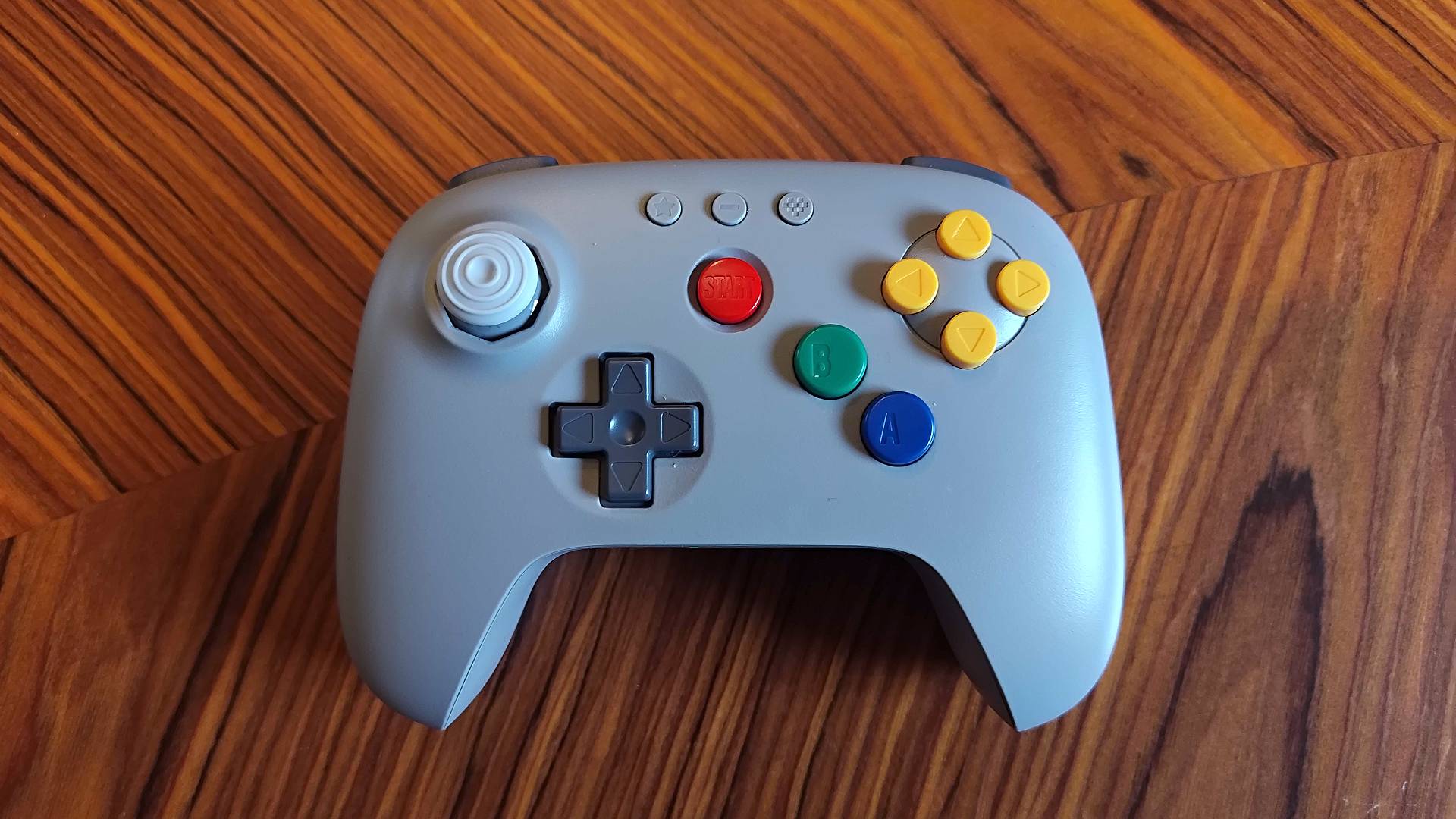
The purist in me hates to admit it, but I prefer the 8Bitdo N64 controller to Nintendo's OG trident gamepad. In truth, the only thing that ends up drawing me back to the wired original is its vibrant buttons and contrasting classic gray shell. However, now that there's a version with the same colorful getup, I reckon everyone should pair Ninty's best retro console contender with the new-age Bluetooth accessory.
I'm not saying you should ditch your Nintendo 64's original retro controller entirely, as preserving original setups is a personal priority. When it comes to embracing contemporary comfort while still using Ninty's '90s button layout, picking up 8BitDo's N64 controller is a no-brainer, but I do think the gamepad maker missed a massive opportunity to include a vital extra.
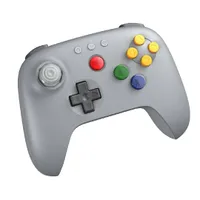
I should clarify that just like the version that arrived just before the Analogue 3D, the new gray 8Bitdo N64 controller doesn't come with a dongle for the OG console. It's primarily designed to pair with the FPGA console, your Switch, or other PCs and Android devices with Bluetooth connectivity. While I was already aware before getting my hands on the new version that it wouldn't boast any new features or add-ons, I still feel like this gorgeous gamepad would be unbeatable if it came with a wireless adapter.
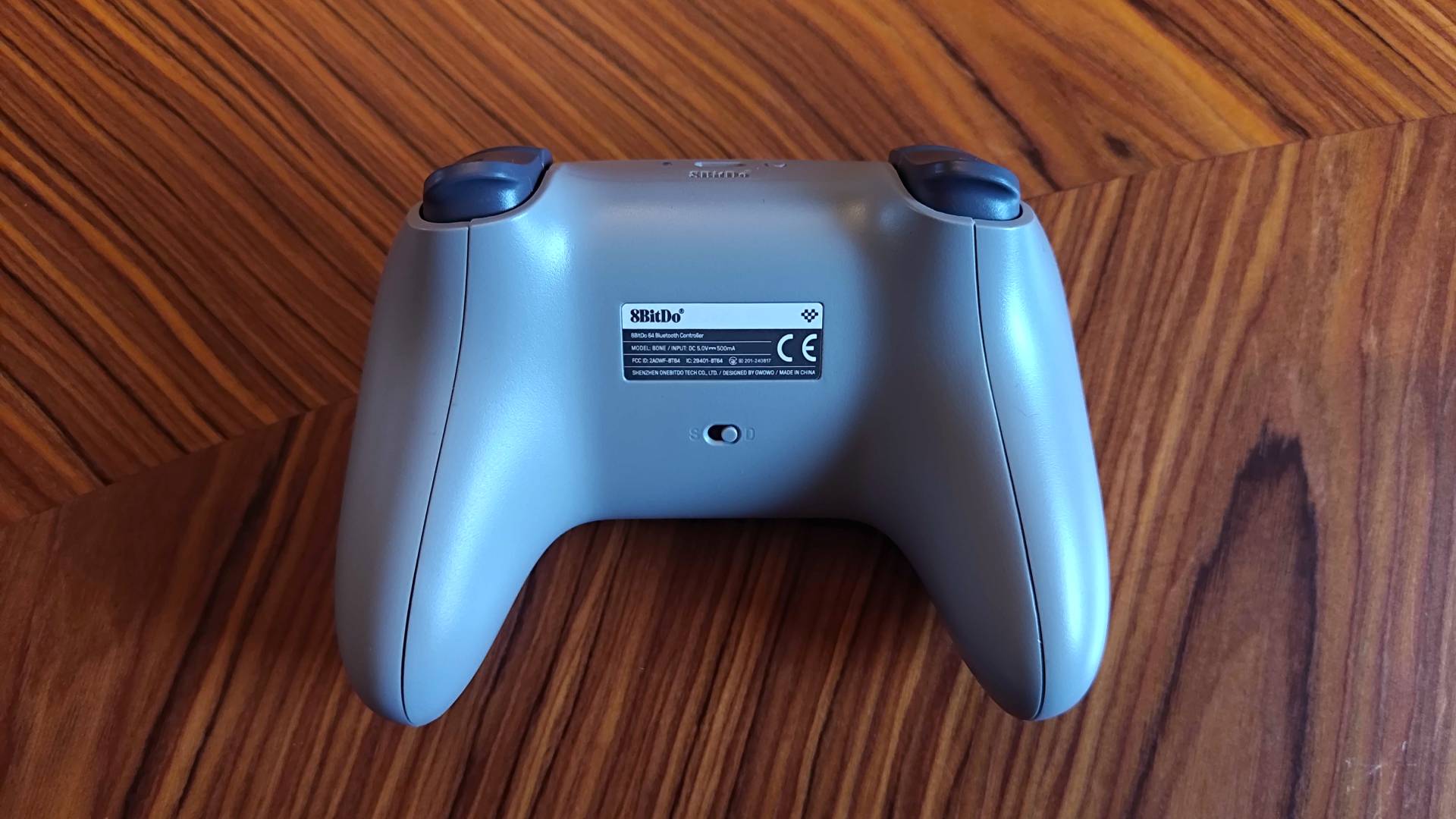
That's not to say the lack of an 8Bitdo Retro Receiver has stopped me so far, as I've been using the wireless N64 controller with my original console since last August. While I'm the kind of loser who will pick up the brand's adapter if it matches the gray gamepad, I'm currently using an alternative by Blueretro that syncs to the 8Bitdo controller without a hitch.
Hyperkin Captain | $19.99 at Amazon
Old Skool Classic | $13 at Amazon
This isn't even the first time a Blueretro wireless adapter has helped fill a gap left by 8Bitdo, as I recently got the Switch Online Nintendo Gamecube controller working with an actual Gamecube using the open-source adapter. The version I'm using with the N64 is slightly different since it supports up to four gamepads, but it still proves low latency connectivity and gives the extremely authentic gray gamepad a chance to shine.

And if I'm being real, I feel the gray 8Bitdo N64 controller has earned its place by the original console's side. It's not the first gamepad to include blue, green, red, and yellow buttons, as Hyperkin's Captain Pad pays a similar tribute for under $20. The difference here is that 8Bitdo has managed to color-match everything perfectly and infuses the palette into something that doesn't just look like an OG third-party controller, in turn creating an accessory that embraces vibrancy while avoiding tacky vibes.

The impressive part here is that 8Bitdo isn't using stock parts that are based on the original N64 controller mold. The Bluetooth version's buttons are all designed specifically for the new gamepad, and the fact that you can't just add OG buttons to the black and white version backs that up. And yet, when placed side by side with the '90s pad, it feels like they share the same DNA despite the 30-year age gap.
That's not to say there aren't subtle differences, and adding a splash of color makes them more apparent. The triangle indents on the yellow buttons are slightly softer on then original, not to mention the "C" is missing from the centre. The red start button also protrudes above the case slightly on the Bluetooth version, rather than staying flush to the shell, but you could argue that it enhances ergonomics.

For what it's worth, I think making slight design tweaks while incorporating the same color palette hits harder than trying to replicate every detail. It helps the 8Bitdo N64 controller feel like an evolution of the original gamepad rather than just another third-party alternative, one that still feels like you're using a Nintendo 64, only with less '90s hand cramps.

If you couldn't care less about authentic colors, you can still grab the black and white 8Bitdo N64 controllers for $5 less than the gray edition. I'm a sucker for those primary colors, so I'd personally spend that bit extra purely for the vibes, but I would have liked to see a Retro Receiver bundled with the gamepad for the price.
The TLDR here is that the 8Bitdo N64 controller is still a five-star gamepad for the OG console, Analogue 3D, and the Switch, but adding a splash of color solidifies its claim to the retro controller throne.
Looking for ways to play classic games on the go? Swing by the best retro handhelds and best gaming handhelds for emulation devices, portable PCs, and more.

You must confirm your public display name before commenting
Please logout and then login again, you will then be prompted to enter your display name.