





If you want to know how to connect an extra Joy-Con to the Nintendo Switch Lite then we can help. Obviously the Switch Lite doesn't let you slide off the Joy-Cons like the standard model for instant multiplayer, but if you have a spare controller or two you can still connect it for that, co-op and more. If you want to know how, then here's what to do to connect an extra Joy-Con to the Nintendo Switch Lite.
How to connect an extra Joy-Con to the Nintendo Switch Lite
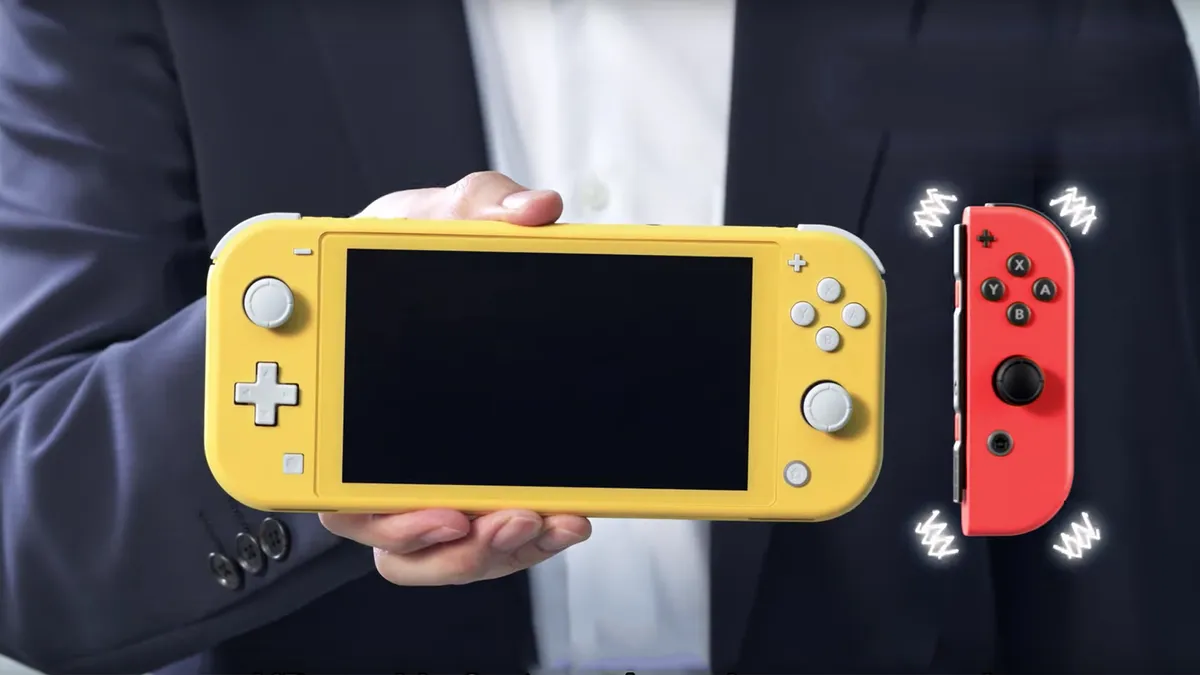
Obviously with the original old Nintendo Switch you could easily slide the Joy-Con into the main unit to sync without having to pair anything. However, the Switch Lite has permanently attached controllers meaning you'll have to pair extra controllers remotely.
To start pairing an extra controller go to the 'Home' menu and select 'Controllers and Sensors'.

From this menu choose 'Change Grip and Order' to get to this screen:

One you have that screen that screen press and hold the Sync button on the controller you want to use, which is the little round recessed button on the side:

You'll have to do this on each controller you're planning to use, so twice if you want to set up a pair:
You'll know when the extra Joy-Con is connected as the player LED will stay on. At this point you'll still need to tell the Nintendo Switch Lite which way you're intending to use the extra Joy-Con: either as a two Joy-Con dual-controller set up, or a single Joy-Con in a horizontal grip. To do that you press the shoulder buttons according to the image on the screen:

So that's both little shoulder buttons on a single pad to use one individually, or two big ones on both pads to dual wield. You can even sync and hit both shoulder buttons on the Pro Controller to add it.
And that's that. Follow these instructions and you should be able to connect an extra Joy-Con to the Nintendo Switch Lite to enjoy multiplayer with friend, or play game with rumble and motions controls.
Not picked up the console yet? You can get your hands on one via our guide to the Nintendo Switch Lite price. Alternatively, be sure to check out the best Nintendo Switch bundles available right now, or check how to charge Joy-Cons for Nintendo Switch here.
© GamesRadar+. Not to be reproduced without permission

