
Join The Community
- Join our community
Commenting
Join the discussion
Exclusive Articles
Member-only articles
Weekly Newsletters
Weekly gaming & entertainment news
Member Badges
Earn badges as you go
Exclusive Competitions
Members-only prize draws
Curated Deals Coming Soon
Tech and gaming deals worth grabbing
GET COMMUNITY ACCESS QUICK
For the quickest way to join, simply enter your email below and get access. We will send a confirmation and sign you up to our newsletter to keep you updated on all your gaming news.
By submitting your information you agree to the Terms & Conditions and Privacy Policy and are aged 16 or over.
FIND OUT ABOUT OUR MAGAZINE
Want to subscribe to the magazine? Click the button below to find out more information.
Find out more
GET Community ACCESS QUICK

Join the GamesRadar community for quick access. Enter your email below and we'll send confirmation, and sign you up to our newsletter.

By submitting your information you agree to the Terms & Conditions and Privacy Policy and are aged 16 or over.

Welcome to GamesRADAR+ Community !
Hi ,

Your membership journey starts here.

Keep exploring and earning more as a member.

MY ACCOUNT

Earn your first badge
Read 1 article to unlock your first badge.
Keep earning badges
Explore ways to get more involved as a member.
Latest Games News

Latest Games News

Breaking gaming news and updates

Read Now
Latest Games Reviews

Latest Games Reviews

Expert verdicts on the newest releases

Read Now

See what you’ve unlocked.

Explore your membership benefits.

Explore
Member Exclusives

Stay Ahead with GamesRadar+

Get the biggest gaming news, reviews, and releases straight to your inbox.

Explore
Sign Out
GamesRadar+
US EditionUS CA EditionCanada UK EditionUK AU EditionAustralia
Sign in
  • View Profile
  • Sign out
  • Games
    • Game Insights
      • Games News
      • Games Features
      • Games Reviews
      • Games Guides
      • Big in 2026
      • Big Preview
      • Future Games Show
      • Golden Joystick Awards
    • Genres
      • Action Games
      • RPGs
      • Action RPGs
      • Adventure Games
      • Third Person Shooters
      • FPS Games
    • Platforms
      • PS5
      • Xbox Series X
      • PC
      • Nintendo Switch
      • Nintendo Switch 2
      • Tabletop Gaming
    • Franchises
      • Grand Theft Auto
      • Pokemon
      • Assassin's Creed
      • Monster Hunter
      • Fortnite
      • Cyberpunk
      • Red Dead
      • The Elder Scrolls
      • The Sims
  • Entertainment
    • TV Shows
      • TV News
      • TV Reviews
      • Anime Shows
      • Sci-Fi Shows
      • Superhero Shows
      • Animated Shows
      • Marvel TV Shows
      • Star Wars TV Shows
      • DC TV Shows
    • Movies
      • Movie News
      • Movie Reviews
      • Big Screen Spotlight
      • Superhero Movies
      • Action Movies
      • Anime Movies
      • Sci-Fi Movies
      • Horror Movies
      • Marvel Movies
      • DC Movies
    • Streaming
      • Apple TV Plus
      • Disney Plus
      • Netflix
      • HBO
      • Amazon Prime Video
      • Hulu
    • Comics
      • Marvel Comics
      • DC Comics
  • Hardware
    • Insights
      • Hardware News
      • Hardware Reviews
      • Hardware Features
      • Buying Guides
    • Computing
      • Desktop PCs
      • Laptops
      • Handhelds
    • Peripherals
      • Headsets & Headphones
      • TVs & Monitors
      • Gaming Mice
      • Gaming Keyboards
      • Gaming Chairs
      • Speakers & Audio
    • Accessories & Tech
      • Gaming Controllers
      • Tech
      • SSDs & Hard Drives
      • VR
      • Accessories
      • Retro
  • Deals
    • Toys & Collectibles
    • Lego
    • Dungeons and Dragons
    • Merch
  • Video
    • Videos
    • GR+ Replay - Submit Your Clips
    • G+RLS Podcast
  • Edge
  • Newsletters
    • Quizzes
    • About Us
    • How to pitch to us
    • How we score
    • Newsarama
    • Retro Gamer
  • Home
  • Games
    • View Games
      • Games News
      • Games Features
      • Games Reviews
      • Games Guides
      • Big in 2026
      • Big Preview
      • Future Games Show
      • Golden Joystick Awards
      • Action Games
      • RPGs
      • Action RPGs
      • Adventure Games
      • Third Person Shooters
      • FPS Games
    • Platforms
      • View Platforms
      • PS5
      • Xbox Series X
      • PC
      • Nintendo Switch
      • Nintendo Switch 2
      • Tabletop Gaming
      • Grand Theft Auto
      • Pokemon
      • Assassin's Creed
      • Monster Hunter
      • Fortnite
      • Cyberpunk
      • Red Dead
      • The Elder Scrolls
      • The Sims
  • Entertainment
    • View Entertainment
    • TV Shows
      • View TV Shows
      • TV News
      • TV Reviews
      • Anime Shows
      • Sci-Fi Shows
      • Superhero Shows
      • Animated Shows
      • Marvel TV Shows
      • Star Wars TV Shows
      • DC TV Shows
    • Movies
      • View Movies
      • Movie News
      • Movie Reviews
      • Big Screen Spotlight
      • Superhero Movies
      • Action Movies
      • Anime Movies
      • Sci-Fi Movies
      • Horror Movies
      • Marvel Movies
      • DC Movies
    • Streaming
      • View Streaming
      • Apple TV Plus
      • Disney Plus
      • Netflix
      • HBO
      • Amazon Prime Video
      • Hulu
    • Comics
      • View Comics
      • Marvel Comics
      • DC Comics
  • Hardware
    • View Hardware
      • Hardware News
      • Hardware Reviews
      • Hardware Features
      • Buying Guides
      • Desktop PCs
      • Laptops
      • Handhelds
    • Peripherals
      • View Peripherals
      • Headsets & Headphones
      • TVs & Monitors
      • Gaming Mice
      • Gaming Keyboards
      • Gaming Chairs
      • Speakers & Audio
      • Gaming Controllers
      • Tech
      • SSDs & Hard Drives
      • VR
      • Accessories
      • Retro
  • Deals
    • Toys & Collectibles
    • Lego
    • Dungeons and Dragons
    • Merch
  • Video
    • View Video
    • Videos
    • GR+ Replay - Submit Your Clips
    • G+RLS Podcast
  • Edge
  • Newsletters
    • Quizzes
    • About Us
    • How to pitch to us
    • How we score
    • Newsarama
    • Retro Gamer
Trending
  • GTA 6 review
  • Early Black Friday deals
  • GTA 6 News
  • Golden Joystick winners
  • RPG News
  • G+RLS Podcast
  • Submit your clips. Win prizes
  • Deal of the Day
Sign up to the GamesRadar+ Newsletter

Weekly digests, tales from the communities you love, and more


By submitting your information you agree to the Terms & Conditions and Privacy Policy and are aged 16 or over.

You are now subscribed

Your newsletter sign-up was successful


Want to add more newsletters?

GamesRadar+

Every Friday

GamesRadar+

Your weekly update on everything you could ever want to know about the games you already love, games we know you're going to love in the near future, and tales from the communities that surround them.

GTA 6 O'clock

Every Thursday

GTA 6 O'clock

Our special GTA 6 newsletter, with breaking news, insider info, and rumor analysis from the award-winning GTA 6 O'clock experts.

Knowledge

Every Friday

Knowledge

From the creators of Edge: A weekly videogame industry newsletter with analysis from expert writers, guidance from professionals, and insight into what's on the horizon.

The Setup

Every Thursday

The Setup

Hardware nerds unite, sign up to our free tech newsletter for a weekly digest of the hottest new tech, the latest gadgets on the test bench, and much more.

Switch 2 Spotlight

Every Wednesday

Switch 2 Spotlight

Sign up to our new Switch 2 newsletter, where we bring you the latest talking points on Nintendo's new console each week, bring you up to date on the news, and recommend what games to play.

The Watchlist

Every Saturday

The Watchlist

Subscribe for a weekly digest of the movie and TV news that matters, direct to your inbox. From first-look trailers, interviews, reviews and explainers, we've got you covered.

SFX

Once a month

SFX

Get sneak previews, exclusive competitions and details of special events each month!


Join the club

Get full access to premium articles, exclusive features and a growing list of member rewards.


An account already exists for this email address, please log in.
  1. Games
  2. Action
  3. Star Wars: Squadrons

How to set up Star Wars: Squadrons crossplay and make sure all wings report in

Guides
By Ben Tyrer
Published 1 June 2021

Here's how you can use Star Wars: Squadrons crossplay with your mates on different consoles, or turn off the feature

When you purchase through links on our site, we may earn an affiliate commission. Here’s how it works.

Star Wars: Squadrons crossplay
(Image credit: EA)
  • Facebook
  • X
  • Pinterest
  • Flipboard
  • Email
  • Instagram
Share this article
Join the conversation
Follow us
Add us as a preferred source on Google
Subscribe to our newsletter

If you want to set up Star Wars: Squadrons crossplay, then there's nothing to stress about as it's incredible easy to set up, so you'll be blasting with your friends on other consoles and PC in no time. By the same token, if you'd rather not get matched up with players on other platforms, then it's equally as straightforward to turn off. Whichever way you want to do battle with the Empire/Rebellion in Star Wars, we've got the lowdown on Star Wars: Squadrons crossplay so you can tailor the experience to exactly what you want.

How to enable Star Wars: Squadrons crossplay 
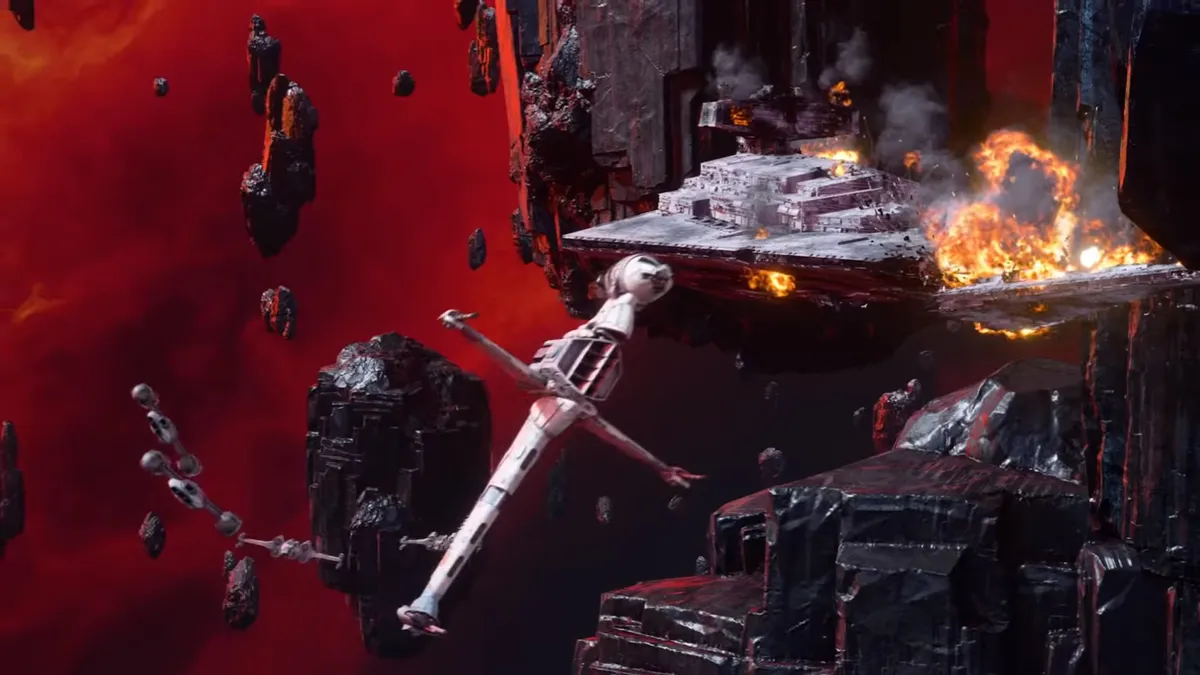
Star Wars: Squadrons B-wing

(Image credit: EA)

Star Wars: Squadrons crossplay is enabled by default, which means you're automatically added to games with PS4, Xbox One, and PC players, as well as players using VR and flight sticks. So if that's what you're after, you don't need to worry and can hop in straight away. 

If you're looking to play with friends on other platforms, you'll need to add them to your EA account. You can do this through the game, by getting their EA Account name and adding them to your friends list on the social tab. To find out your EA Account name, simply go into options, go into account, and check the bottom of the menu.

Latest Videos FromGamesRadar+
Watch full video here:

How to disable Star Wars: Squadrons crossplay
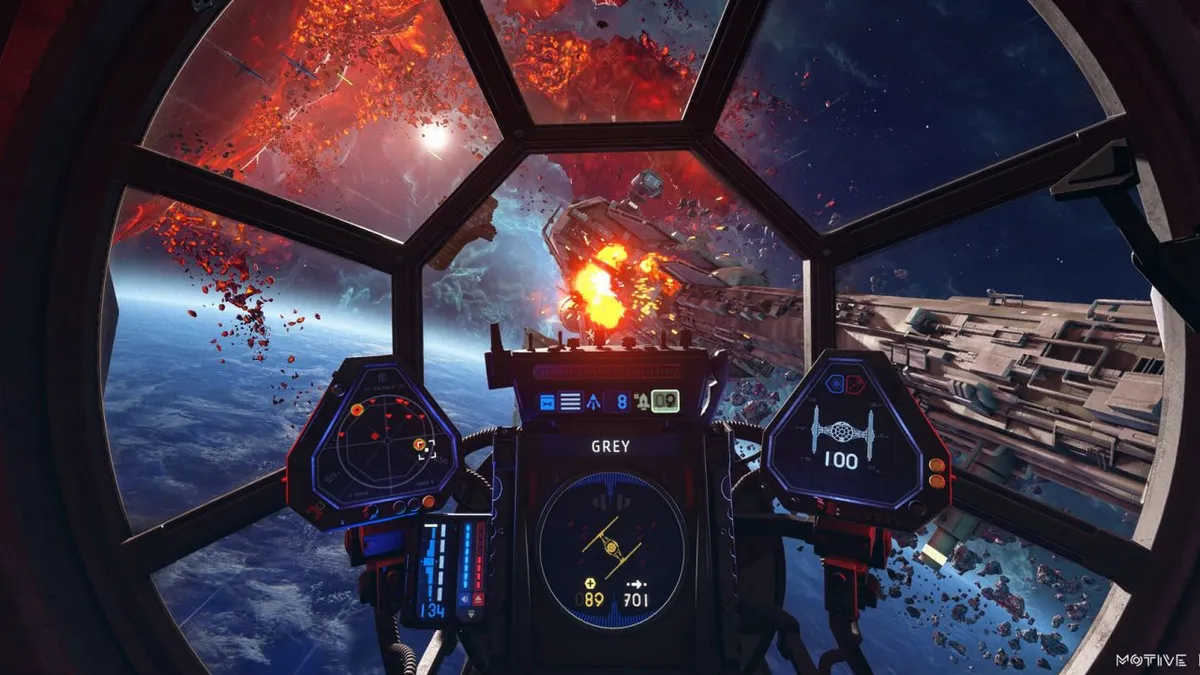
Star Wars: Squadrons

(Image credit: EA)

Disabling Star Wars: Squadrons crossplay is similarly simple. All you need to do is head into options, find the account tab, and then turn off crossplay so the indicator shows a red switch. Once you've done that, you'll only be able to play with users on the same platform as you, so if you're worried about coming up against PC players or vice versa, then that's how you can switch off cross-play.

Once you've sorted that out, you'll be free to blast away without having to worry again about cross-play.

You may like
  • Michael holds a hatchet over Laurie as she kneels on the ground in front of him in Halloween the Game. Halloween the Game crossplay and cross-progression explained
  • Star Wars Galactic Racer Biddy Blas and Katja Mox sitting at table talking while Shade stands in the background How to use Amazon Luna to play Star Wars Galactic Racer
  • Star Wars Galactic Racer Speeder Bike banking sharply on Lantaana All Star Wars Galactic Racer speeder types and the best ones to choose

New to flying in an X-Wing? Don't forget to check out our Star Wars: Squadrons tips to help you turn into an aerial ace, and pick the Star Wars: Squadrons best ship.

Sign up to the GamesRadar+ Newsletter

Weekly digests, tales from the communities you love, and more

By submitting your information you agree to the Terms & Conditions and Privacy Policy and are aged 16 or over.
CATEGORIES
PC Gaming Xbox One PS4 Platforms Xbox PlayStation
Ben Tyrer
Ben Tyrer
Social Links Navigation
Contributor

Ben Tyrer is a freelance games journalist with over ten years experience of writing about games. After graduating from Bournemouth University with a degree in multimedia journalism he's worked for Official PlayStation Magazine as a staff writer and games editor, as well as GamesRadar+ (hey, that's this website!) as a news editor. He's also contributed to Official Xbox Magazine, Edge, PC Gamer, GamesMaster, PC Games N, and more. His game of the year - no matter the year - is Rocket League.

Read more
Michael holds a hatchet over Laurie as she kneels on the ground in front of him in Halloween the Game.
Horror Games Halloween the Game crossplay and cross-progression explained
 
 
Star Wars Galactic Racer Biddy Blas and Katja Mox sitting at table talking while Shade stands in the background
Racing Games How to use Amazon Luna to play Star Wars Galactic Racer
 
 
Star Wars Galactic Racer Speeder Bike banking sharply on Lantaana
Racing Games All Star Wars Galactic Racer speeder types and the best ones to choose
 
 
Star Wars Galactic Racer speeders lined up on jakku starting grid
Racing Games 15 Star Wars Galactic racer tips for to help you takedown the competition
 
 
Star Wars Galactic Racer Lyren Shok giving Shade his Fan Club Favour
Racing Games Best Favors in Star Wars Galactic Racer and how to unlock them all
 
 
Star Wars Jedi: Survivor new screenshots featuring Cal Kestis and BD-1
Action Games The 10 best Star Wars games to play right now
 
 
Latest in Action
A close up of the Paul Walker Fast and Furious car in GTA 6.
Grand Theft Auto How to get Paul Walker's Fast and Furious car in GTA 6
 
 
Jason leans against a car with a pistol in hand while Lucia stands behind him with a suitcase slung over her shoulder in GTA 6
Grand Theft Auto GTA 6 sales are almost at 25 million as Rockstar earns $2.36 billion in revenue, analysts estimate
 
 
GTA 6
Grand Theft Auto Clair Obscur: Expedition 33 writer hopes GTA 6 devs are "successful in unionizing"
 
 
Lucia lounges on her pink bed, looking at her phone
Grand Theft Auto GTA 6 features a late-game cameo that's worth avoiding spoilers for
 
 
Jason looks at a parrot in a cage during the GTA 6 Exotic Animals Front illegal operation
Grand Theft Auto How to complete the Exotic Animals Front illegal operation in GTA 6
 
 
GTA 6
Grand Theft Auto GTA 6 is a movie and TV goldmine, as players discover Fast and Furious cars and Dexter's apartment
 
 
Latest in Guides
A close up of the Paul Walker Fast and Furious car in GTA 6.
Grand Theft Auto How to get Paul Walker's Fast and Furious car in GTA 6
 
 
Jason looks at a parrot in a cage during the GTA 6 Exotic Animals Front illegal operation
Grand Theft Auto How to complete the Exotic Animals Front illegal operation in GTA 6
 
 
GTA 6
Grand Theft Auto How to sell illegal goods and stolen items in GTA 6
 
 
Arnold speaks to Brian during the Hey Arnold! mission in GTA 6
Grand Theft Auto Should you spare Arnold in GTA 6?
 
 
Jason walks away from NINE1NINE, one of the GTA 6 strip clubs.
Grand Theft Auto Where to find all the Strip Clubs in GTA 6
 
 
Jason pets a cat in GTA 6
Grand Theft Auto How to pet animals in GTA 6
 
 
LATEST ARTICLES
  1. The director had also created sculptures for The Rise and Fall of Jabba the Hutt
    1
    Guillermo del Toro says the script for his unmade Jabba the Hutt "Godfather" movie was ready to go
  2. 2
    How to get Paul Walker's Fast and Furious car in GTA 6
  3. 3
    "Persona 6 is not the end" for the series, and lead hints fans won't wait as long for the next game
  4. 4
    How to complete the Exotic Animals Front illegal operation in GTA 6
  5. 5
    GTA 6 sales are almost at 25 million as Rockstar earns $2.36 billion in revenue, analysts estimate

GamesRadar+ is part of Future US Inc, an international media group and leading digital publisher. Visit our corporate site.

Add as a preferred source on Google Add as a preferred source on Google
  • About us
  • Contact Future's experts
  • Terms and conditions
  • Privacy policy
  • Cookies policy
  • Advertise with us
  • Review guidelines
  • Write for us
  • Accessibility statement
  • Careers

© Future US, Inc. Full 7th Floor, 130 West 42nd Street, New York, NY 10036.

Please login or signup to comment

Please wait...