
 Join The Community





I really figured hiding from Xbox Project Helix drama and trying to run Microsoft's OG system on one of the best retro handhelds would be less chaotic. Yet, my pals at Time Extension have highlighted that while someone has ported Xemu, the popular Windows and Linux emulator, to Android, they've also caused an uproar by slapping an $8 price tag on the app.
Before the drama kicked off, enthusiast Retro Game Corps shared a look at the unofficial Xemu port running Xbox games on a Retroid Pocket 5. Dubbed "X1 Box", the app certainly has potential, albeit with major performance caveats in most games. I want to put those performance thoughts to one side for a moment, though, as there's controversy surrounding Izzy2lost's initial decision not to make it free.
The main issue lies with the fact that you can download the original Xemu emulator for Windows, Linux, and Mac for completely free. While Izzy2lost is technically fulfilling the licensing requirements for the app by listing all the source files on Github, they have decided to charge $7.99 for the compiled Play Store version.
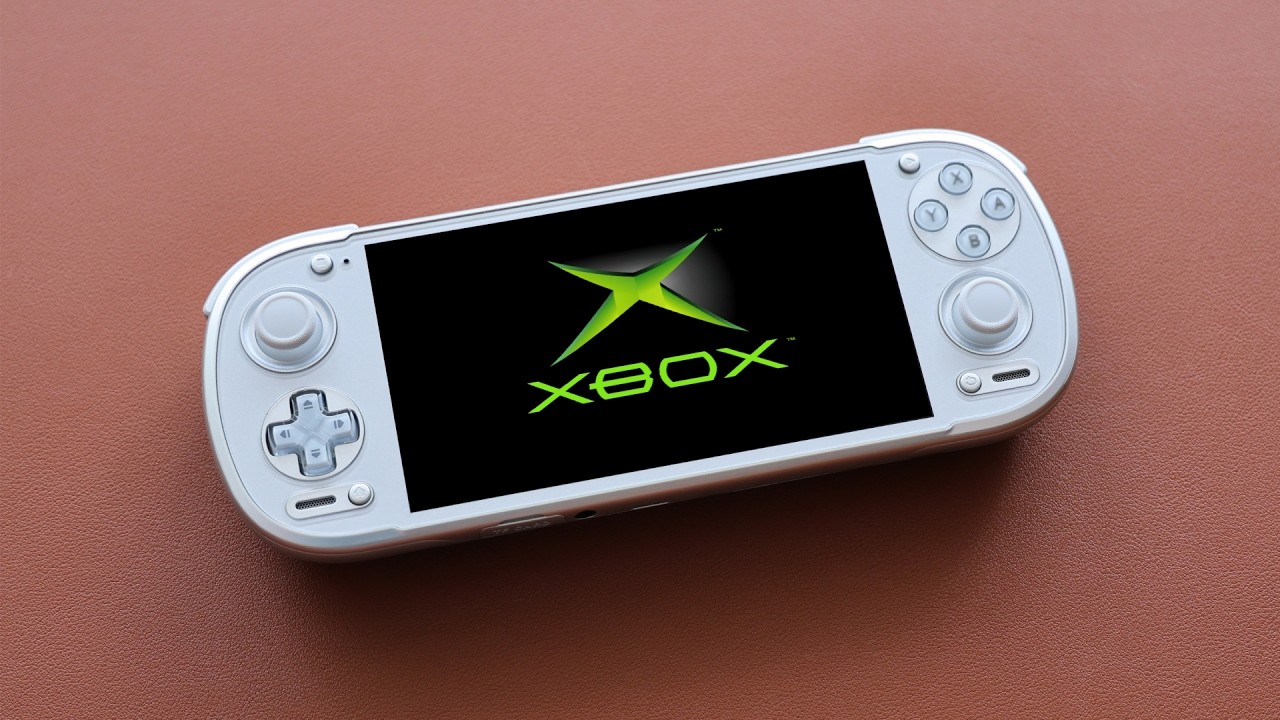
This naturally sparked some Xbox-shaped drama, prompting one of the original Xemu developers to say that it's "unfortunate that they'd rather go down this road instead of trying to collaborate to get an official Xemu Android app, but grifters will grift," before stating that an official Android app is coming that will "make their app moot."
If you can't wait until then, you'll be pleased to hear you can actually get a fork of the X1 Box app for free at GitHub, and Izzy2lost now also has an APK available. Naturally, the first place most wandering players will end up while looking to revisit the best retro consoles on Android devices is the Play Store, and if they aren't savvy enough to sideload, they'll end up forking out money for something that's otherwise gratis.
For that reason, I decided to spend my morning guzzling iced coffee and trying the free version of X1 Box the Mangmi Pocket Max (it's currently on my test bench). The whole affair kicked off with sideloading the Xemu port and using its accompanying BIOS, boot, and HDD emulation components during the setup. What I will say is that from the short time I've spent with the emulator, it's very much in the early stages, and is more of a run experiment than something you can play Oddworld: Munch's Odyssey on.


Yes, I started with Abe's 3D sequel, and things got off to a real shaky start. Initially, I couldn't even get the rescue mission to boot, and upon striking lucky, reaching Oddworld, I was greeted with broken visuals, glitchy audio, and shaky frame rates. It was technically "playable", but I'd probably rather take up a job in Rupture Farms than actually deal with choppy speeds and textures that blink out of existence.
Foolishly, I figured I'd have a better time with Soul Calibur 2, but it decided to lecture me on how it couldn't read my disc. Amusing, considering my copy is currently on my shelf, and we're dealing with emulation, but I managed to convince it to run after redoing the app setup. Aggressively sharp audio aside, the fighter's menus actually felt slick to navigate, but brawls were ultimately running at what felt like under 60% speed.


I'm not a complete glutton for punishment, so I decided to give Mr. John Halo a chance to shine on the emulator just to round out the initial taster. It pretty much ran just like the other two romps, but Halo: Combat Evolved almost tricked me into thinking it'd run slick. The menus felt nice, and the opening cutscenes dodged jitters, and while the gameplay feels like it's at full speed, it was actually spiking in a way that felt too fast, and the slowdown returned right in the heat of the action.
X1 Box also has a relitively streamline settings menu that may or may not help dial in performance. That said, I wasn't able to alter my results by switching between 30fps and 60fps fps locks, and since I already had resolution set to native, I couldn't rely on dialling things back to stabilize performance.

I'm going to try to squeeze testing X1 Box with more handhelds, as punchier CPUs like the Snapdragon 8 Elite, and using Vulkan drivers might tighten the experience up slightly. The main takeaway here is that while we might soon have solid OG Xbox emulation on Android devices, it's extremely early days for the Xemu port, and I certainly wouldn't pay $8 for the Play Store version.
If you're really itching to play now and you've got a more expensive handheld PC like the Steam Deck OLED or something Windows-based like the ROG Xbox Ally X, you should have a much better time with Xemu since the emulator has been around for a while.
Using Valve's powerhouse for classic games? Check out the best Steam Deck dock options for ways to turn your portable into a console hybrid.

