Marathon is finally here, and if you've been waiting for a good extraction shooter to upgrade to one of the best gaming monitors, you've... well... been waiting a long time. We've held through the delays, though, and now it's time to drink in the neon vibes and cheeseburgers.
The good news is there are three high refresh rate gaming monitors that we hold above all else, and considering Marathon sometimes feels like a one-hit-kill experience competitive players are holding onto every frame they can. I've been totalled in one too many Server Slams for my liking, so now I'm looking at my setup, running through Phil's best high refresh rate gaming monitors to find an alternative to my potato screen.
Best monitor for Marathon overall
What we love
- Speedy 480Hz refresh rates at 1440p
- High-contrast OLED panel
- Sturdy stand with pivot
What to consider
- One of the more expensive options
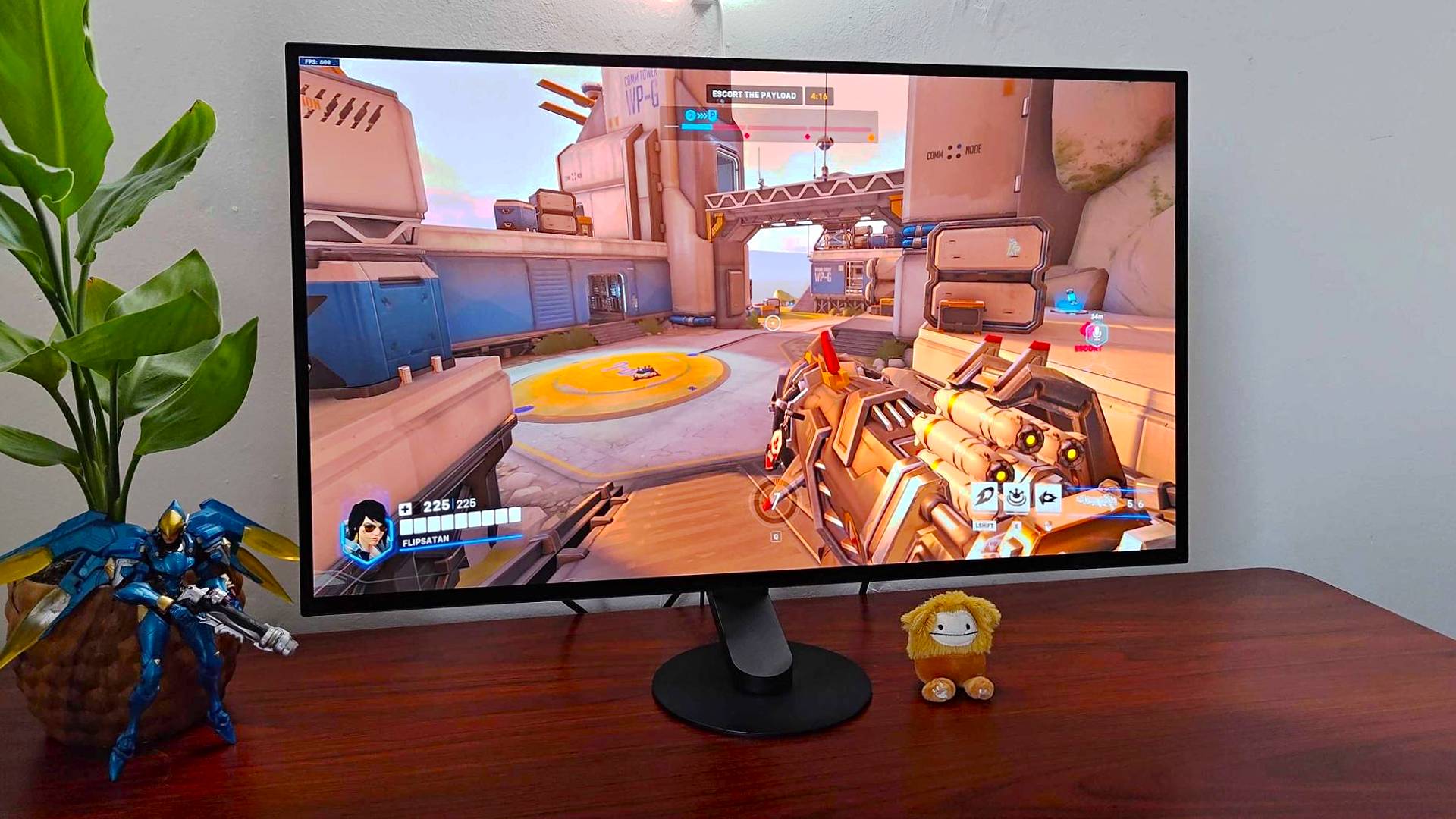
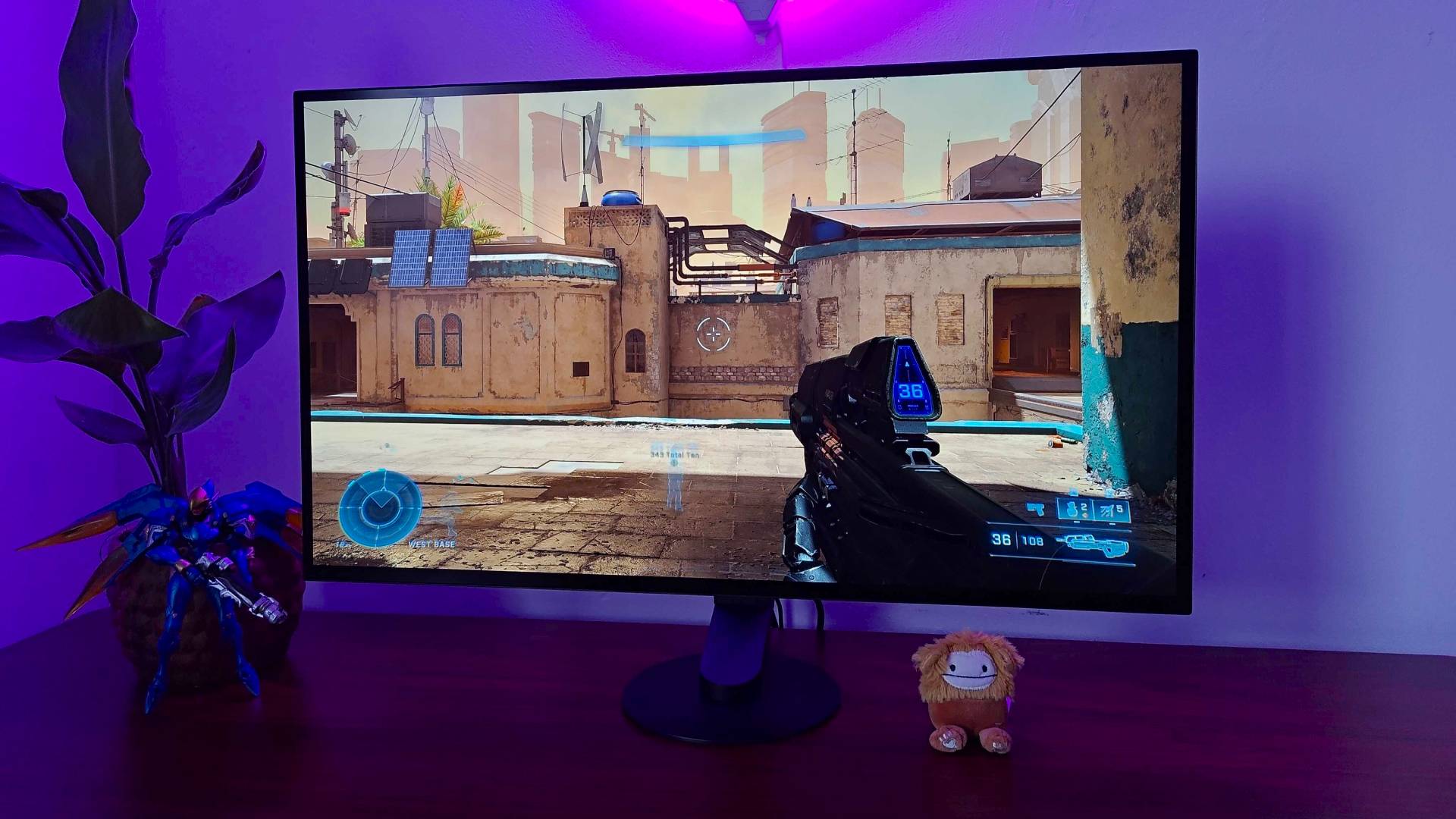
Phil's Sony Inzone M10S review makes it quite clear; this is a PC-focused gaming monitor that puts speed at the forefront of its design. That 480Hz refresh rate is going to be difficult to max out, no matter how fancy your GPU.
I'll get one thing clear, though. This is a high refresh rate gaming monitor for competitive FPS players looking for a little more zhuzh compared to 1080p. If you've been stuck scaling your resolution down to maximise those frames, it might be time for an upgrade. The Inzone M10S has the best of both worlds on display here, just make sure your graphics card can keep up.
You'll likely need to drop down to 1080p to really push that 480Hz refresh rate to its limit in Marathon, but who's really buying a gaming monitor for one game only? Single-player and more strategic endeavours can benefit from that higher resolution when the guns are down.
Best budget monitor for Marathon
What we love
- Excellent price for 240Hz
- Still solid colors
What to consider
- Lacks more premium features
- Softer resolution
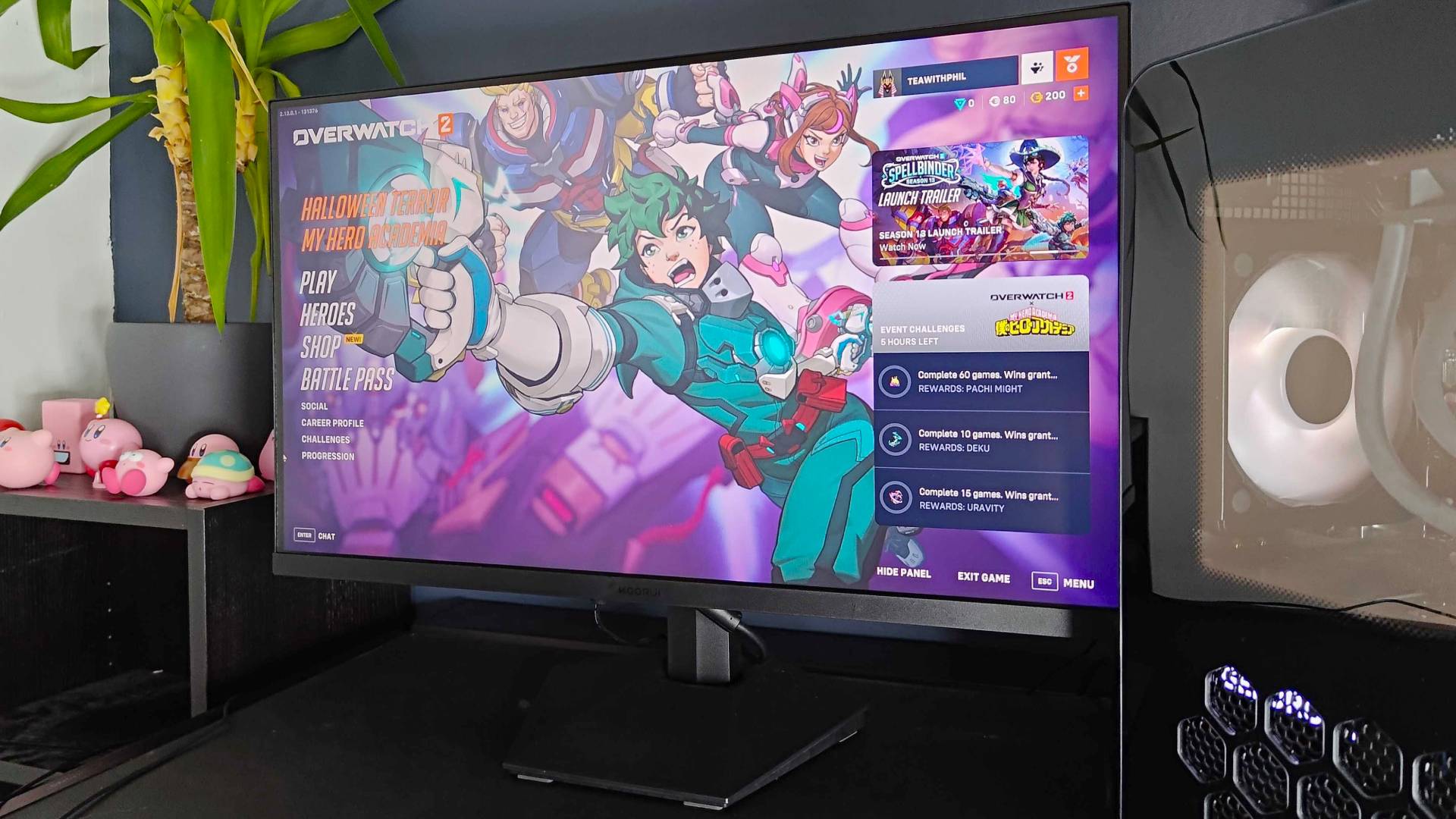
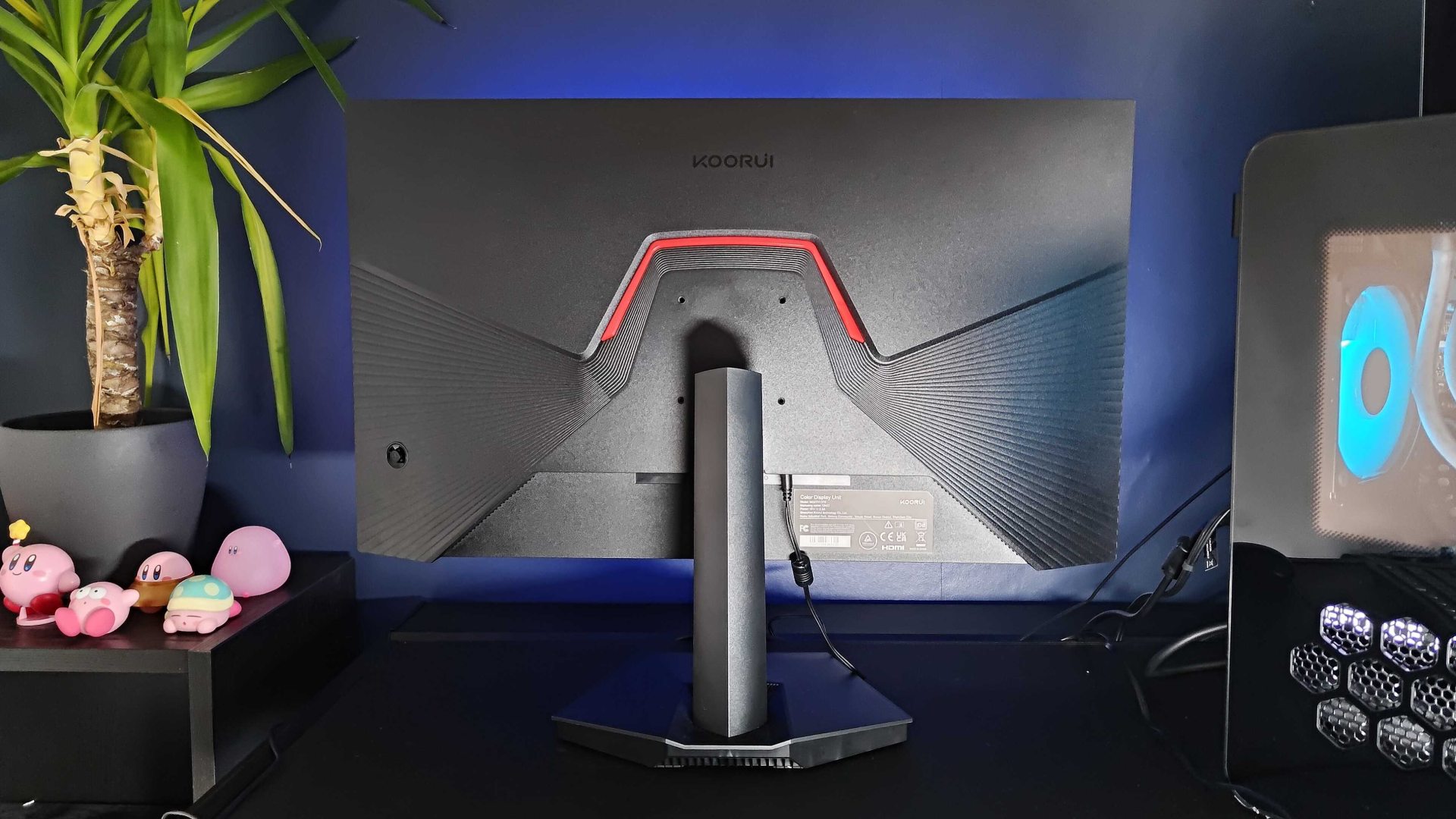
We thought this affordable panel would be a bit of a punt when Phil started their Koorui GN02 review, but the sub-$200 display came across surprisingly well. This is a lesser-known brand, largely sold via Amazon, but it still holds up against the budget competiton from Acer, Samsung, and MSI.
You won't find that 240Hz refresh rate on a gaming monitor costing less than $150 too often, and the GN02 still manages to pack some excellent colors and contrast onto its 27-inch panel. The 1080p resolution means this is an ideal monitor for those running a mid-range GPU; you'll still be able to push Marathon framerates to a decent extent without your monitor holding you back.
While that 1080p picture presented a little softer than a more premium model in our testing, and you're dropping some of the more luxurious features (like a USB hub and height adjustment) compared to more expensive models, the Koorui GN02 is still the budget gaming monitor to beat right now.
Best mid-range monitor for Marathon
What we love
- Gorgeous colors
- Impressive HDR
- Speedy 360Hz refresh rate
- Slick aesthetic
What to consider
- No USB hub
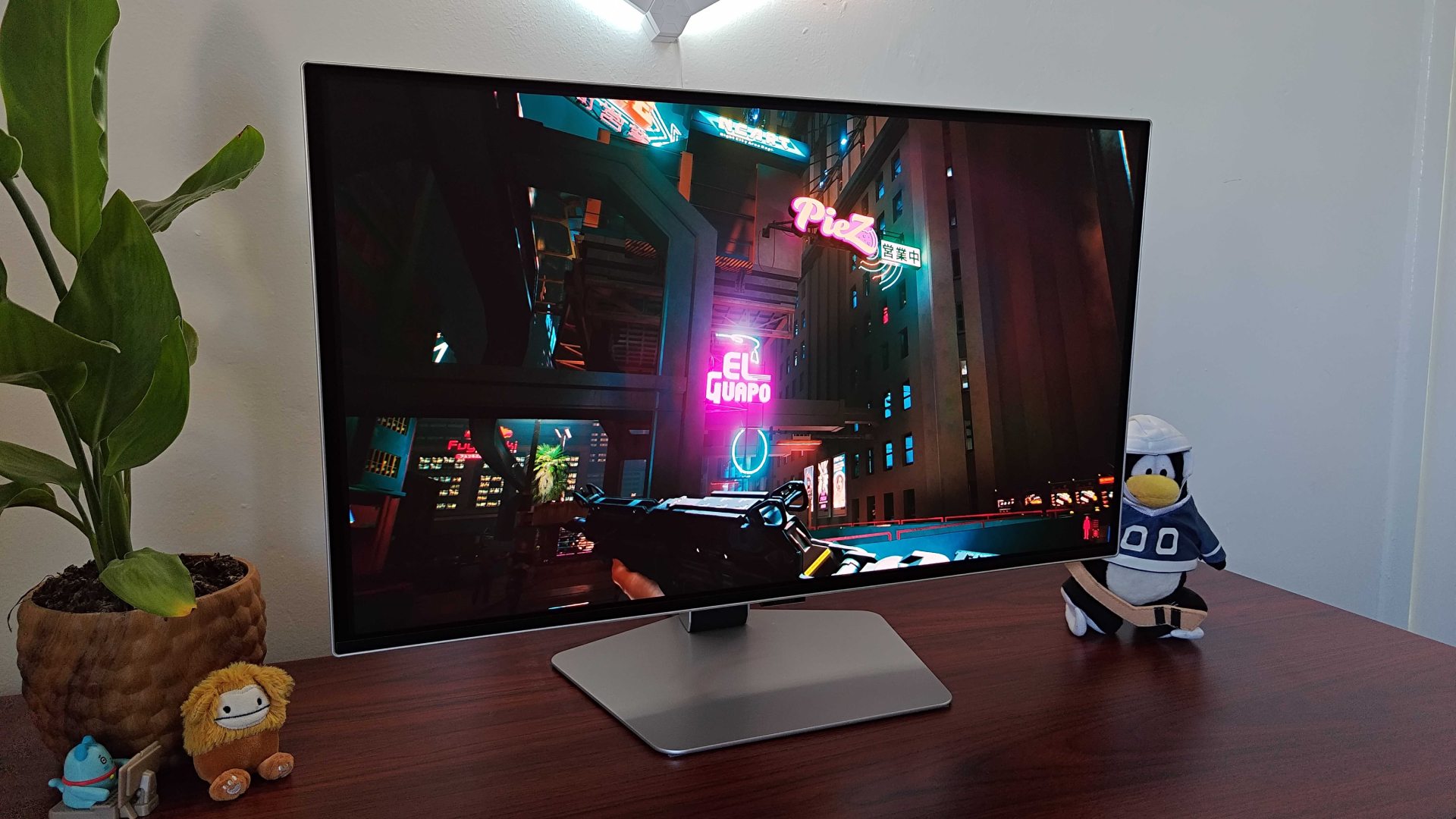
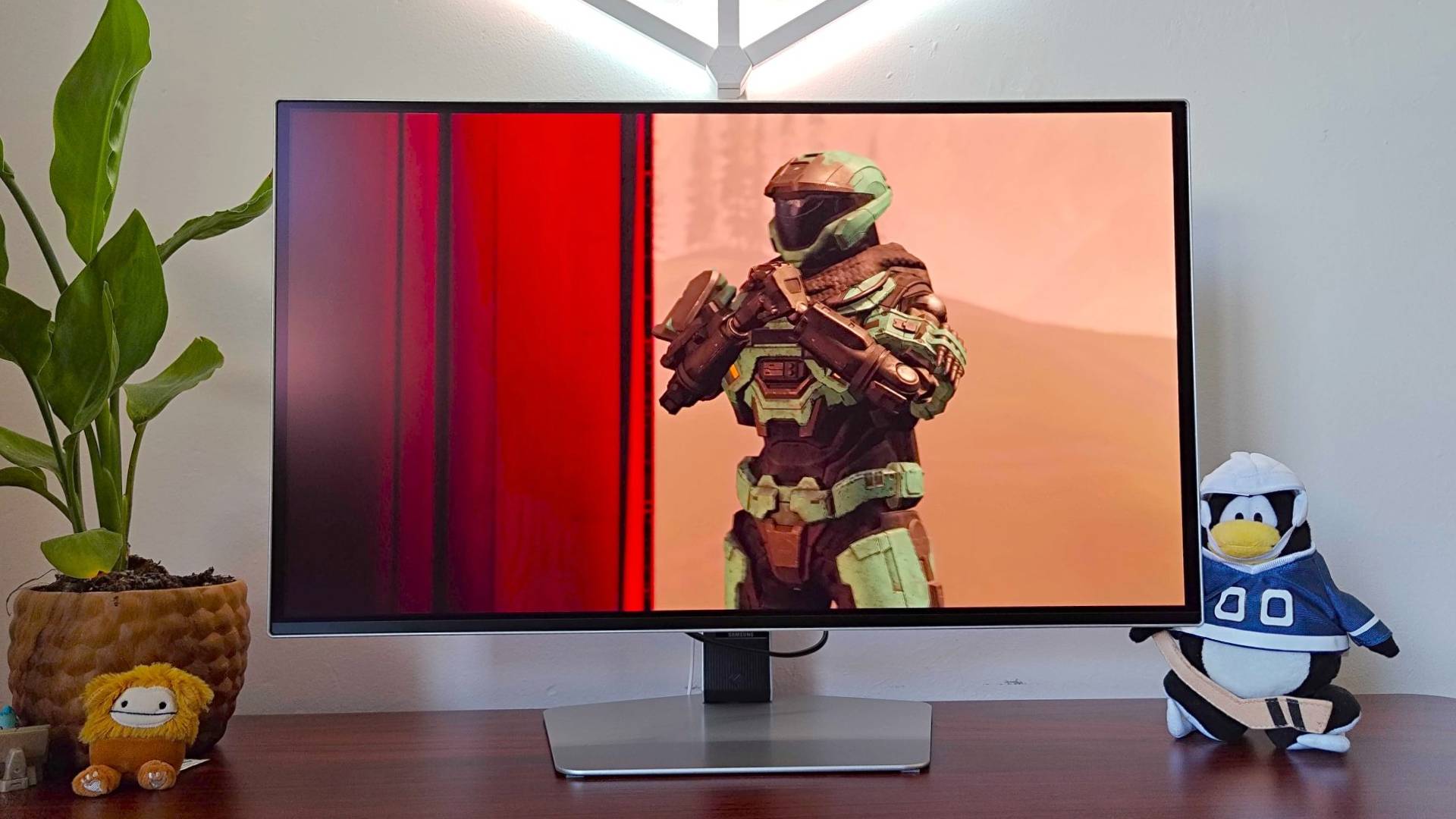
Samsung does well with its Odyssey panels, and the G6 is no different. This has been one of our favorite gaming monitors ever since we first published our Samsung Odyssey OLED G6 review. Bold colors will serve Marathon's more vibrant art style well, while each environment's complex lighting is going to be well supported by the particularly satisfying HDR features on board.
The G6 doesn't quite reach the 480Hz heights of the Sony Inzone M10S, but it's certainly punching above most GPUs with that 360Hz refresh rate, and it's doing it all on an anti-glare OLED panel to boot.
It just looks great on a desk as well. That hexagonal stand base keeps things visually interesting while staying flush against a desk to save space, plus its silver aesthetic steers clear of the monochrome black we're used to. A full pivot function makes for easy vertical screen shenanigans, and there's even an RGB glow around the rear.
Do you need a high refresh rate gaming monitor for Marathon?
You don't need an ultra-high refresh rate to keep your Marathon gameplay fun and competitive, but if you're a particularly skilled player, you'll find the higher your panel's speed ceiling is the faster your responses can be. You'll, of course, need to make sure your GPU is capable of actually spitting out the kinds of framerates you need to make every twitch-reflex count.
If your PC can only muster 60-100fps in complex competitive scenarios, you don't need more than a 120Hz panel. If, however, you're knocking past 120fps, it's well worth upgrading to a 144Hz with potential future-proofing up to 240Hz. If you have a high-end graphics card and completely scale back your graphical settings to push for framerates that move into the 300s or 400s, you'll need a high refresh rate gaming monitor that can keep up with them.
That said, high refresh rates are often added onto panels that also offer additional benefits for Marathon players. Sony and Samsung's OLED panels, for example, will pack a higher degree of contrast and color vibrancy compared to a TN or IPS. It's not going to win you any matches, but it certainly makes the experience look better.
Why should you match your framerates to your refresh rates in Marathon?
While your GPU can throw whatever kinds of frames it likes at you, it will all be for naught if your eyes don't see them. Matching your gaming monitor's refresh rate with your PC's framerates means you'll be able to catch as much action as possible, track motion and movement more naturally, and respond accordingly.
Anyone who's played a Server Slam before will know that Marathon comes with a sturdy difficulty curve and a pretty merciless time-to-kill. You can't buy anything that will make you better at the game, but if you want your hardware to support your efforts its worth making sure your GPU and panel are aligned.
- See all gaming monitor deals at Amazon
Console players needn't feel left out, we're also rounding up the best PS5 monitors and the best Xbox Series X monitors on the market. Or check out the best ultrawide monitors.

You must confirm your public display name before commenting
Please logout and then login again, you will then be prompted to enter your display name.