
You are now subscribed
Your newsletter sign-up was successful
Want to add more newsletters?

Every Friday
GamesRadar+
Your weekly update on everything you could ever want to know about the games you already love, games we know you're going to love in the near future, and tales from the communities that surround them.

Every Thursday
GTA 6 O'clock
Our special GTA 6 newsletter, with breaking news, insider info, and rumor analysis from the award-winning GTA 6 O'clock experts.

Every Friday
Knowledge
From the creators of Edge: A weekly videogame industry newsletter with analysis from expert writers, guidance from professionals, and insight into what's on the horizon.

Every Thursday
The Setup
Hardware nerds unite, sign up to our free tech newsletter for a weekly digest of the hottest new tech, the latest gadgets on the test bench, and much more.

Every Wednesday
Switch 2 Spotlight
Sign up to our new Switch 2 newsletter, where we bring you the latest talking points on Nintendo's new console each week, bring you up to date on the news, and recommend what games to play.

Every Saturday
The Watchlist
Subscribe for a weekly digest of the movie and TV news that matters, direct to your inbox. From first-look trailers, interviews, reviews and explainers, we've got you covered.

Once a month
SFX
Get sneak previews, exclusive competitions and details of special events each month!
Wild Hearts PC performance issues have been a recent problem, even for those whose computers and hardware match the stated PC requirements. Now Wild Hearts might be a fun game, but if you can't get it to run, that's kind of a moot point. Problem is, while there are a few things that players can do to address this issue, the fact of the matter is that Wild Hearts' PC performance has been somewhat riddled with FPS problems, lag and technical errors. We'll explain your best options below - but be warned, they aren't many.
Wild Hearts PC performance fixes and optimization
Wild Hearts' poor PC performance is very likely something you won't be able to do much about - right now the game is simply not very well optimised for PC, so while there's things you can do to make the game better, you might not be able to get both great graphics and high frame rates. Here's a few pointers on a better PC experience overall, most of which are fairly obvious:
- Make sure your computer at least matches the requirements listed below.
- In the Graphics section of the menu, try changing graphics overall to medium or low.
- For more specific suggestions, try reducing or turning off the following hardware-intensive (but not always game-changing) graphics options:
- Motion Blur
- Particle Effects
- Shadows
- Reflections
- Clouds
- Ambient Occlusion
- Anti-Aliasing
- Depth of Field (DOF)
- Make sure your PC isn't running any additional programs that might use up memory capacity.
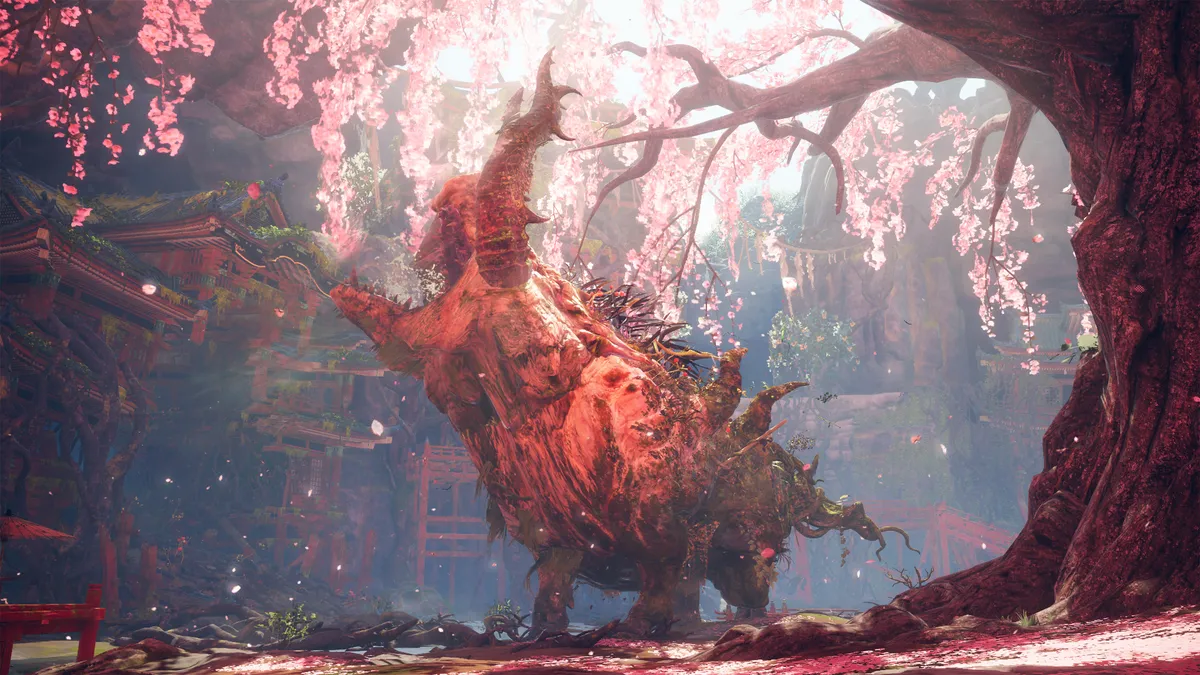
It's fairly standard stuff for PC gamers and you've likely tried a lot of these already, but it's the best we can offer right now - as mentioned, Wild Hearts just isn't very well optimised for computers at time of writing, with reports coming in from many players of poor graphics and low FPS rates.
Wild Hearts PC requirements
The following PC requirements are those officially recommended by EA, though keep in mind that many whose computers match or exceed those requirements have still reported issues with their game's performance.
- MINIMUM
- OS: 64 bit Windows 10
- Processor (AMD): AMD Ryzen 5 2600
- Processor (Intel): Intel Core i5-8400
- Memory: 12GB
- Graphics card (AMD): Radeon RX 5500 XT (VRAM 8GB)
- Graphics card (NVIDIA): GeForce GTX 1060 (VRAM 6GB)
- DirectX: 12
- Online Connection Requirements: 512 KBPS or faster internet connection
- Hard-drive space: 80GB
- RECOMMENDED
- OS: 64 bit Windows 10
- Processor (AMD): AMD Ryzen 5 3600
- Processor (Intel): Intel Core i7-8700K
- Memory: 16GB
- Graphics card (AMD): Radeon RX 5700 XT (VRAM 8GB)
- Graphics card (NVIDIA): GeForce GTX 2070 (VRAM 8GB)
- DirectX: 12
- Online Connection Requirements: 512 KBPS or faster internet connection
- Hard-drive space: 80GB
But again, these aren't guarantees of anything! PC issues appear to be universal right now, with players working from both budget laptops and high-octane supercomputers reporting difficulties, though they do seem to get less drastic on the more powerful computers, generally speaking.
The best thing we can advise at the moment is to try the free trial on Game Pass Ultimate or EA Play (if you have them) and see how the game runs for you before committing to the full purchase, as well as keeping an eye on the official Wild Hearts Twitter page to see if further information, patches or fixes are on the way. Fingers crossed.


