I'm going to hold your hand when I say this: 4K 60fps on the Steam Machine isn't a given. Yes, I know Valve includes the lucrative performance figure as a feature, but that's very much a target rather than an absolute. That's not to say it won't hit that resolution at higher frame rates by leveraging tricks like FSR 4; it's just that I reckon you'll avoid disappointment if you use a 1440p gaming monitor rather than reaching for the UHD stars.
Naturally, I'm speaking directly to would-be Steam Machine desktop users when recommending a 1440p monitor. If you're in the camp that's going to treat the mini PC like a console, then you'll be pretty much dealing with 4K on a gaming TV. You shouldn't theoretically have much trouble doing that if you're willing to tweak some visual settings, but those of you open to using smaller screens will benefit from access to native QHD resolutions.
1. Sony Inzone M10S
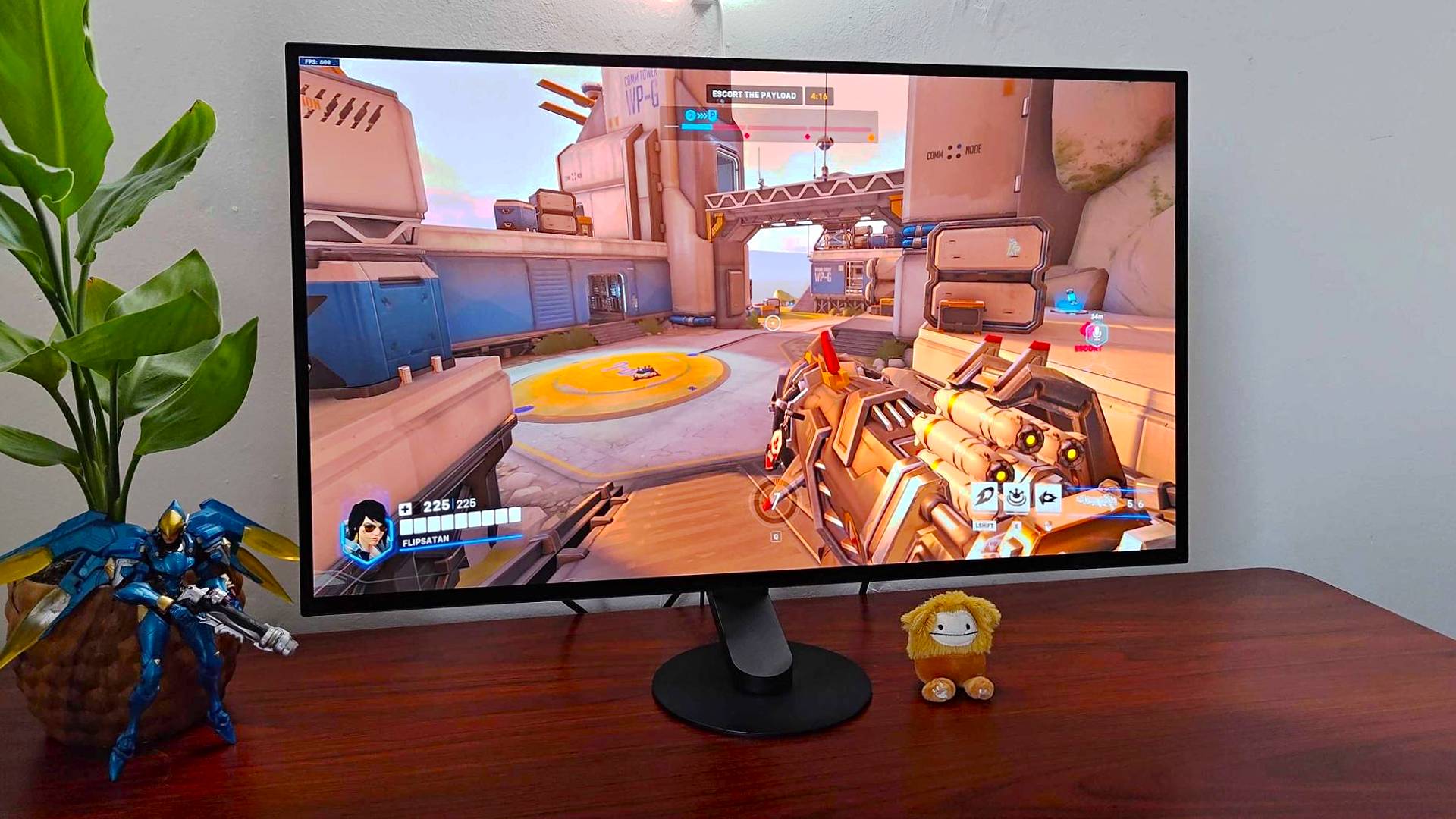
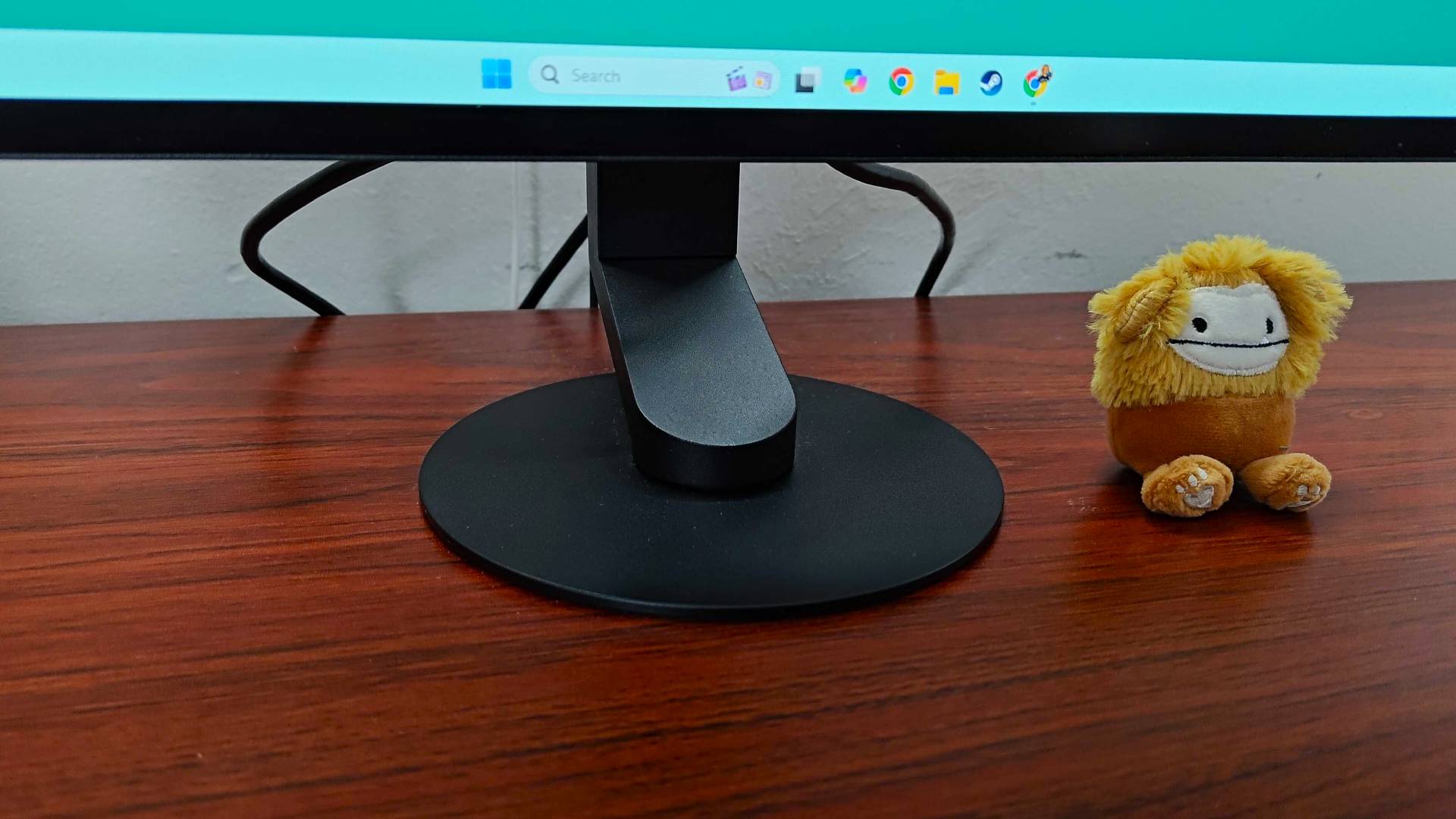
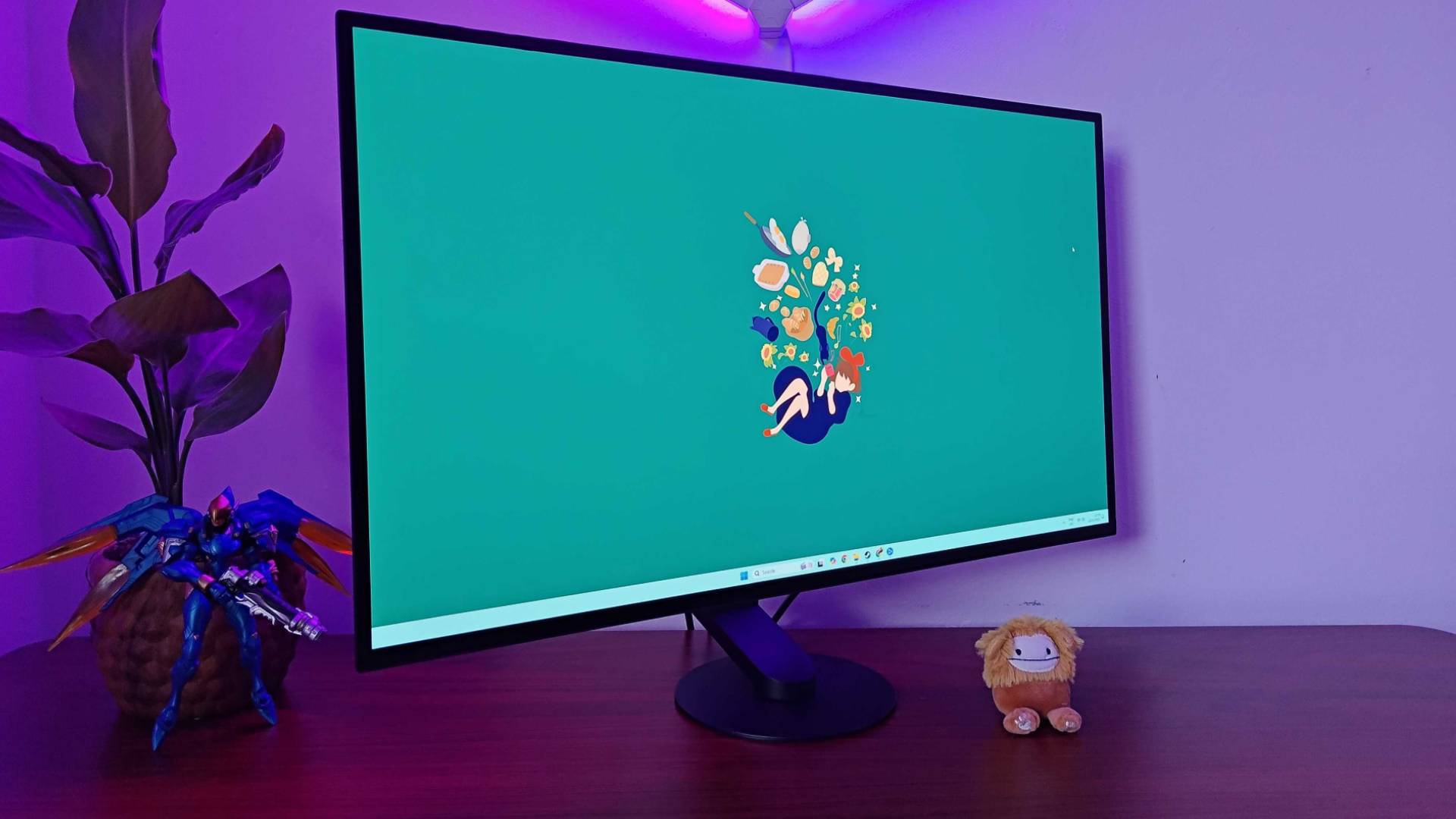
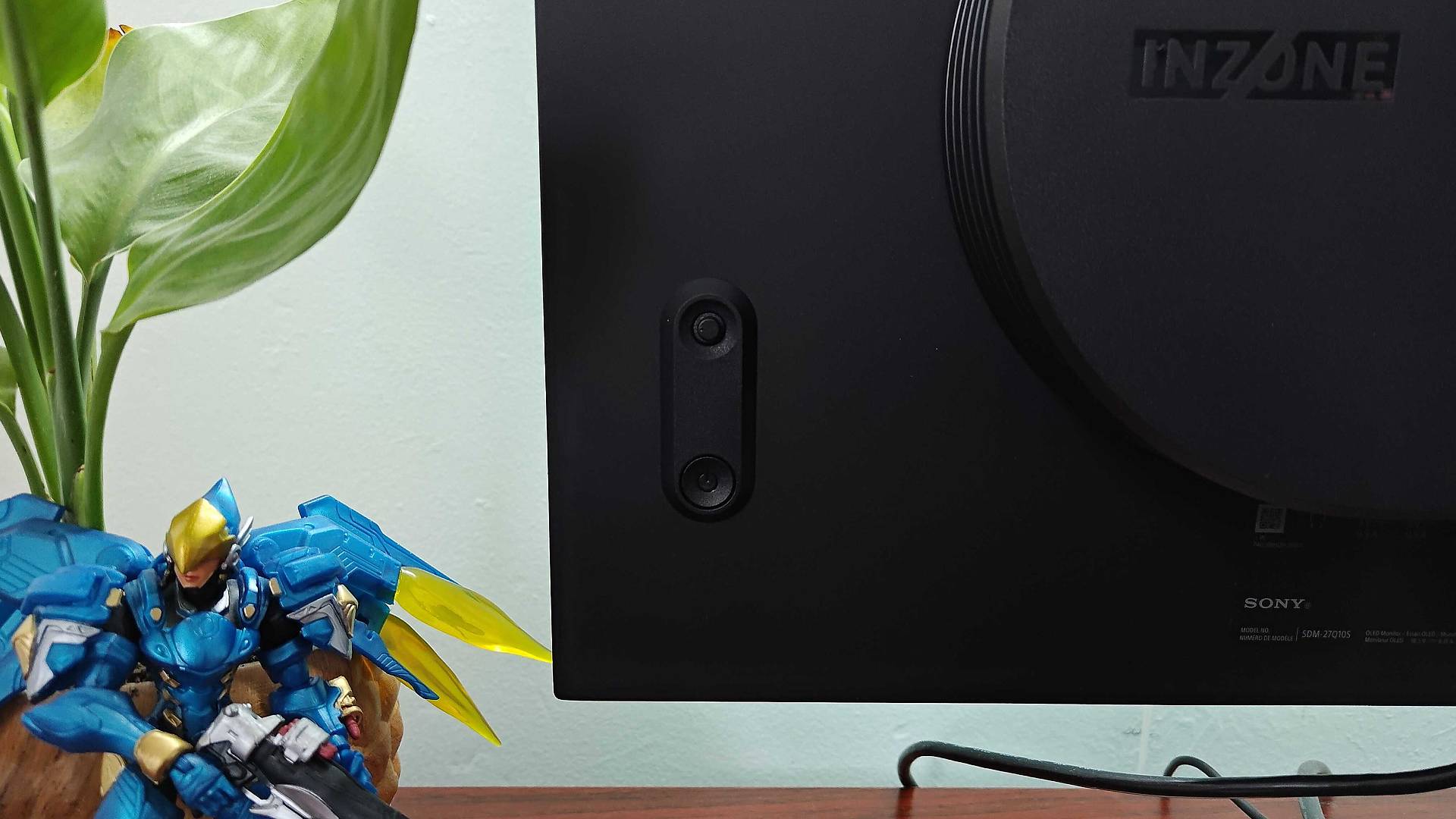
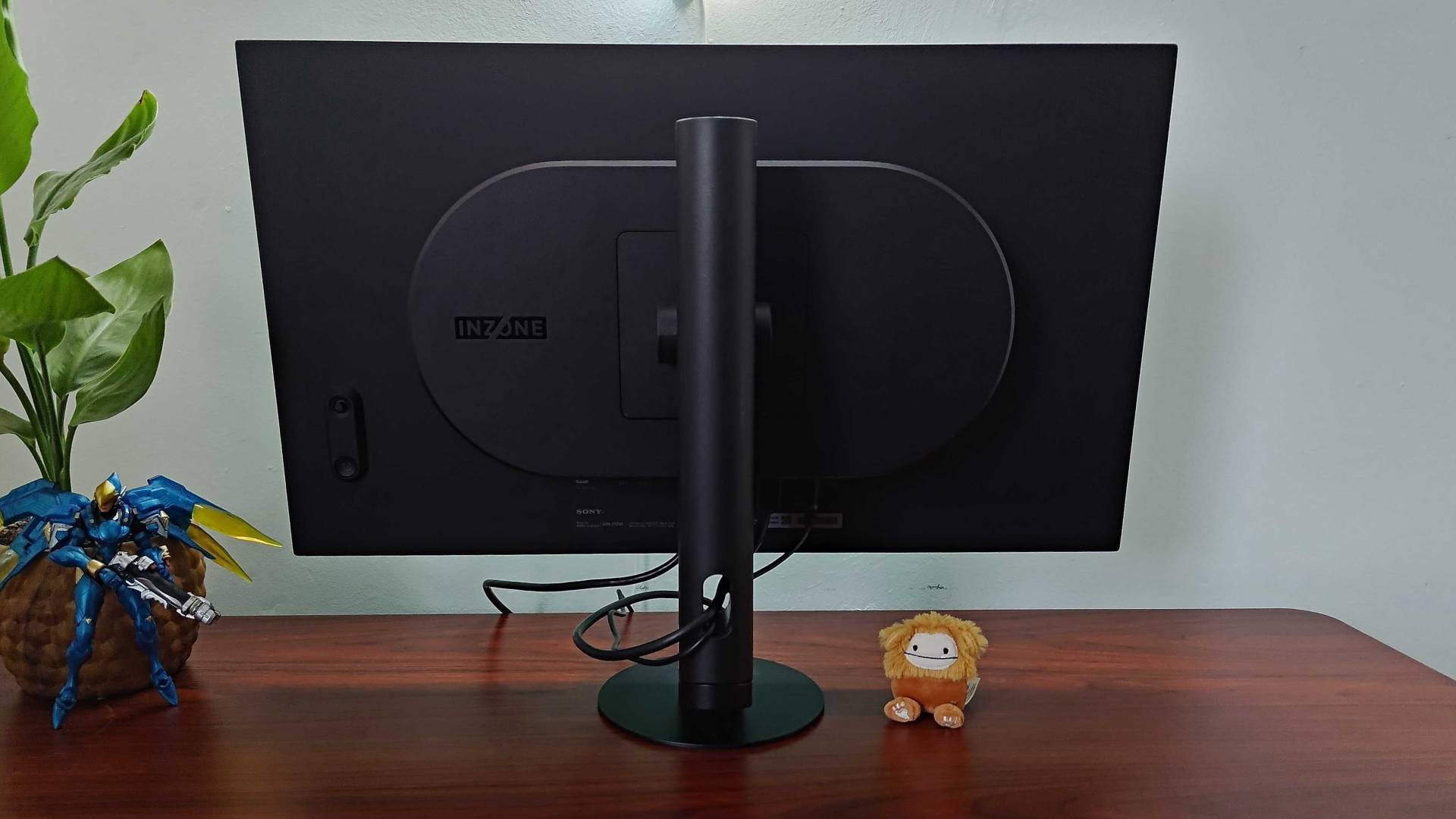
I am fully aware that no one, no matter what they try to tell you online, knows how much the Steam Machine will cost yet. At the same time, I'm fully aware it will likely cost more than the Steam Deck OLED and likely more than the PS5 or Xbox Series X. Therefore, I'm being mindful that while I think the Sony Inzone M10S will be a vibrant, speedy, and solid option, it's also a full-blown investment.
The pros
- Ultra speedy 480Hz refresh rate
- Top-tier OLED vibrancy
- Slick pivoting stand
The cons
- You're paying almost 4K levels of pricing
In my mind, the Inzone M10S is going to be fantastic for future Steam Machine players who might use the box for competitive shooters like Overwatch or Marathon. Again, I've no idea how Valve's custom GPU is going to fare in both fps games, but opting for 1440p will let you tap into ultra speedy 480Hz abilities, all while still enjoying OLED vibrancy and sharper visuals than the usual 1080p options.
2. KTC G27P6
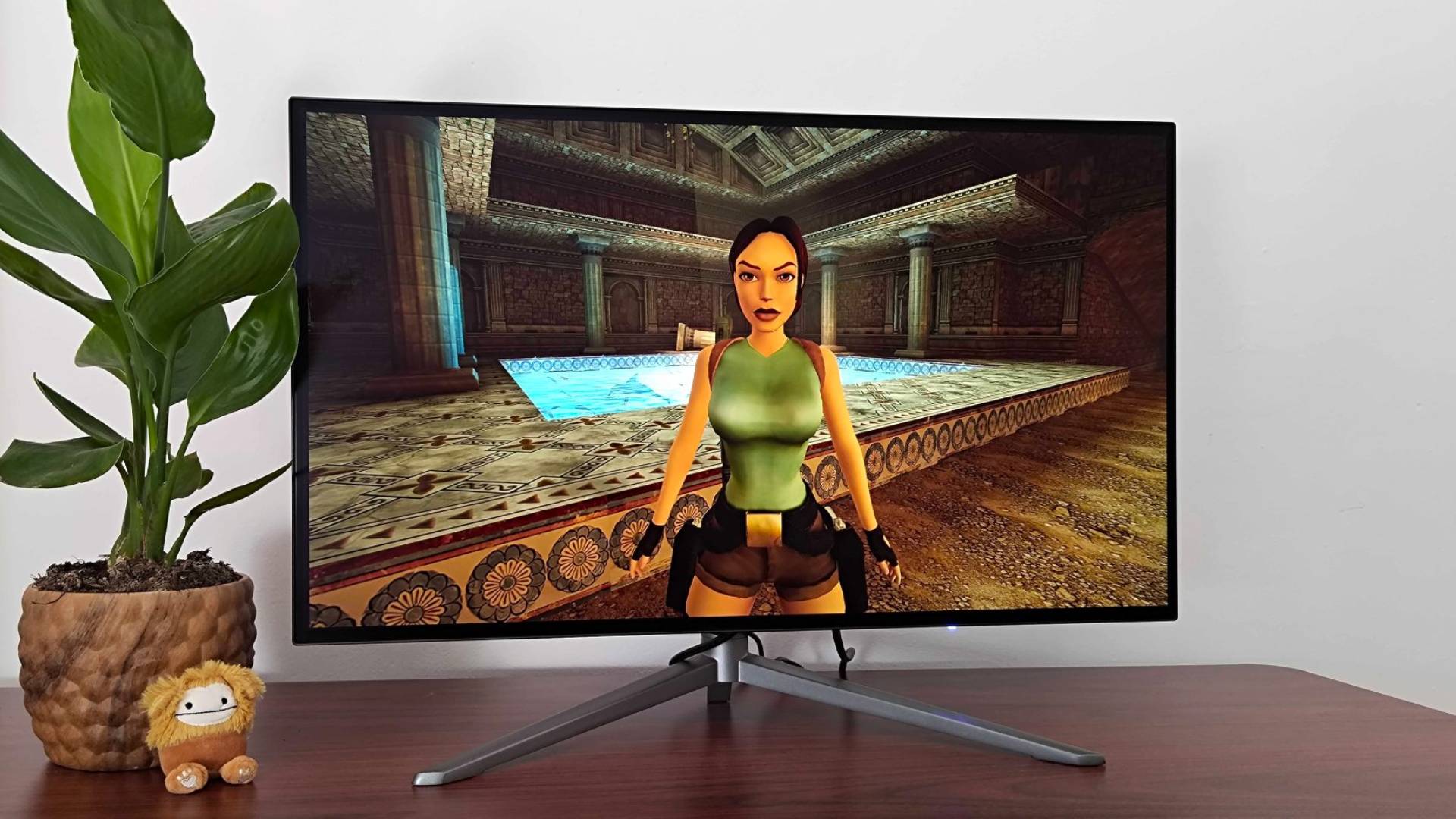
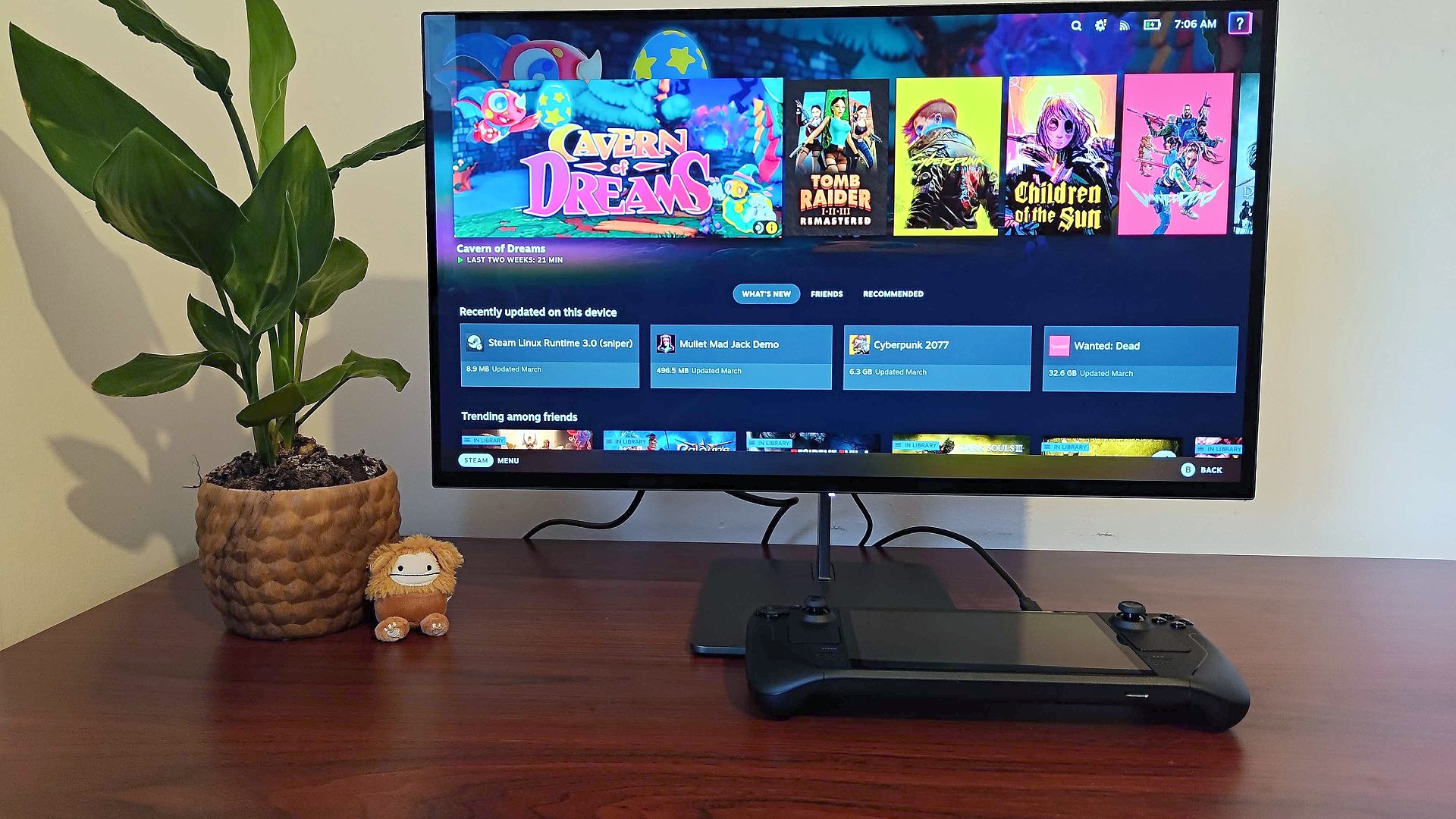
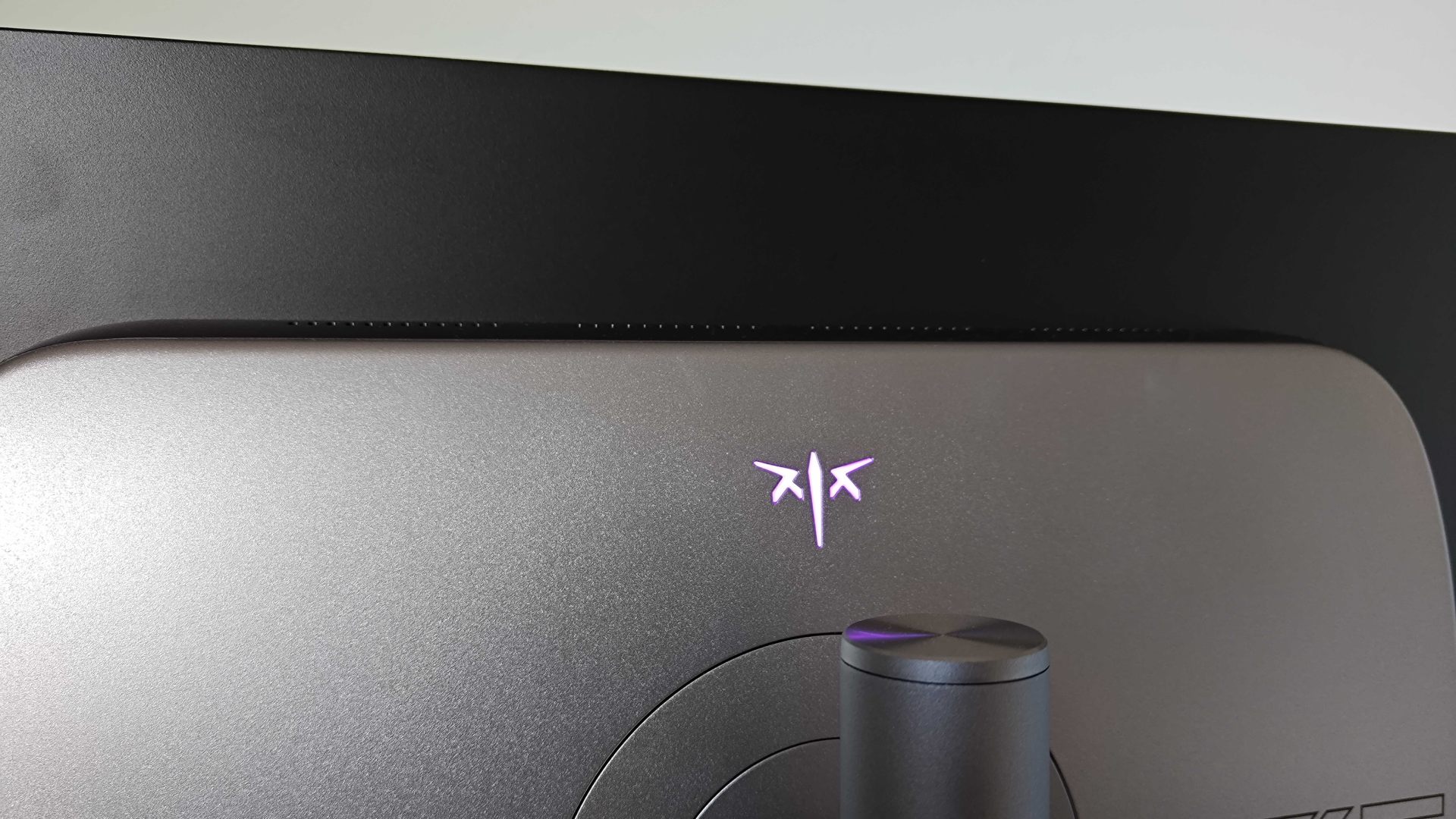
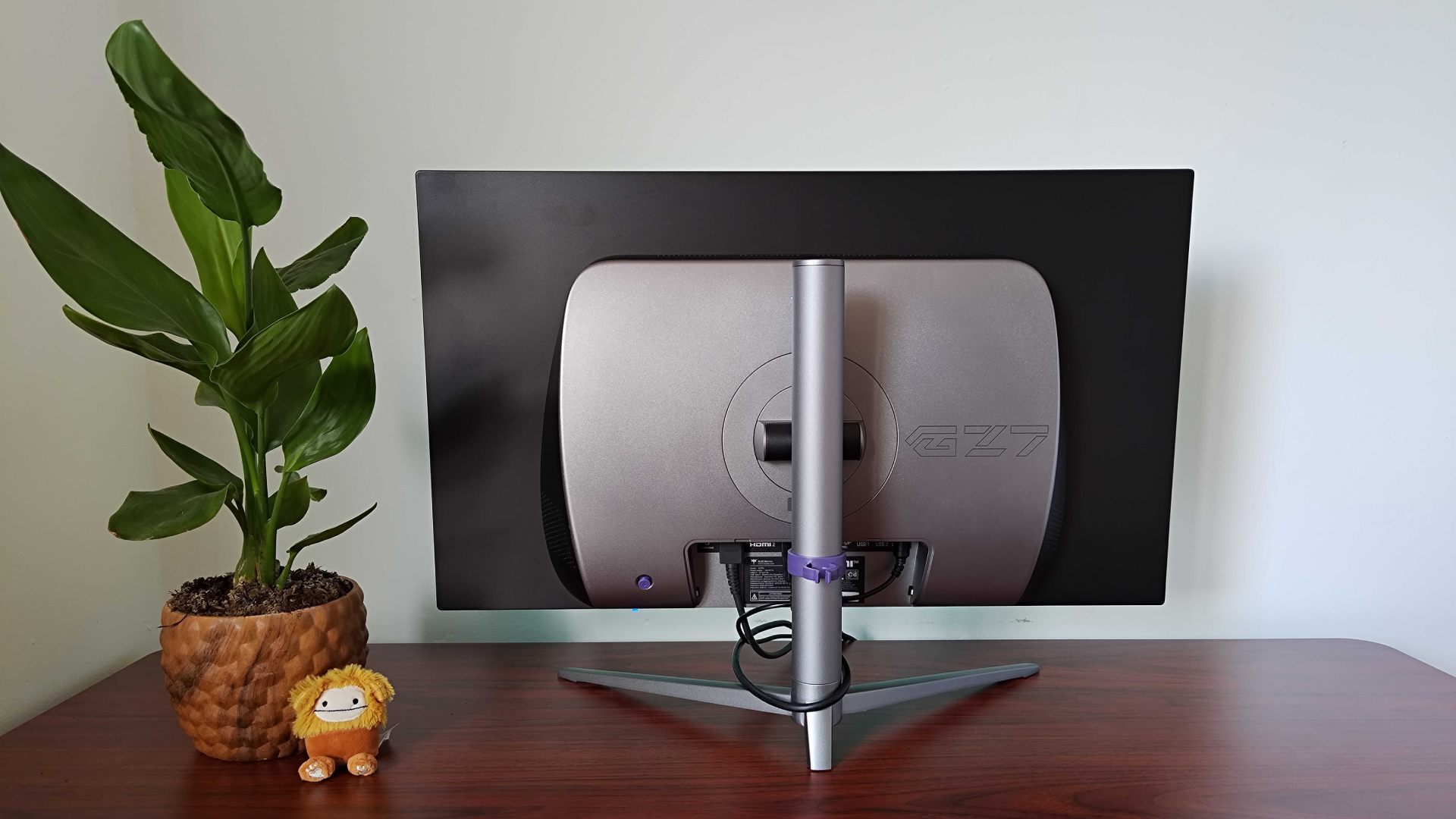
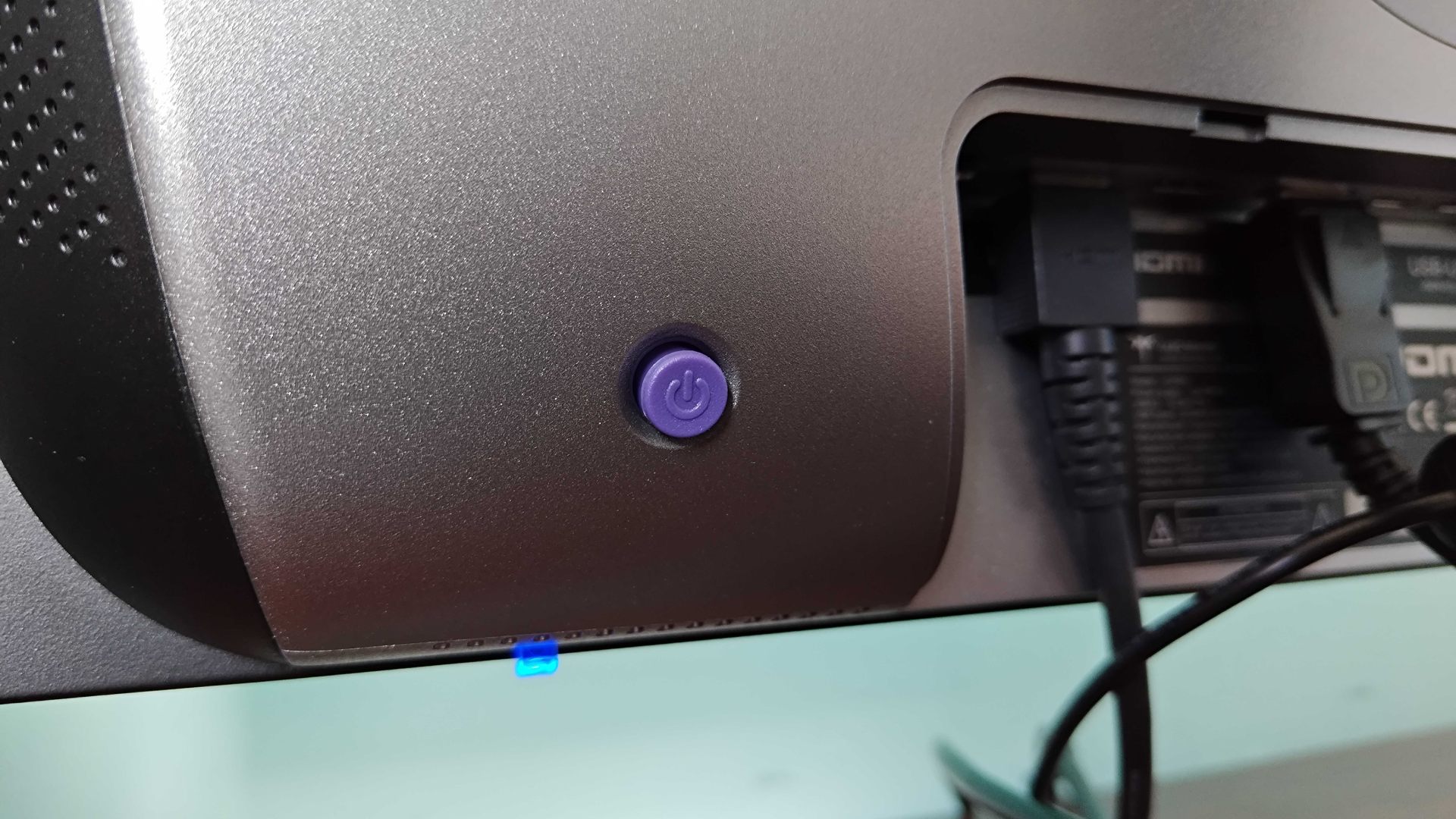
I enjoy premium panels as much as the next PC nerd, but around $500 is absolutely my comfort spot for OLED monitors. It's for that reason that the KTC G27P6 ends up being a screen I frequently recommend, and its 1440p 240Hz display feels like it'll be a fantastic fit for the Steam Machine. Again, depending on how those eventual benchmarks pan out, faster refresh rates could be beneficial, but I can easily see hitting around 240fps at QHD resolutions being a realistic goal without dialling back settings.
The pros
- Fantastic OLED visuals
- Respectable 240Hz abilities
- USB-C hub built-in
The cons
- HDR is less impressive due to firmware
Yes, I know you've probably never heard of KTC, but the brand actually makes some solid screens, both of its own and behind the scenes for bigger names. Plus, this specific display is rocking the same LG OLED panel as the likes of Dough's Spectrum 27 Black, and it's even rocking nice extras like built-in speakers and USB-C Power Delivery abilities not unlike a Steam Deck dock (not that you'll necessarily need that if you get a Steam Machine, but I'll still take it.)
3. Alienware AW2725DF
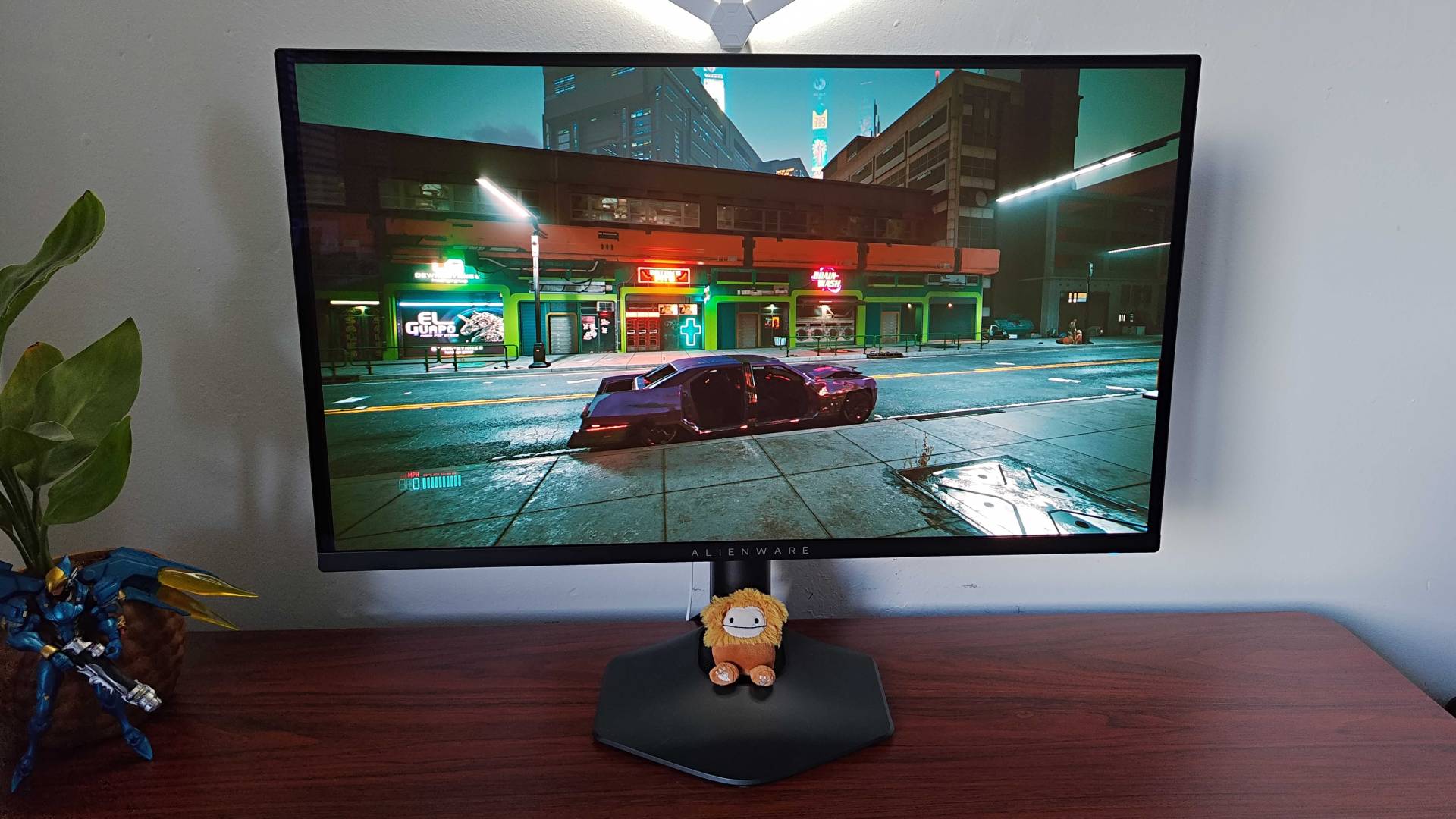
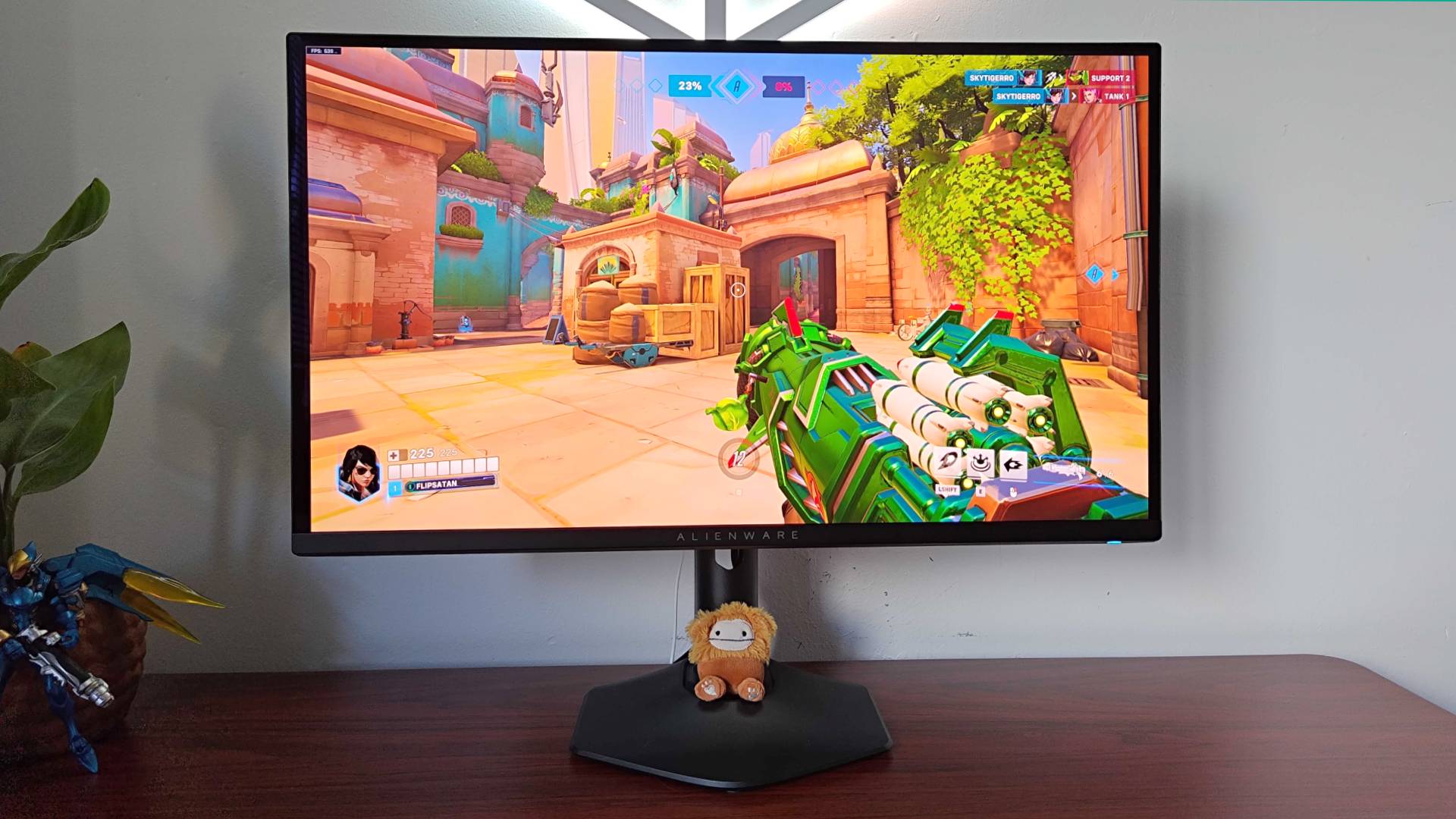
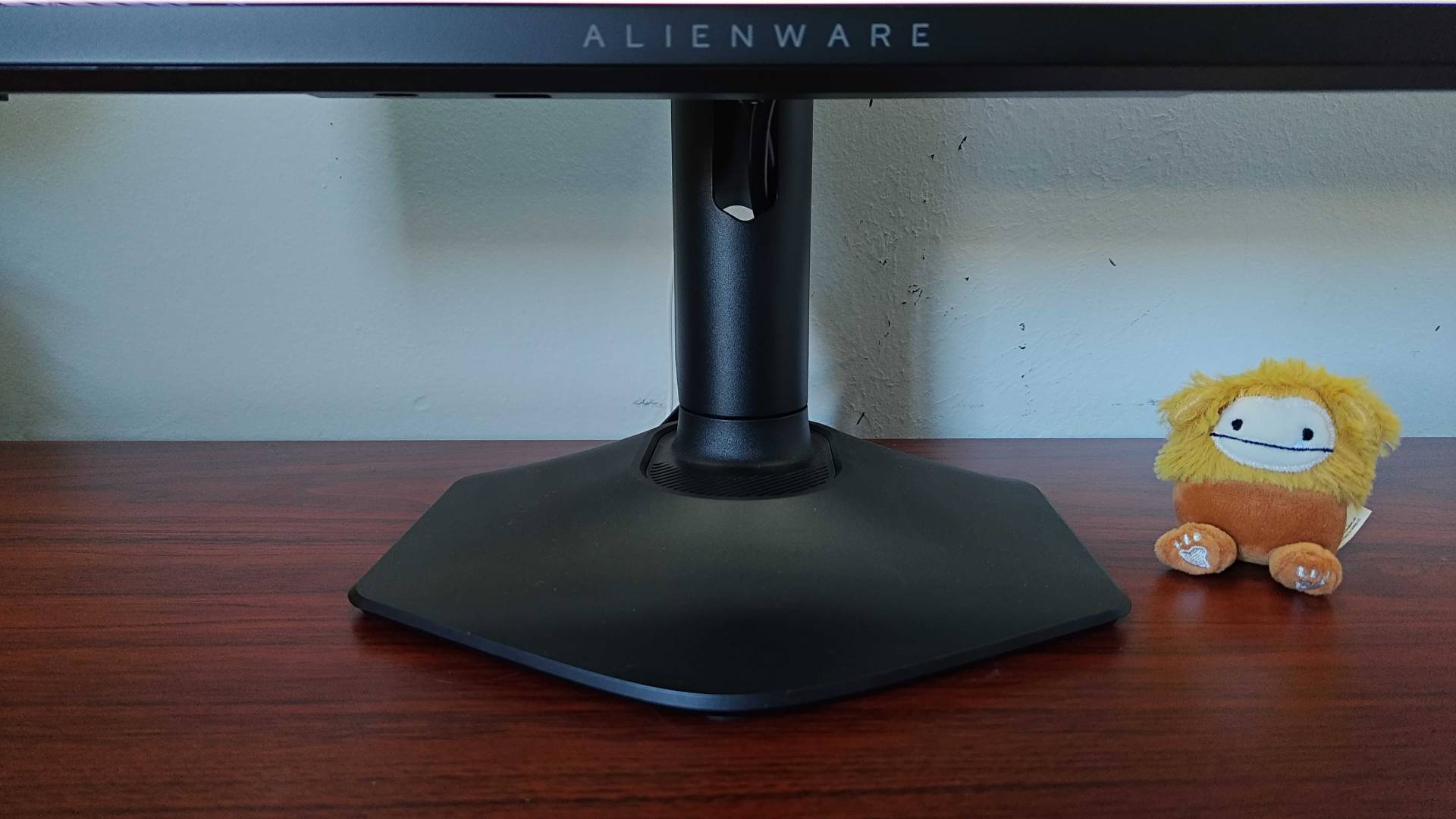
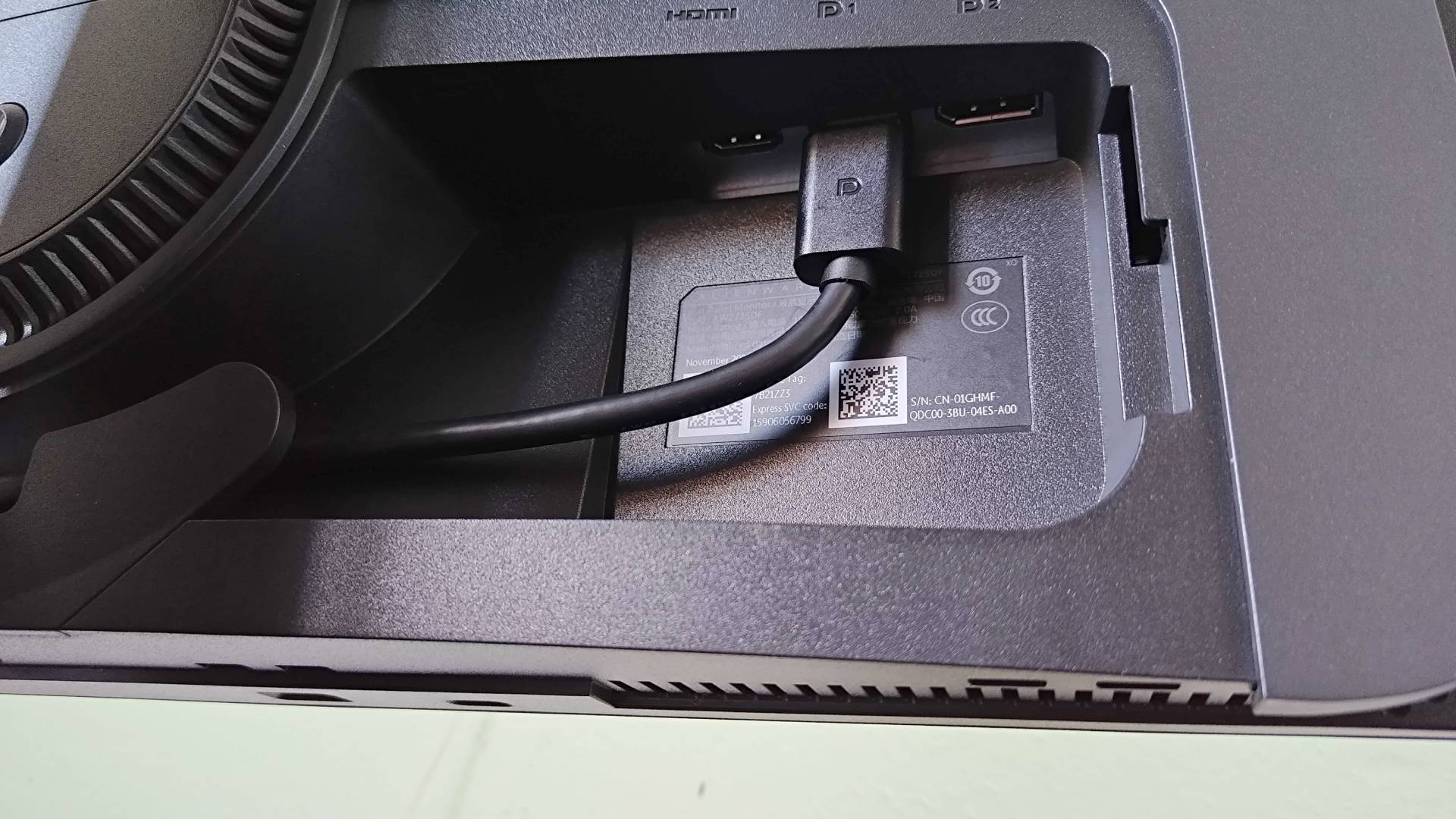
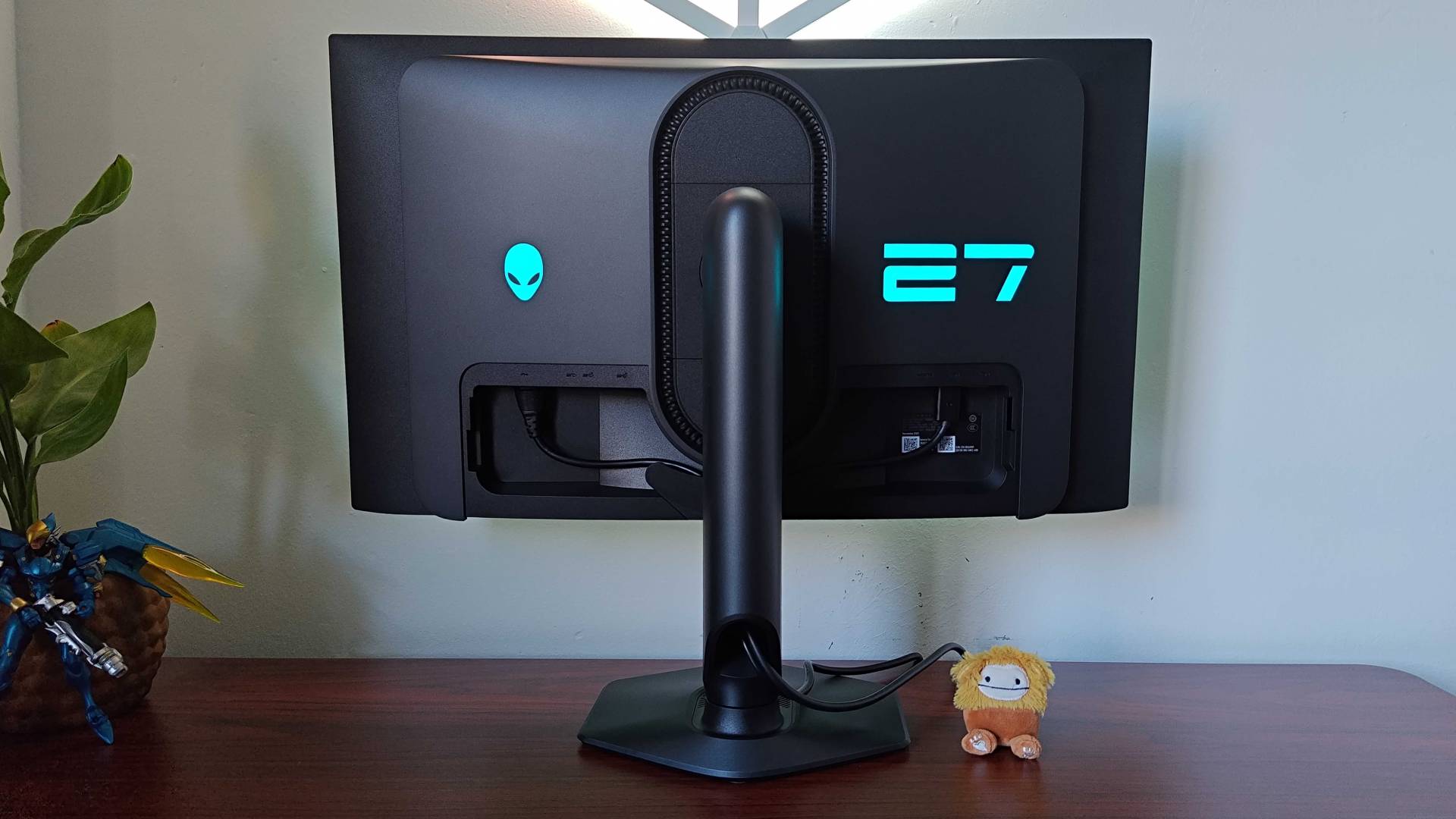
If you were somewhat tempted by the Inzone M10S but want to avoid super lofty price points, Dell's Alienware AW2725DF could be a nicer fit for the Steam Machine. It's still an investment when it's sitting at its full $649.99 MSRP, but it tends to show up more often for around the $500 mark than Sony's screen.
The pros
- Elevated QD-OLED visuals
- Solid HDR
- Good 360Hz middle ground
The cons
- Blacks can look slightly blue in certain conditions
Unlike the other two displays, this is a QD-OLED panel, so you're getting perks like more vibrant colors in certain lighting conditions. There are some trade-offs, like a slight blue hue to blacks in bright scenarios compared to WOLED, but the results are still dazzling. You're also a 360Hz panel that's certainly faster than the baseline 240Hz you'll often see at this price range, but not quite as speedy as the 480Hz top-end. I'm not entirely convinced the Steam Machine will benefit from the latter, and that could be what makes this Alienware screen a better fit for the box.
Should you really stick to 1440p on the pricey Steam Machine?
Everyone's bracing for the Steam Machine to cost a pretty penny, and I get that playing at 1440p rather than 4K might just feel wrong. In an ideal world, we'd all be using UHD screens and systems that can keep up frame rate wise, but in the realm of PC gaming, trading resolution so that you can crank everything else up is a normal move.
Even before you get to the benefits of opting for 1440p instead, 4K monitors absolutely decimate your setup funds. Sure, if you stick to a basic IPS display with a baseline 60hz or 120Hz refresh rate, you can grab a UHD panel for a couple of hundred, but I'd say that the benefits of using OLED and mini LED tech with speedier timings outweigh cramming more pixels into a box, especially if you're using desktop sizes.

On that note, if you are planning to park your Steam Machine at a gaming desk, then you probably won't be using a screen bigger than 32 inches. While UHD can look slightly crisper at that scale, simply using a 27-inch screen as part of your setup at reasonable distance from your face can provide a similar perceivable sharpness. The slight differences are going to matter way less if you're also enjoying vivid colors, deeper blacks, and a setup that can boost fps to match faster refresh rates.
Opting for 1440p isn't meant to be a slight on the Steam Machine; it's more just a tactic to keep new screen costs down while ensuring you can show off its visual capabilities without taking a frame rate hit. Those of you who do go with QHD can switch off slightly when the box arrives, and I potentially start talking about how it struggles to hit 60fps in fresh outings. And, even if it does turn out Valve's mini PC is solid at 4K, you'll still be rocking a display with solid specs and room to upgrade when higher resolutions are more affordable down the road.
Already got Valve's handheld? Swing by the best Steam Deck docks and turn the portable into a cheaper Machine alternative.

You must confirm your public display name before commenting
Please logout and then login again, you will then be prompted to enter your display name.