


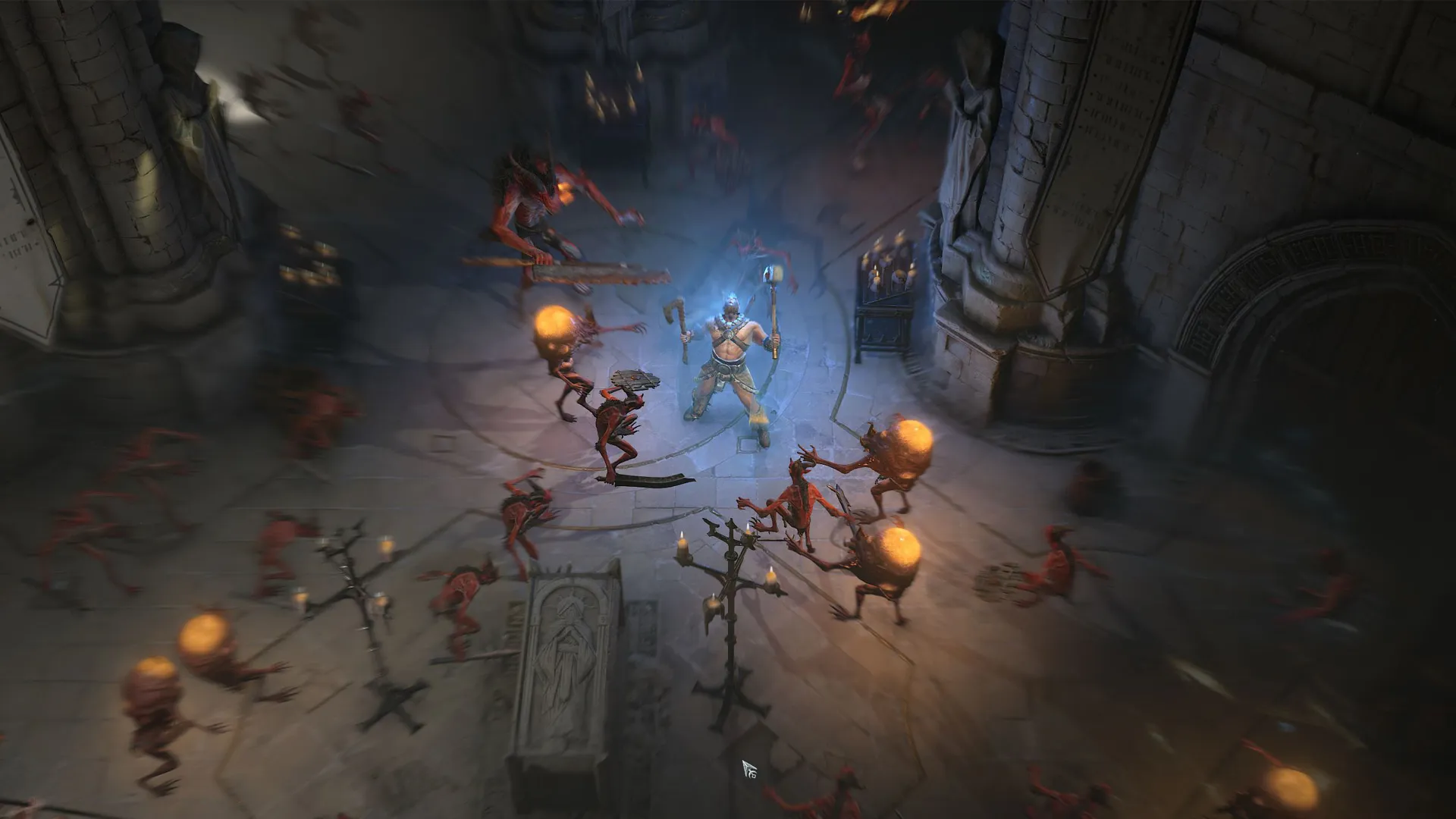
Knowing how to download the Diablo 4 beta is essential if you want a hands-on preview of this much-anticipated hack and slasher, as well as earning some rewards that will carry over to the full game of Diablo 4 if you progress far enough. If you have any concerns about how to access the Diablo 4 beta and whether you qualify to take part then don't worry about it, because the Open Beta weekend is available to everyone with no restrictions for trying it out. Now that the Diablo 4 beta preload times have been reached, you're able to install it to be prepped and ready for launch, so if you have any questions regarding the process then here's everything you need to know about how to download the Diablo 4 beta on PC, PlayStation, and Xbox.
How to download the Diablo 4 beta on PC
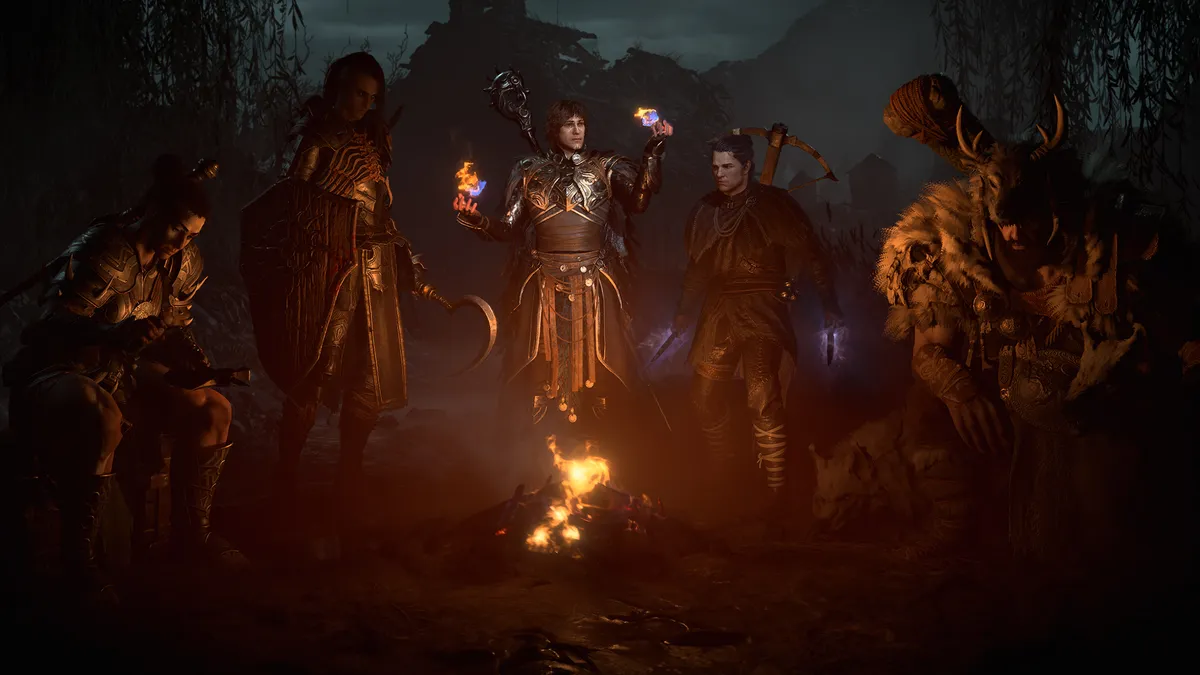
If you qualified for the Early Access beta, then you'll have already been sent instructions for how to download the Diablo 4 beta on PC along with your access code. However, if you're looking for the Open Beta then this is where you get it:
- Open your Battle.net client
- Find Diablo 4 at the top of the list on the All Games page
- Open the Diablo 4 Game Page
- Open the 'Game Version' dropdown and select 'Diablo 4 - Beta'
- Click the blue Install button
You can then click Play to launch the Diablo 4 beta once it's available. Note that if you've already installed the Early Access beta then you can also use that for the Open Beta, so no further download is required. Don't forget that Diablo 4 crossplay is available during the beta as well as in the full game, so you can team up with any console owning friends.
How to download the Diablo 4 beta on PlayStation and Xbox
As with PC, if you were part of the Early Access beta then you'll already have received a code to redeem on your console store, along with instructions for how to download the Diablo 4 beta on PlayStation or Xbox. If you don't have that access, then here's how to find the Open Beta:
- Open the PlayStation or Xbox Store
- Search for 'Diablo 4 Open Beta'
- Select the beta from the results
- Hit the Download button
Once you've downloaded the Diablo 4 beta on PlayStation or Xbox, you may see a countdown against it confirming when is the Diablo 4 beta start time, and you may not be able to launch it – or receive an error message if you try to access it before the Open Beta period. Again, if you previously installed the Early Access beta then that will also run the Open Beta, so no further download is needed.
© GamesRadar+. Not to be reproduced without permission.

