
You are now subscribed
Your newsletter sign-up was successful
Want to add more newsletters?

Every Friday
GamesRadar+
Your weekly update on everything you could ever want to know about the games you already love, games we know you're going to love in the near future, and tales from the communities that surround them.

Every Thursday
GTA 6 O'clock
Our special GTA 6 newsletter, with breaking news, insider info, and rumor analysis from the award-winning GTA 6 O'clock experts.

Every Friday
Knowledge
From the creators of Edge: A weekly videogame industry newsletter with analysis from expert writers, guidance from professionals, and insight into what's on the horizon.

Every Thursday
The Setup
Hardware nerds unite, sign up to our free tech newsletter for a weekly digest of the hottest new tech, the latest gadgets on the test bench, and much more.

Every Wednesday
Switch 2 Spotlight
Sign up to our new Switch 2 newsletter, where we bring you the latest talking points on Nintendo's new console each week, bring you up to date on the news, and recommend what games to play.

Every Saturday
The Watchlist
Subscribe for a weekly digest of the movie and TV news that matters, direct to your inbox. From first-look trailers, interviews, reviews and explainers, we've got you covered.

Once a month
SFX
Get sneak previews, exclusive competitions and details of special events each month!
The V Rising offline mode is a specific set up for your server, choosing to host it on your own home PC rather than setting it up online. This admittedly limits your ability to play multiplayer - but that's part and parcel of an offline mode. For those who just want to hang out in the land of vampires by themselves without fear of PvP attacks, here's how to play V Rising offline and by yourself.
How to play V Rising offline
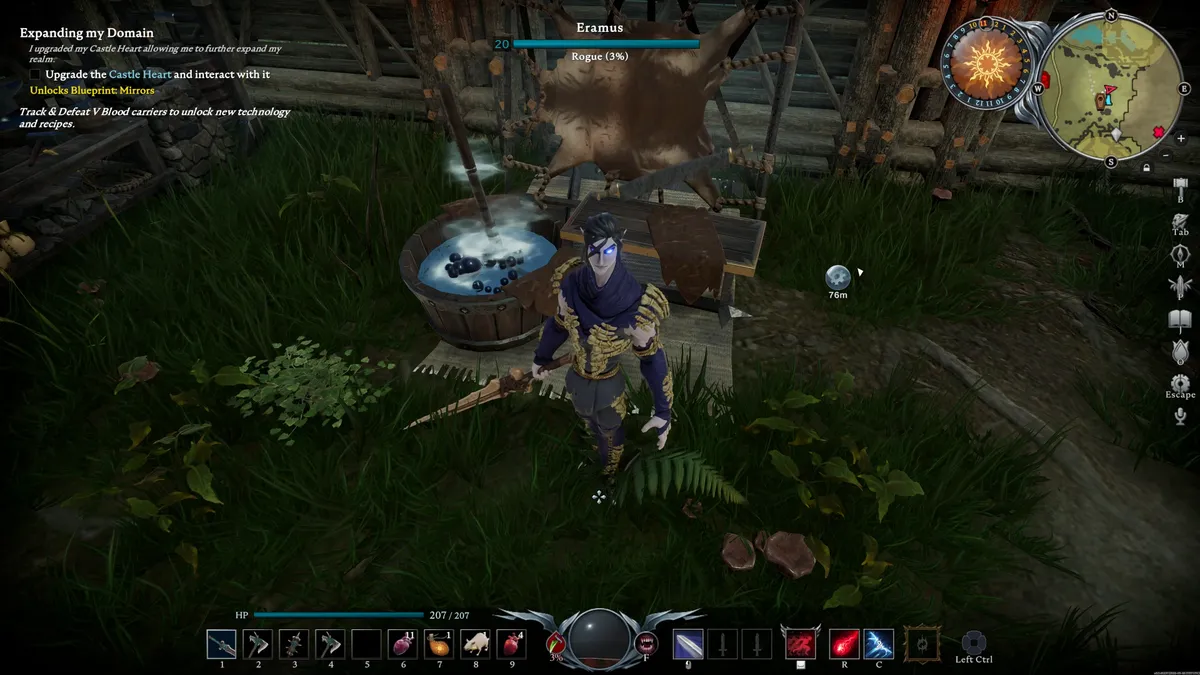
To play V Rising offline, players have to do the following:
- Set Steam to Offline
- From the Main Menu in V Rising, Select "Play"
- Select "Private Game"
- Tick the Checkbox next to "LAN Server"
To go into more detail, first you need to set up a special LAN Mode server, effectively creating a game world hosted on your own PC rather than one accessed remotely via the internet. This does mean, however, that you'll need to create and host your own server. When you do, you need to start the server in "Lan Mode", an option presented as a little checkbox. At this point, the game will open in an offline mode!

Need to keep your castle fueled? Find gallons of V Rising Blood Essence with our special guide!
More than that though, the fact that this world is effectively hosted on your own private network means that anybody on the same network can join your server, done by ticking the “LAN Server” checkbox in the "Direct Connect to Server window". Admittedly, everybody would have to have their own PC to run V Rising, but it's still an option available to people.
Aside from the obvious advantage of offline mode meaning that you're no longer shackled to an internet connection, players can also use admin and V Rising console commands and cheats to alter the worlds they host, a nice little benefit for those reigning as kings of their tiny gothic kingdoms. The Steam Cloud also records server history, so assuming they log onto the internet at some point to backup this information, players should theoretically be able to access those offline Lan Mode servers from other PCs.
© GamesRadar+. Not to be reproduced without permission


