
How to fix the GTA Online PC connection issue
If you're being told to complete the Prologue, here's how to connect to GTA Online on PC
Weekly digests, tales from the communities you love, and more
You are now subscribed
Your newsletter sign-up was successful
Want to add more newsletters?
Every Friday
GamesRadar+
Your weekly update on everything you could ever want to know about the games you already love, games we know you're going to love in the near future, and tales from the communities that surround them.
Every Thursday
GTA 6 O'clock
Our special GTA 6 newsletter, with breaking news, insider info, and rumor analysis from the award-winning GTA 6 O'clock experts.
Every Friday
Knowledge
From the creators of Edge: A weekly videogame industry newsletter with analysis from expert writers, guidance from professionals, and insight into what's on the horizon.
Every Thursday
The Setup
Hardware nerds unite, sign up to our free tech newsletter for a weekly digest of the hottest new tech, the latest gadgets on the test bench, and much more.
Every Wednesday
Switch 2 Spotlight
Sign up to our new Switch 2 newsletter, where we bring you the latest talking points on Nintendo's new console each week, bring you up to date on the news, and recommend what games to play.
Every Saturday
The Watchlist
Subscribe for a weekly digest of the movie and TV news that matters, direct to your inbox. From first-look trailers, interviews, reviews and explainers, we've got you covered.
Once a month
SFX
Get sneak previews, exclusive competitions and details of special events each month!
If you've encountered the GTA Online PC connection issue, then you've probably tried to join a session but been presented with a message saying "GTA Online will be available once you have completed the Prologue" or another error response. This problem has appeared as a result of the recent security update to fix the exploit that let griefers corrupt player accounts, with the (perhaps unintended) consequence that measures put in place by players to protect themselves from the hackers are now working against them.
It's not clear if this will be a permanent issue to work around in GTA Online, or if it will be resolved with a further update, but naturally if you're on PC then you want to play now. Helpfully, there is a solution available that players have been using to join the game, so here are the details for how to fix the GTA Online PC connection issue and return to Los Santos.
How to connect to GTA Online on PC
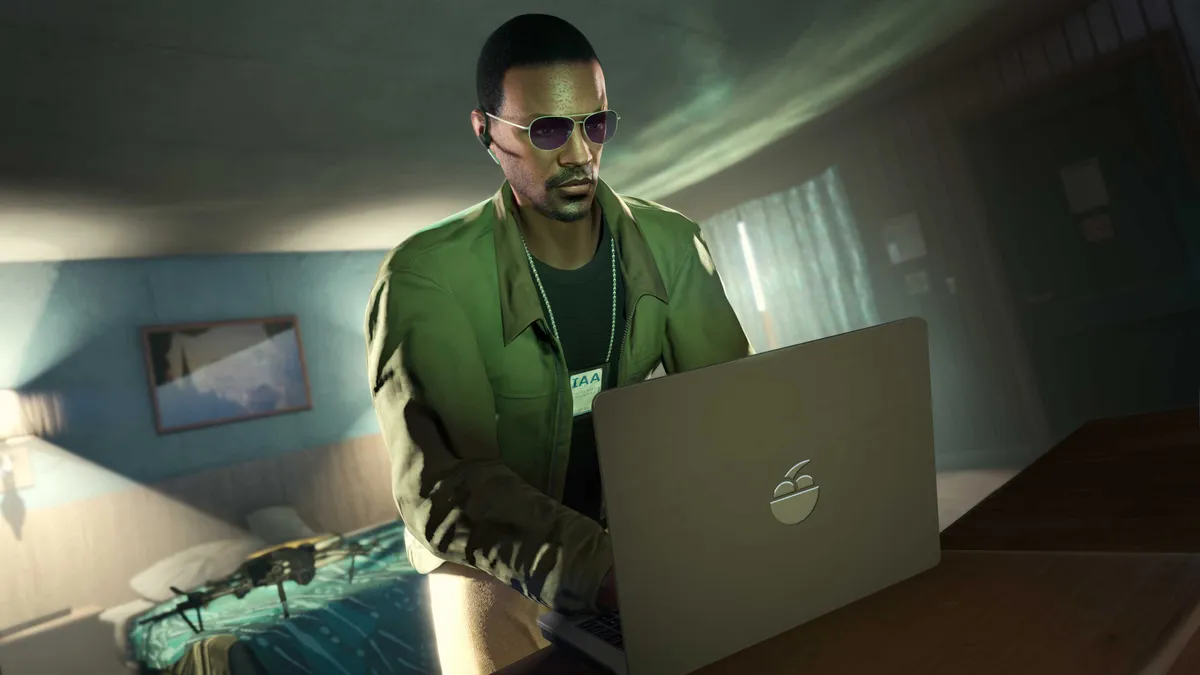
To fix the GTA Online PC connection issue, you need to turn off any additional firewall or port blocking rules you have in place for your machine. Ironically, players were originally using these measures to protect themselves from hackers, but following the security update Rockstar are now preventing players with port blocking active from logging in the GTA Online.
Once you've established a connection to the servers, you should be able to turn your firewall and port blocking back on while still playing, and even join new sessions, though some players have reported potential issues with entering missions and other activities. Now the security patch has been deployed it should be safe to play without additional protection, but that's a matter of personal choice and whether you have confidence in the fix.
Weekly digests, tales from the communities you love, and more

Iain originally joined Future in 2012 to write guides for CVG, PSM3, and Xbox World, before moving on to join GamesRadar in 2013 as Guides Editor. His words have also appeared in OPM, OXM, PC Gamer, GamesMaster, and SFX. He is better known to many as ‘Mr Trophy’, due to his slightly unhealthy obsession with amassing intangible PlayStation silverware, and he now has well over 900 Platinum pots weighing down the shelves of his virtual award cabinet. He does not care for Xbox Achievements.


