
Join The Community
- Join our community
11
Premium Benefits
24/7
Access Available
21K+
Active Members
Commenting
Join the discussion
Exclusive Articles Coming Soon
Member-only articles
Weekly Newsletters
Weekly gaming & entertainment news
Member Badges
Earn badges as you go
Exclusive Competitions
Members-only prize draws
Curated Deals Coming Soon
Tech and gaming deals worth grabbing
GET COMMUNITY ACCESS QUICK
For the quickest way to join, simply enter your email below and get access. We will send a confirmation and sign you up to our newsletter to keep you updated on all your gaming news.
By submitting your information you agree to the Terms & Conditions and Privacy Policy and are aged 16 or over.
FIND OUT ABOUT OUR MAGAZINE
Want to subscribe to the magazine? Click the button below to find out more information.
Find out more
GET Community ACCESS QUICK

Join the GamesRadar community for quick access. Enter your email below and we'll send confirmation, and sign you up to our newsletter.

By submitting your information, you confirm you are aged 16 or over, have read our Privacy Policy and agree to the Terms & Conditions. Geographical rules apply.

Background
Welcome to GamesRADAR+ Community !
Hi ,

Your membership journey starts here.

Keep exploring and earning more as a member.

MY ACCOUNT

Badge picture
Earn your first badge
Read 1 article to unlock your first badge.
Keep earning badges
Explore ways to get more involved as a member.
Latest Games News

Latest Games News

Breaking gaming news and updates

Read Now
Latest Games Reviews

Latest Games Reviews

Expert verdicts on the newest releases

Read Now

See what you’ve unlocked.

Explore your membership benefits.

Explore
Member Exclusives

Stay Ahead with GamesRadar+

Get the biggest gaming news, reviews, and releases straight to your inbox.

Explore

Sign Out
GamesRadar+ GamesRadar+
US EditionUS CA EditionCanada UK EditionUK AU EditionAustralia
Sign in
  • View Profile
  • Sign out
  • Games
    • Game Insights
      • Games News
      • Games Features
      • Games Reviews
      • Games Guides
      • Big in 2026
      • Big Preview
      • Future Games Show
      • Golden Joystick Awards
    • Genres
      • Action Games
      • RPGs
      • Action RPGs
      • Adventure Games
      • Third Person Shooters
      • FPS Games
    • Platforms
      • PS5
      • Xbox Series X
      • PC
      • Nintendo Switch
      • Nintendo Switch 2
      • Tabletop Gaming
    • Franchises
      • Grand Theft Auto
      • Pokemon
      • Assassin's Creed
      • Monster Hunter
      • Fortnite
      • Cyberpunk
      • Red Dead
      • The Elder Scrolls
      • The Sims
  • Entertainment
    • TV Shows
      • TV News
      • TV Reviews
      • Anime Shows
      • Sci-Fi Shows
      • Superhero Shows
      • Animated Shows
      • Marvel TV Shows
      • Star Wars TV Shows
      • DC TV Shows
    • Movies
      • Movie News
      • Movie Reviews
      • Big Screen Spotlight
      • Superhero Movies
      • Action Movies
      • Anime Movies
      • Sci-Fi Movies
      • Horror Movies
      • Marvel Movies
      • DC Movies
    • Streaming
      • Apple TV Plus
      • Disney Plus
      • Netflix
      • HBO
      • Amazon Prime Video
      • Hulu
    • Comics
      • Marvel Comics
      • DC Comics
  • Hardware
    • Insights
      • Hardware News
      • Hardware Reviews
      • Hardware Features
      • Buying Guides
    • Computing
      • Desktop PCs
      • Laptops
      • Handhelds
    • Peripherals
      • Headsets & Headphones
      • TVs & Monitors
      • Gaming Mice
      • Gaming Keyboards
      • Gaming Chairs
      • Speakers & Audio
    • Accessories & Tech
      • Gaming Controllers
      • Tech
      • SSDs & Hard Drives
      • VR
      • Accessories
      • Retro
  • Deals
    • Toys & Collectibles
    • Lego
    • Dungeons and Dragons
    • Merch
  • Video
    • Video
    • GR+ Replay - Submit Your Clips
  • Newsletters
    • Quizzes
    • About Us
    • How to pitch to us
    • How we score
    • Newsarama
    • Retro Gamer
  • Home
  • Games
    • View Games
      • Games News
      • Games Features
      • Games Reviews
      • Games Guides
      • Big in 2026
      • Big Preview
      • Future Games Show
      • Golden Joystick Awards
      • Action Games
      • RPGs
      • Action RPGs
      • Adventure Games
      • Third Person Shooters
      • FPS Games
    • Platforms
      • View Platforms
      • PS5
      • Xbox Series X
      • PC
      • Nintendo Switch
      • Nintendo Switch 2
      • Tabletop Gaming
      • Grand Theft Auto
      • Pokemon
      • Assassin's Creed
      • Monster Hunter
      • Fortnite
      • Cyberpunk
      • Red Dead
      • The Elder Scrolls
      • The Sims
  • Entertainment
    • View Entertainment
    • TV Shows
      • View TV Shows
      • TV News
      • TV Reviews
      • Anime Shows
      • Sci-Fi Shows
      • Superhero Shows
      • Animated Shows
      • Marvel TV Shows
      • Star Wars TV Shows
      • DC TV Shows
    • Movies
      • View Movies
      • Movie News
      • Movie Reviews
      • Big Screen Spotlight
      • Superhero Movies
      • Action Movies
      • Anime Movies
      • Sci-Fi Movies
      • Horror Movies
      • Marvel Movies
      • DC Movies
    • Streaming
      • View Streaming
      • Apple TV Plus
      • Disney Plus
      • Netflix
      • HBO
      • Amazon Prime Video
      • Hulu
    • Comics
      • View Comics
      • Marvel Comics
      • DC Comics
  • Hardware
    • View Hardware
      • Hardware News
      • Hardware Reviews
      • Hardware Features
      • Buying Guides
      • Desktop PCs
      • Laptops
      • Handhelds
    • Peripherals
      • View Peripherals
      • Headsets & Headphones
      • TVs & Monitors
      • Gaming Mice
      • Gaming Keyboards
      • Gaming Chairs
      • Speakers & Audio
      • Gaming Controllers
      • Tech
      • SSDs & Hard Drives
      • VR
      • Accessories
      • Retro
  • Deals
    • Toys & Collectibles
    • Lego
    • Dungeons and Dragons
    • Merch
  • Video
    • View Video
    • Video
    • GR+ Replay - Submit Your Clips
  • Newsletters
    • Quizzes
    • About Us
    • How to pitch to us
    • How we score
    • Newsarama
    • Retro Gamer
  1. Hardware
  2. Tech

Sponsor Content Created With Samsung

Not into mobile gaming? The Samsung Galaxy S26 Ultra might just be the smartphone to change your mind

When you purchase through links on our site, we may earn an affiliate commission. Here’s how it works.

A woman holding a Samsung Galaxy S26 Ultra with both hands.
(Image credit: Future)

The new Samsung Galaxy S26 Ultra is more than just another smartphone. It's a feature-packed, AI-driven powerhouse that adapts to the way that you use it. It's also been designed with gaming in mind with a Snapdragon 8 Elite Gen 5 for Galaxy processor and gorgeous 6.3-inch FHD+ Dynamic AMOLED screen that work together to deliver stunning visuals, fluid motion, and responsive action.

But what if you're not yet a mobile gamer? Well, this may just be the smartphone that changes that. Whether you're a seasoned FPS or RPG vet or a total noob when it comes to games, let us walk you through some of the ways that the Galaxy S26 Ultra makes gaming easy and fun.

TL;DR
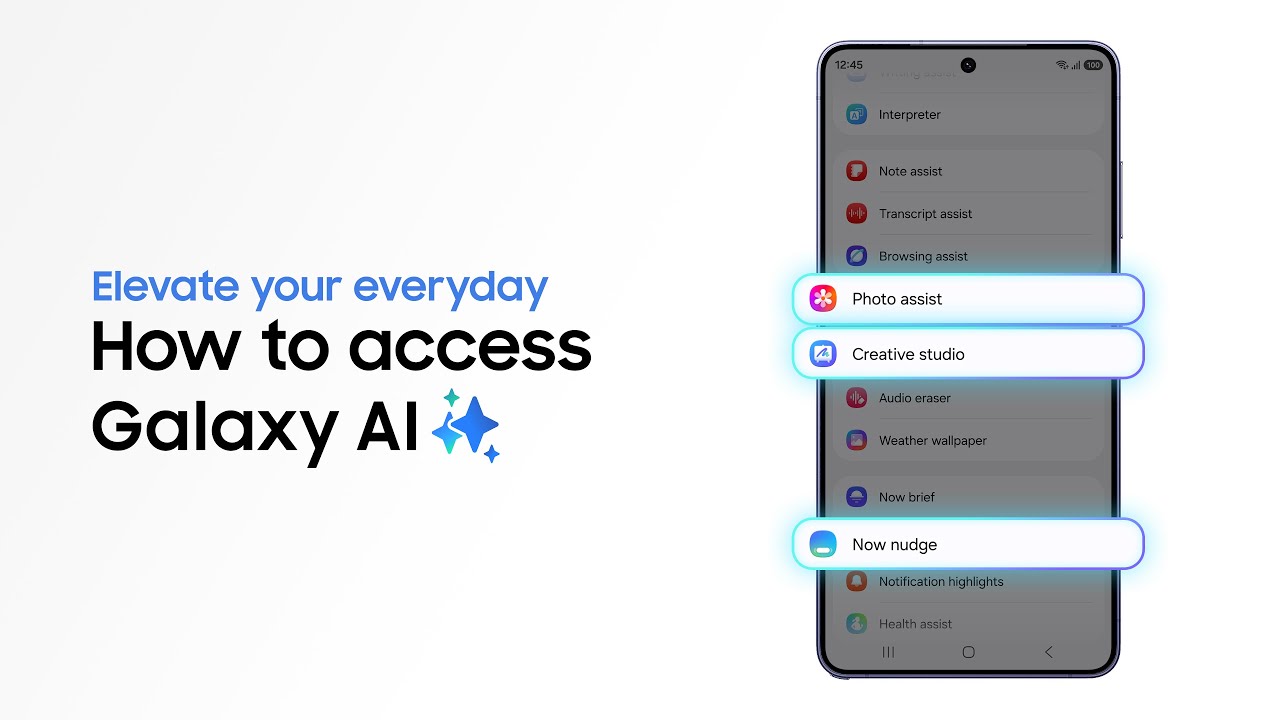
How to access Galaxy AI features | Galaxy S26 Series | Samsung - YouTube How to access Galaxy AI features | Galaxy S26 Series | Samsung - YouTube
Watch On

The Galaxy S26 Ultra combines powerful gaming hardware, AI optimisation and a vibrant AMOLED display to make mobile gaming accessible for both casual and experienced players.

The Snapdragon 8 Elite Gen 5 for Galaxy processor and 120FPS support deliver smooth, responsive gameplay across everything from quick casual games to competitive shooters.

Advanced cooling and AI frame stabilisation help prevent overheating and throttling during longer gaming sessions and streaming.

Features like large storage options, 5G connectivity and Privacy Display1 make the S26 Ultra ideal for gaming, streaming and playing on the go.

1. Transform your daily commute into an extraordinary gaming adventure

A woman holding a Samsung Galaxy S26 Ultra.

(Image credit: Future)

Some people enjoy gaming but don't think of themselves necessarily as "gamers". Perhaps you just like to play a quick bout of Fortnite while you're on the bus or train to work each day? The Galaxy S26 Ultra is designed to make casual play like this easy. It's small enough to fit in your pocket, but the 6.3-inch FHD+ Dynamic AMOLED screen screen means that games will always look fantastic with bright, vibrant, and realistic colours that are crystal clear, even on sunny days.

2. Relax at home and lose yourself in your imagination

How to use AI Select | Galaxy AI | Galaxy S26 Series | Samsung - YouTube How to use AI Select | Galaxy AI | Galaxy S26 Series | Samsung - YouTube
Watch On

Sometimes you want to play a game that’s frenetic and exciting. Other times you just want to relax. An immersive RPG like Genshin Impact, for example, is the ideal game for unwinding at home and losing yourself for a few hours. And because the AI-powered Snapdragon 8 Elite Gen 5 for Galaxy processor ensures that games run perfectly smoothly and feel responsive, with no annoying lag or slow down, it’s simply a case of downloading the game you want to play, installing it, and away you go – it's that simple, with no fiddly set-up necessary.

3. Stay competitive with a smartphone that gives you the edge

A pack shot of the Samsung Galaxy S26 Ultra and stylus.

(Image credit: Samsung)

Of course, while the Galaxy S26 Ultra is designed for ease of use and first time gamers, that doesn't mean that it's not also the ideal device for hardened players. If you've been putting in the hours on building up a fearsome reputation on PUBG Mobile or Call of Duty: Mobile then the S26 Ultra won't let you down. The 120FPS high frame rate ensures that the action always runs smoothly, even when you're on the highest-level graphics settings, while the built-in AI helps the phone maintain stable frame rates.

4. Ever lost your cool? Here's how to stay frosty in the heat of battle
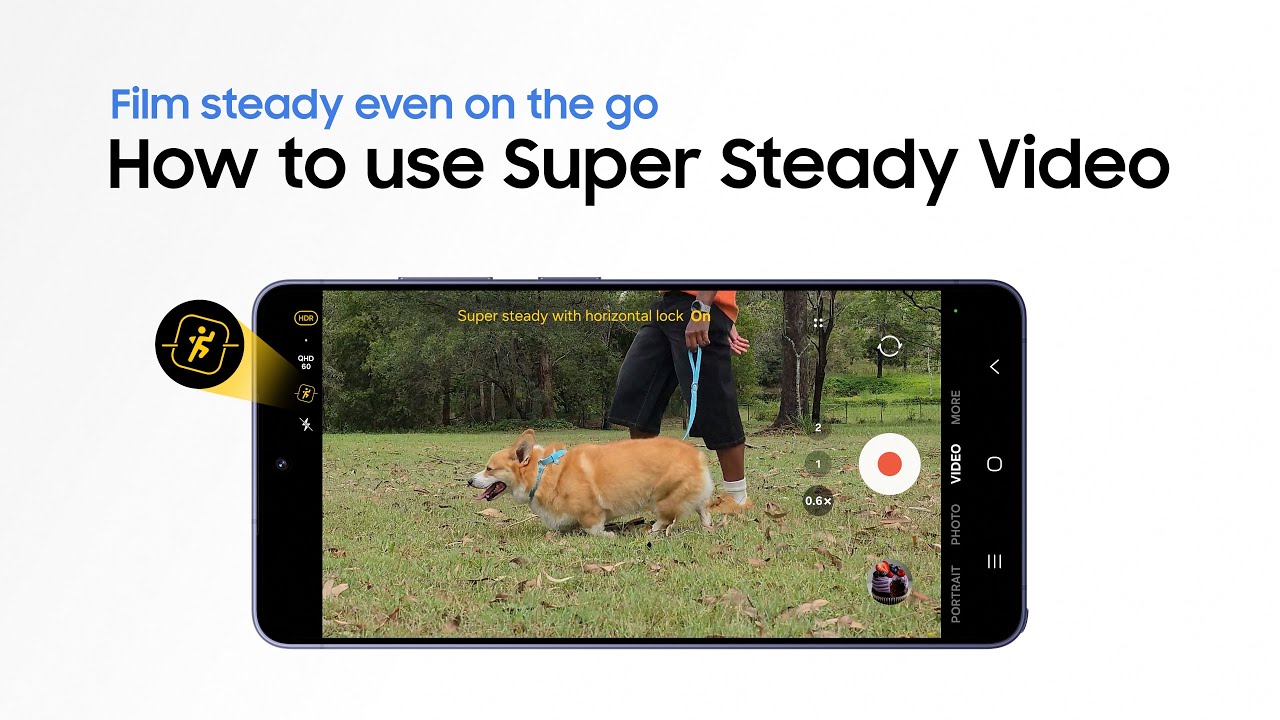
How to use Super Steady Video | Galaxy S26 Series | Samsung - YouTube How to use Super Steady Video | Galaxy S26 Series | Samsung - YouTube
Watch On

Have you ever had a lot of apps running at once and noticed your phone slow to a crawl? That's "throttling" and it can absolutely ruin a game by harming your performance and breaking the immersion, pulling you out of the action. You've also likely noticed your phone getting hotter to the touch. Well, no longer. The Galaxy S26 Ultra features an advanced cooling system with a redesigned Vapour Chamber that diverts the heat generated away from the CPU. That means no more throttling and no more burning your hands, so you can stay frosty while in the thick of an intense PUBG Mobile fire fight.

5. Fit a quick gaming sesh in at lunch or on your break

A woman using a Samsung Galaxy S26 Ultra with both hands.

(Image credit: Future)

Break times are ideal for a quick blast on whatever game you’re currently obsessed with. And with 256GB, 512GB, or 1TB of storage (depending on the model you choose), the Galaxy S26 Ultra includes plenty of space for a sizable collection, even with the large file sizes that come with modern games. With that sort of storage you won’t have to worry about running out of room for saves or updates. Away from gaming, it makes the device ideal for taking photos, shooting video, and downloading music too.

6. Share your progress by streaming games online or with friends

A Samsung Galaxy S26 Ultra.

(Image credit: Samsung)

The Galaxy S26 Ultra is designed with streaming in mind. You can screen-share your latest games in apps like Discord so that your friends can see what you're playing. Or, if you want to stream to a wider audience using Twitch or YouTube, you can broadcast footage of your latest Roblox creations direct from the device itself.

The combination of a powerful Snapdragon 8 Elite Gen 5 for Galaxy processor, advanced cooling, and fast-connectivity over Wi-Fi and 5G means that this is a really intuitive smartphone for streamers old and new.

7. Concerned about privacy? Galaxy S26 Ultra prevents prying eyes
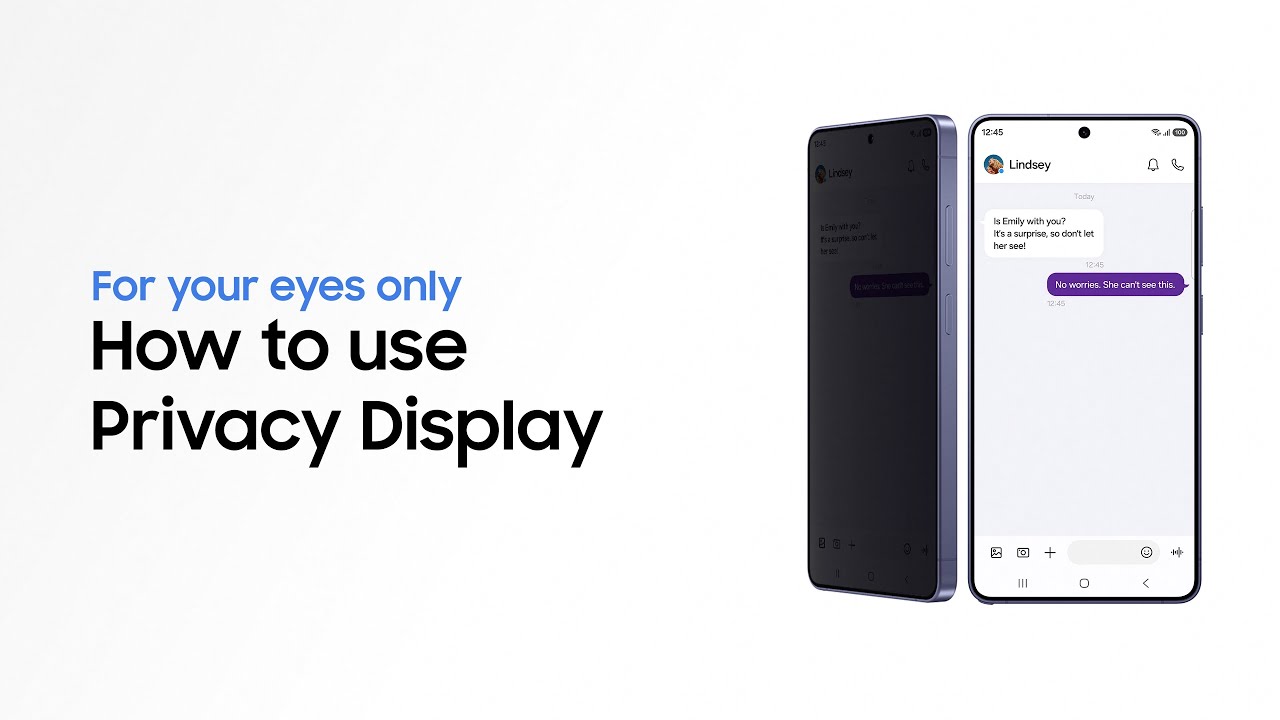
How to use Privacy Display | Galaxy S26 Ultra | Samsung - YouTube How to use Privacy Display | Galaxy S26 Ultra | Samsung - YouTube
Watch On

One cool feature of the Galaxy S26 Ultra is its unique Privacy Display1. This can be switched on so that if anyone glances at your phone from the side, they won't be able to see what you're looking at.

That can be useful if you're trying to sneak in a quick game on the train home (or at your desk at work…) but don't want anyone to see you playing. It's also really useful if you're reading sensitive emails, or watching a video on the couch, but don't want to distract the people sitting next to you. It’s just one more reason why the Galaxy S26 Ultra is a great device for gamers of all types.

8. Pair with a set of Samsung Galaxy Buds4 for truly immersive audio

A Samsung Galaxy S26 Ultra and Samsung Galaxy Buds4 Pro on a green table.

(Image credit: Future)

The Galaxy S26 Ultra works perfectly when paired with a set of Samsung Galaxy Buds4 earbuds (sold separately). With Active Noise Cancellation and an AI-powered adaptive EQ, the Buds4 provide rich, detailed audio that's perfect for immersing you in the world of a game. The comfortable fit will keep them secure while you're playing and they're a great choice for listening to music on your morning commute, too. The Galaxy Buds4 Pro are also available and include enhanced features, such as improved noise-cancellation and more powerful bass.

Are you ready to start playing? You can find out more about the brand new Galaxy S26 Ultra, its great gaming capabilities, and all its other features by heading now to the Samsung website, where you’ll find the technical specifications and loads more information.

1Requires manual activation in settings to function. Privacy Display feature is not AI-powered.

Sign up to the GamesRadar+ Newsletter

Weekly digests, tales from the communities you love, and more

By submitting your information you agree to the Terms & Conditions and Privacy Policy and are aged 16 or over.
LATEST ARTICLES
  1. Tom Holland as Spider-Man looking at a phone in Spider-Man: Brand New Day
    1
    Spider-Man: Brand New Day producer says her "dream" is a new trilogy, but they're taking it "one movie at a time"
  2. 2
    End of Oak Street director addresses Cloverfield spin-off rumors: "There are certainly some answers in there"
  3. 3
    Spider-Man: Brand New Day producer says they "have to be really careful" with new Marvel spin-offs to not make it "unspecial" for audiences
  4. 4
    Is Sunfyre dead in House of the Dragon season 3, episode 4? How that would change George R.R. Martin's book explained
  5. 5
    Spider-Man: Brand New Day producer compares Sadie Sink's mystery character to No Way Home's "worst-kept secret" multiverse reveal: "People love to be surprised"

GamesRadar+ is part of Future US Inc, an international media group and leading digital publisher. Visit our corporate site.

Add as a preferred source on Google Add as a preferred source on Google
  • Terms and conditions
  • Contact Future's experts
  • Privacy policy
  • Cookies policy
  • Accessibility statement
  • Careers
  • About us
  • Advertise with us
  • Review guidelines
  • Write for us

© Future US, Inc. Full 7th Floor, 130 West 42nd Street, New York, NY 10036.

Please login or signup to comment

Please wait...